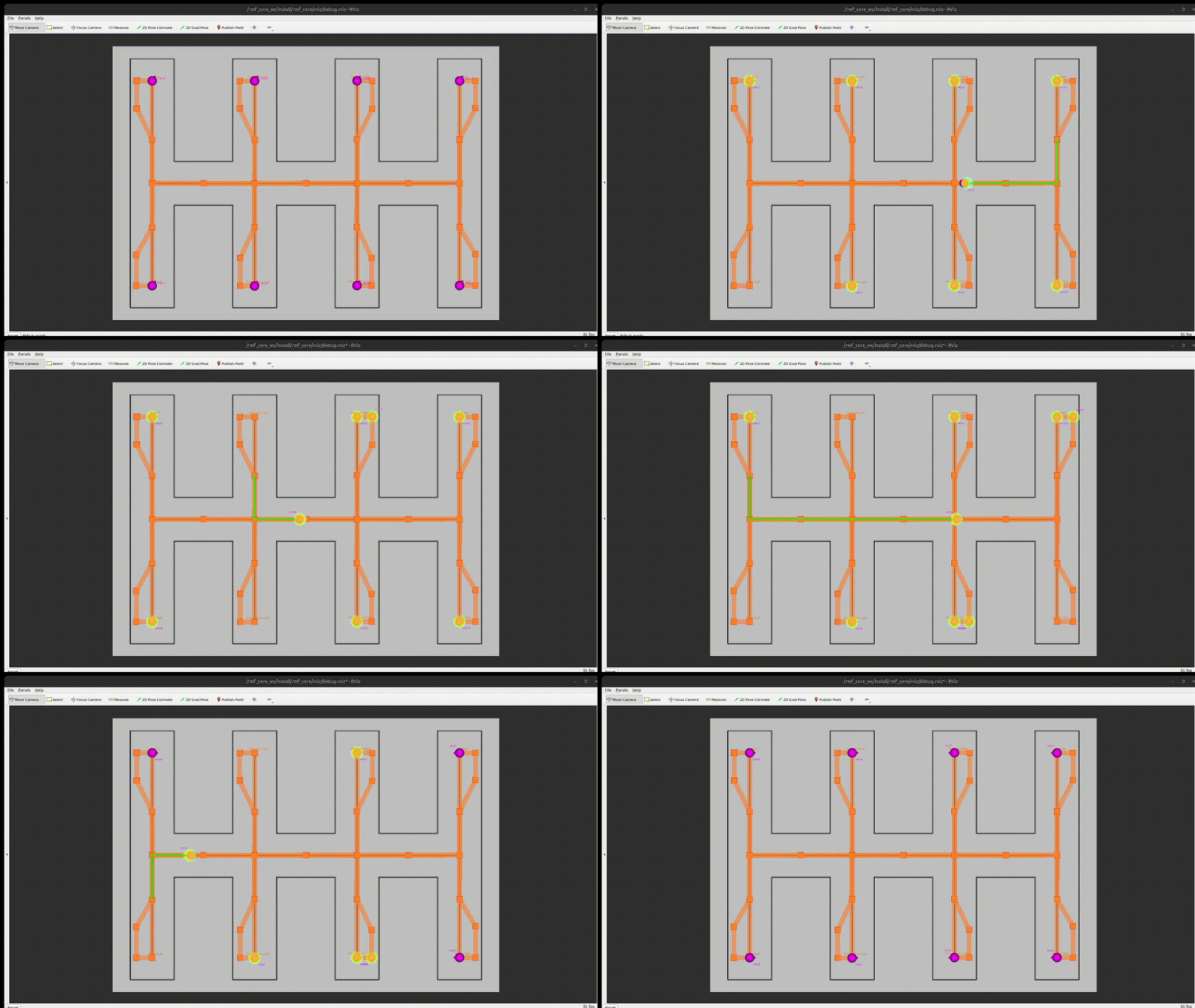
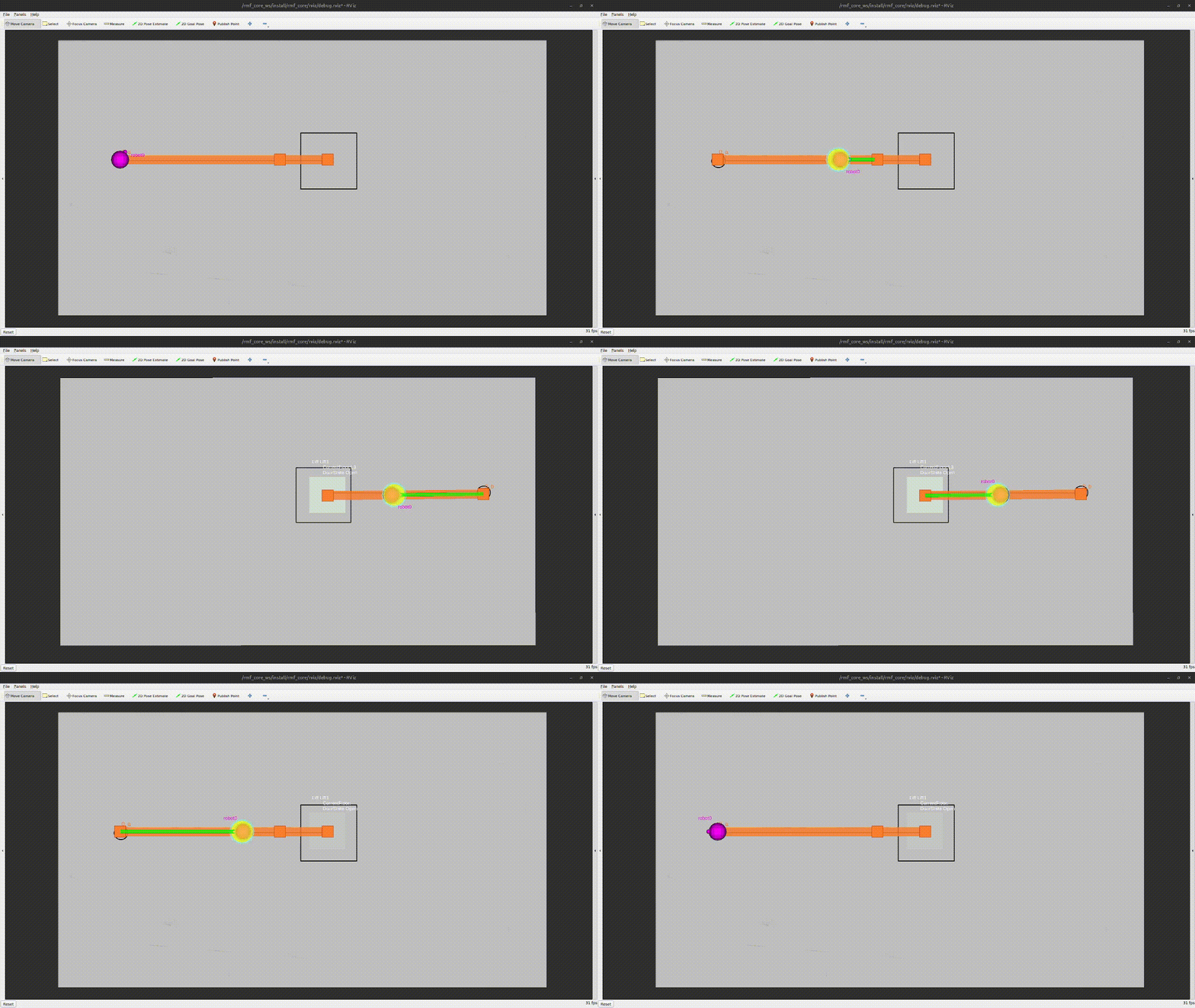
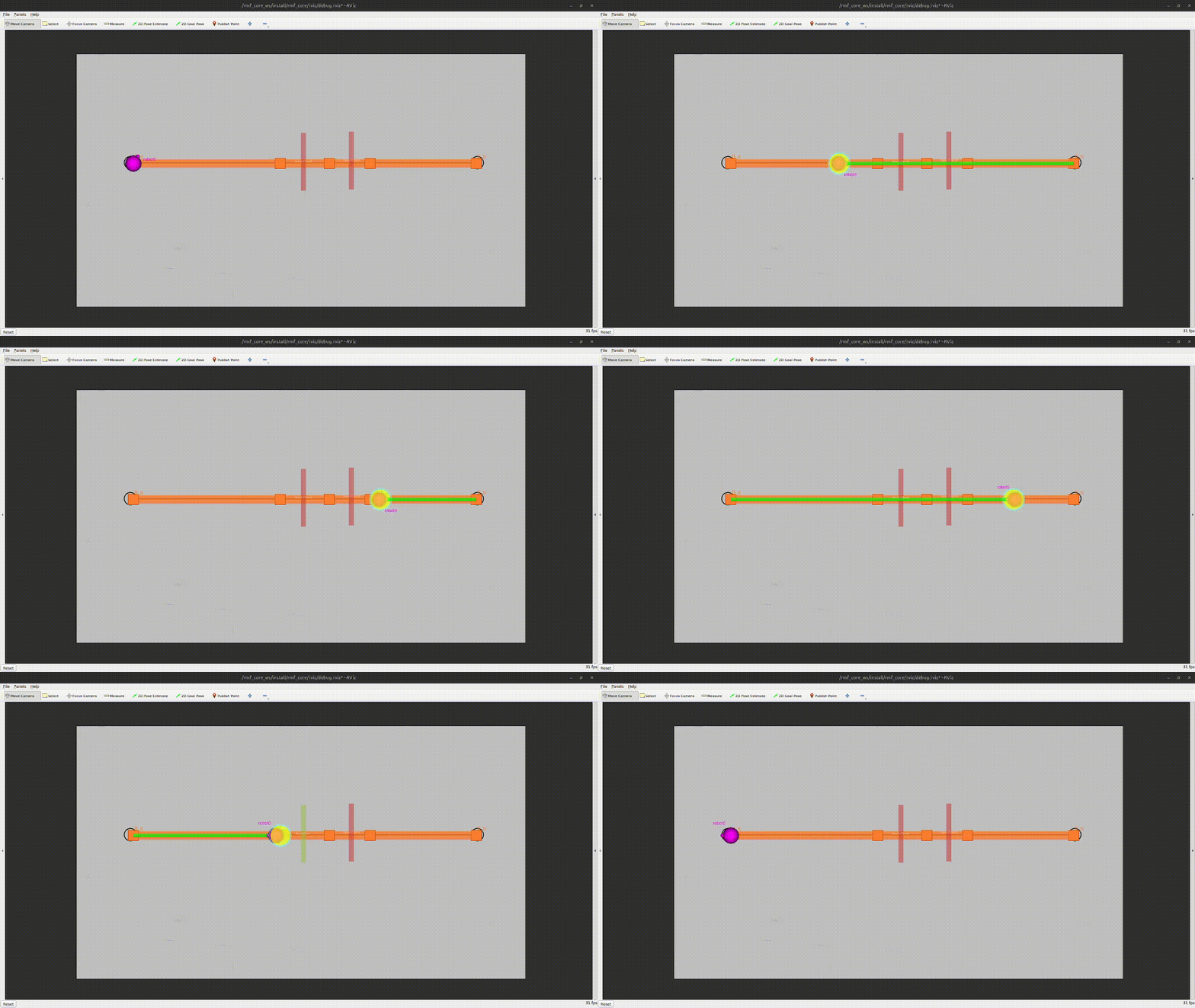
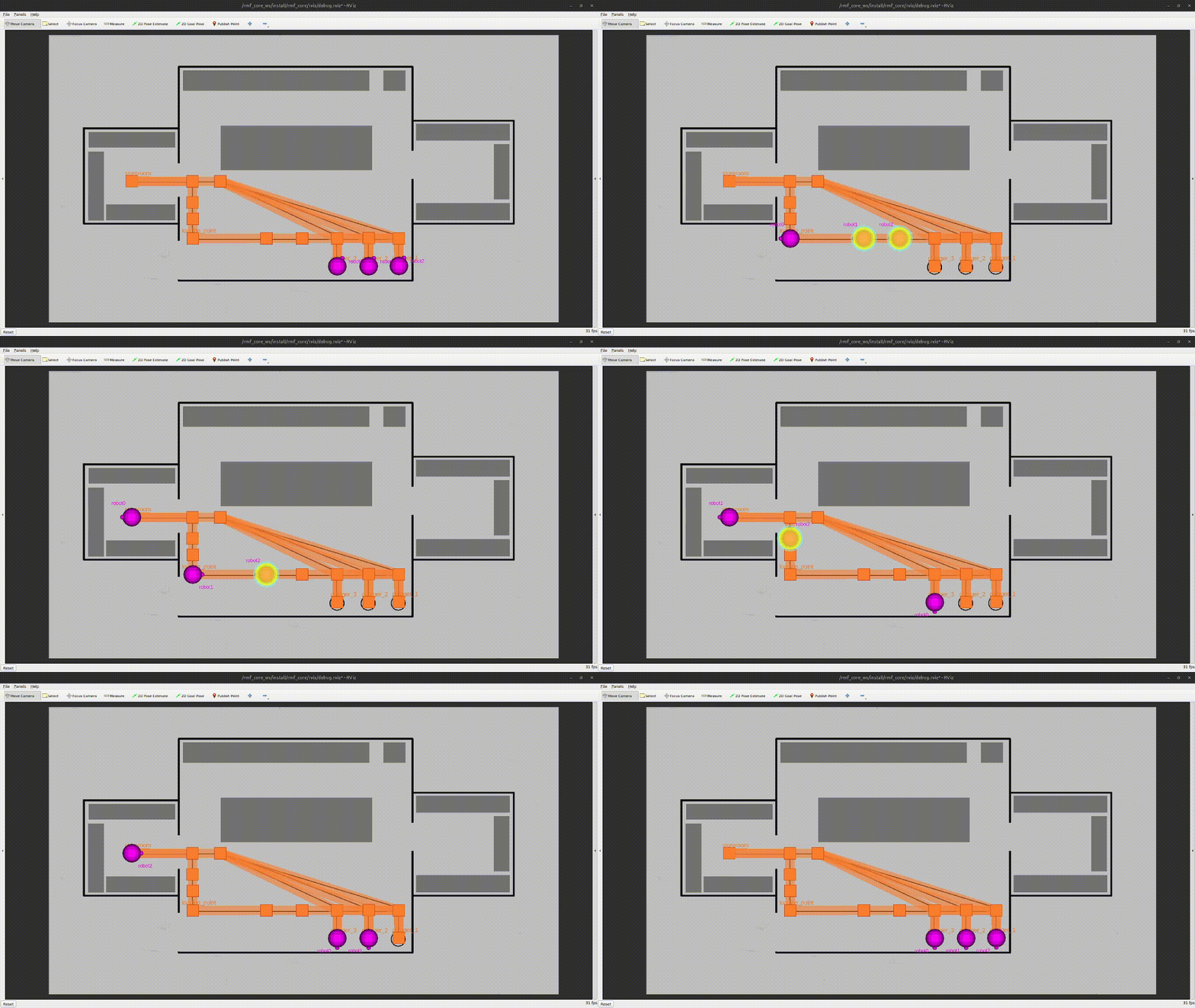
Note
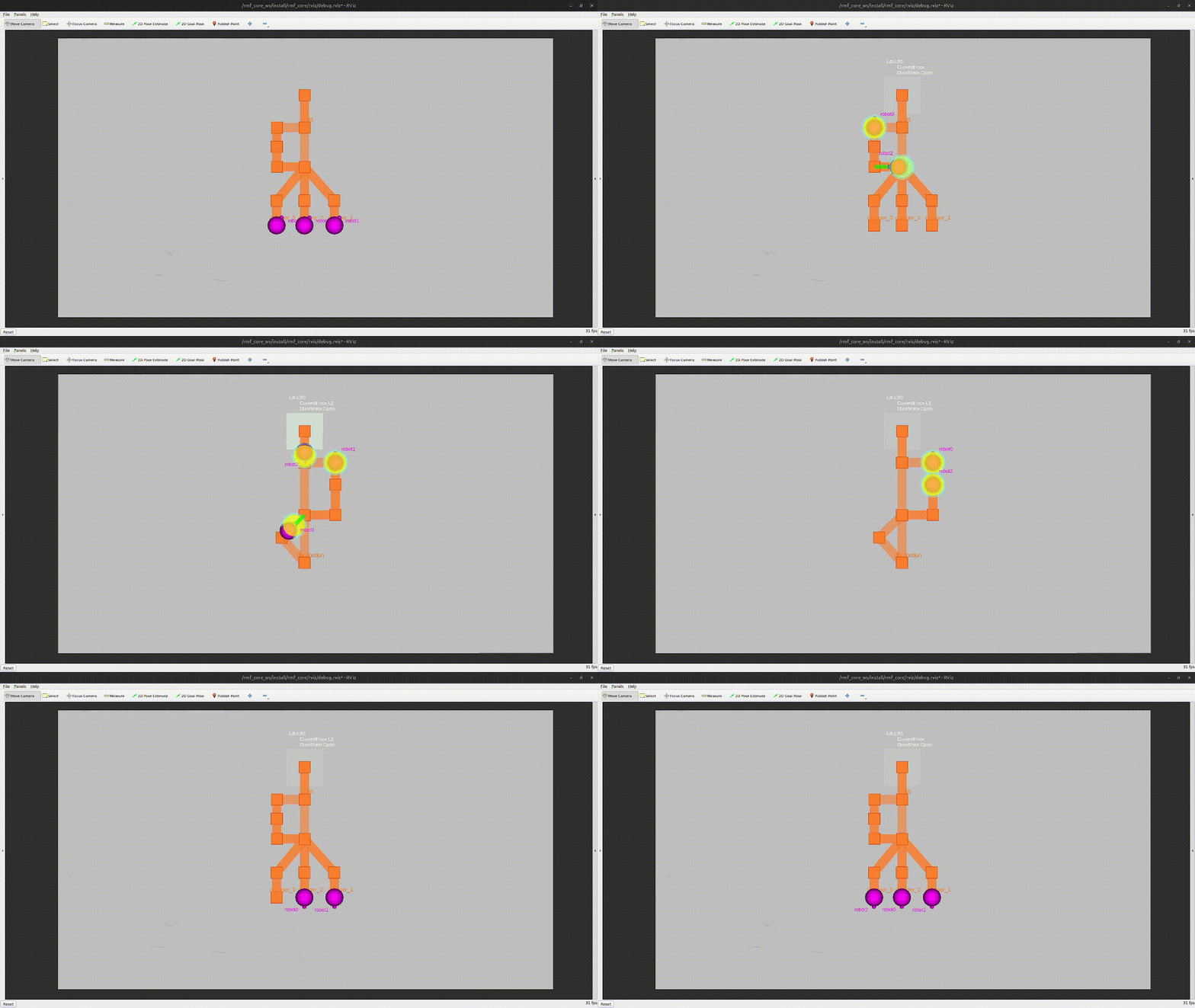
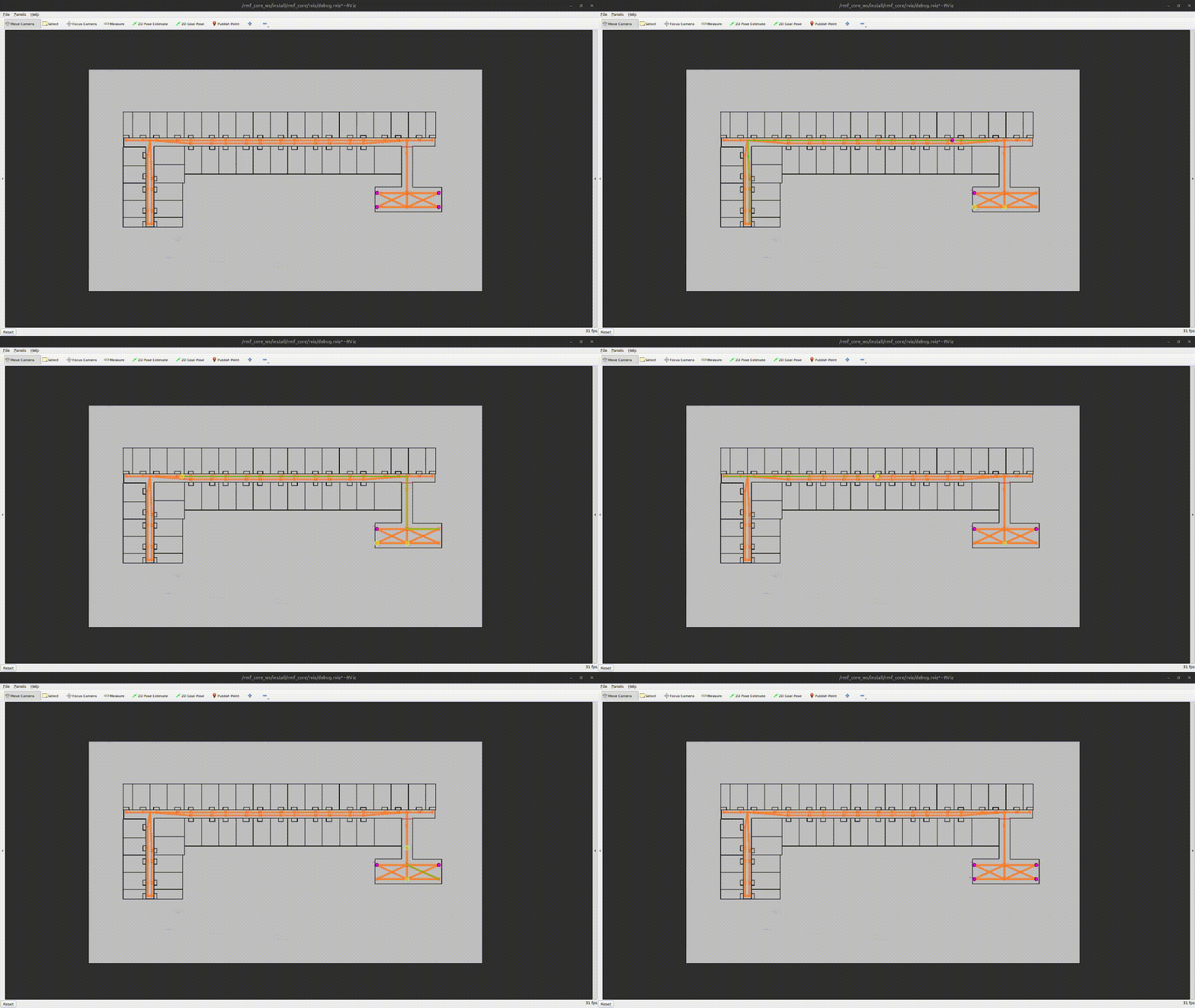
This is a collection of lightweight simulated RMF deployments you can run locally on your workstation to test RMF task workflows and deconflictions.
These deployments uses invisibot and fleet_adapter_invisibot in order to skip setting up a physical robot as well as avoid using computationally-heavy Gazebo simulations.
Tip
rmf_gym_lite is best used for the following:
- Help identify potential deadlocks in your RMF Map Building
.yamlfile - Allow ease of finetuning based on recommended graph strategies.
git clone https://github.com/cardboardcode/rmf_gym_lite.git --depth 1 --single-branch && cd rmf_gym_litebash scripts/1_pull_docker_compose.bashFollow the instructions below to create a custom scenario:
-
Create a new directory and call it your designated new scenario name.
-
Copy over the following files from other scenarios:
debug.rvizdocker-compose.override.yaml
- Create the following new RMF Building Map File:
- Image file used for layout.
.building.yaml
Tip
Each charger spawns an invisibot. Set is_charger property to true for waypoints you wish for the robots to start on.
- Generate
nav_graph.yamlfor the new RMF Building Map File using the following command below:
bash scripts/traffic_editor/2_generate_nav_graph.bashStart without RViz:
bash scripts/2_deploy_docker_compose.bashStart with RViz2
bash scripts/2_deploy_docker_compose.bash -yTo stop the deployment, run the command below:
bash scripts/3_stop_docker_compose.bash