

"2 Days ago, when I was trying to use Debian 12 on a modern Acer system, I found out that the kernel it comes with doesn't have an Acer fan controller patch inside. Installing a kernel from bookworm-backports stopped me at 6.12.xx — so why shouldn't we go further?"
PULS Kernel/GRUB Manager is a specialized tool for Linux users who need fine-grained control over their system's kernel and boot process. It simplifies fetching, compiling, and installing mainline kernels while ensuring system safety through snapshots and Secure Boot management.
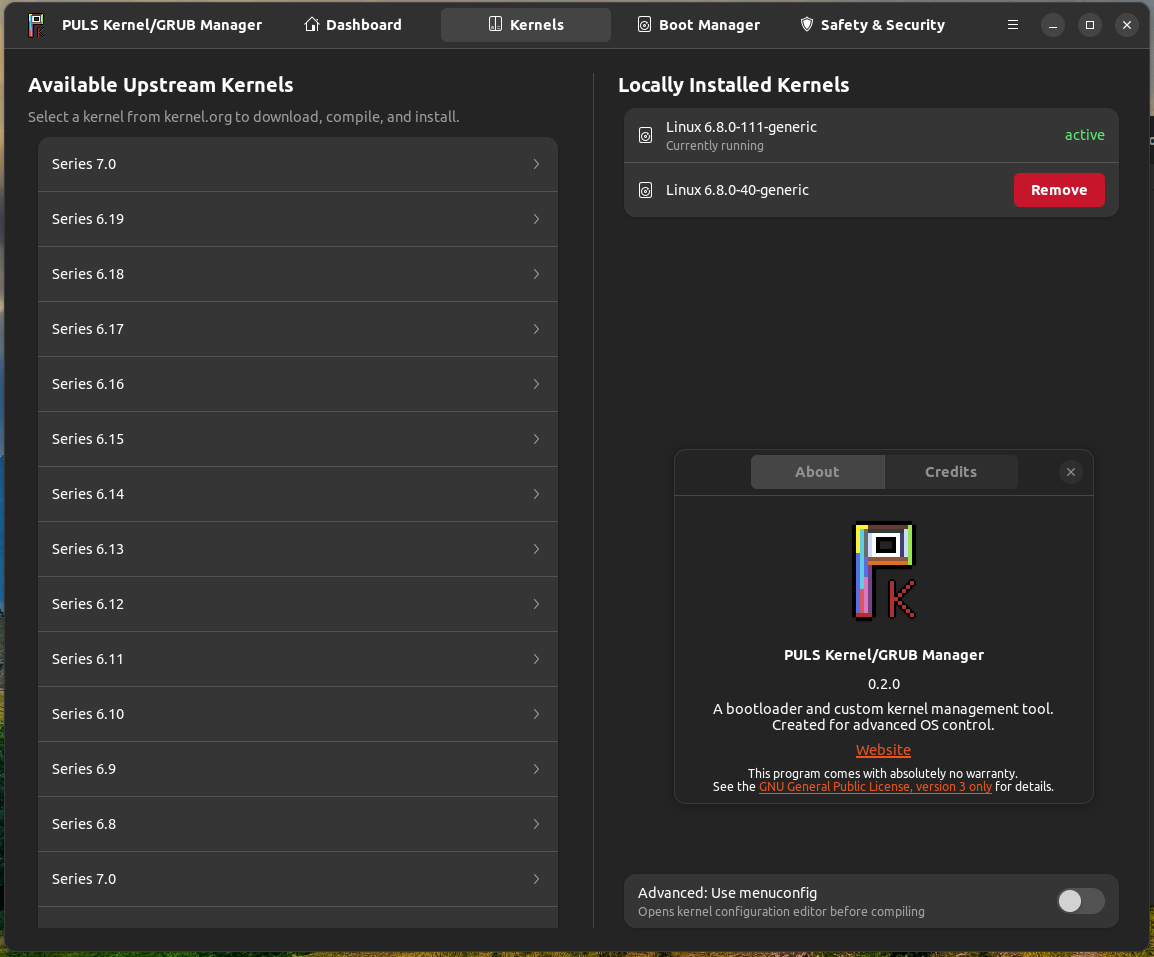
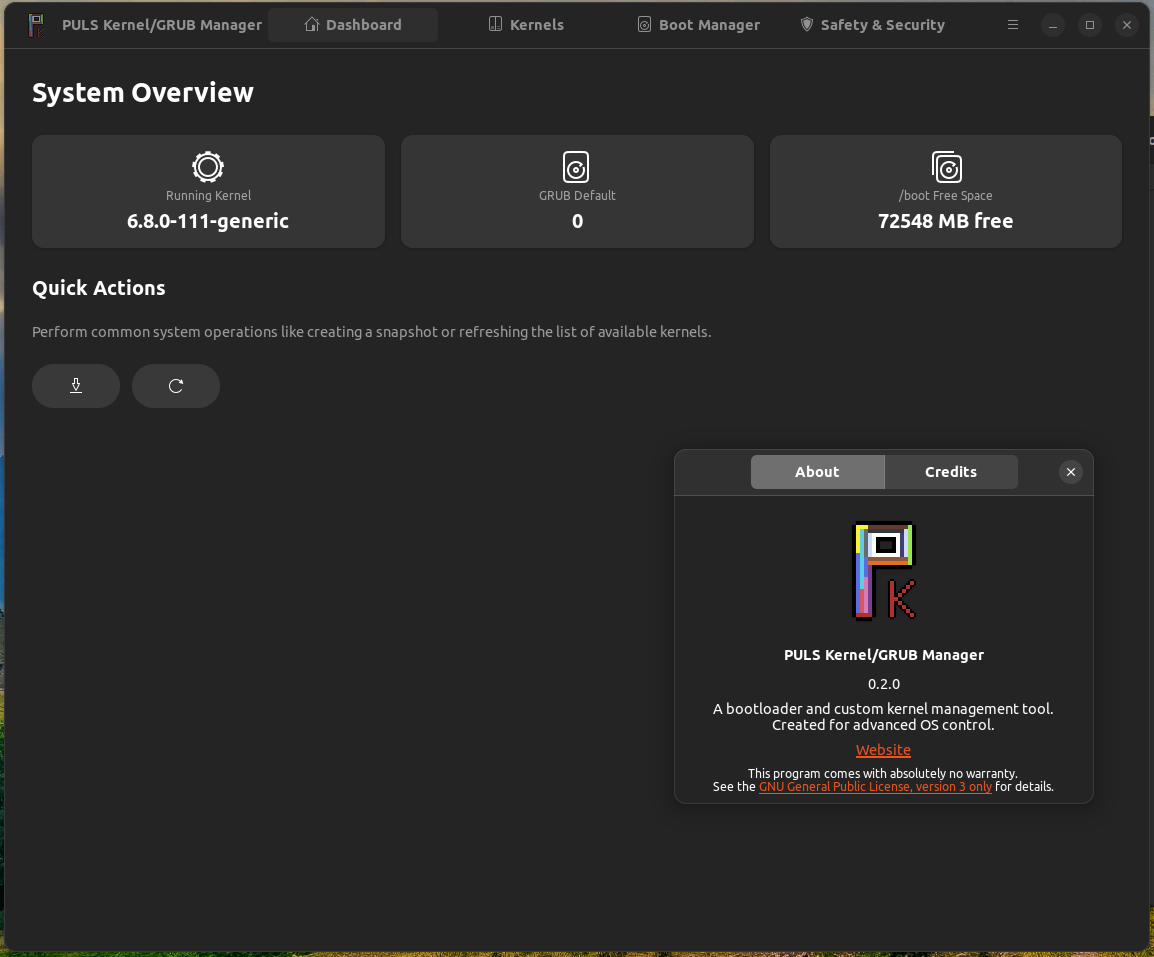
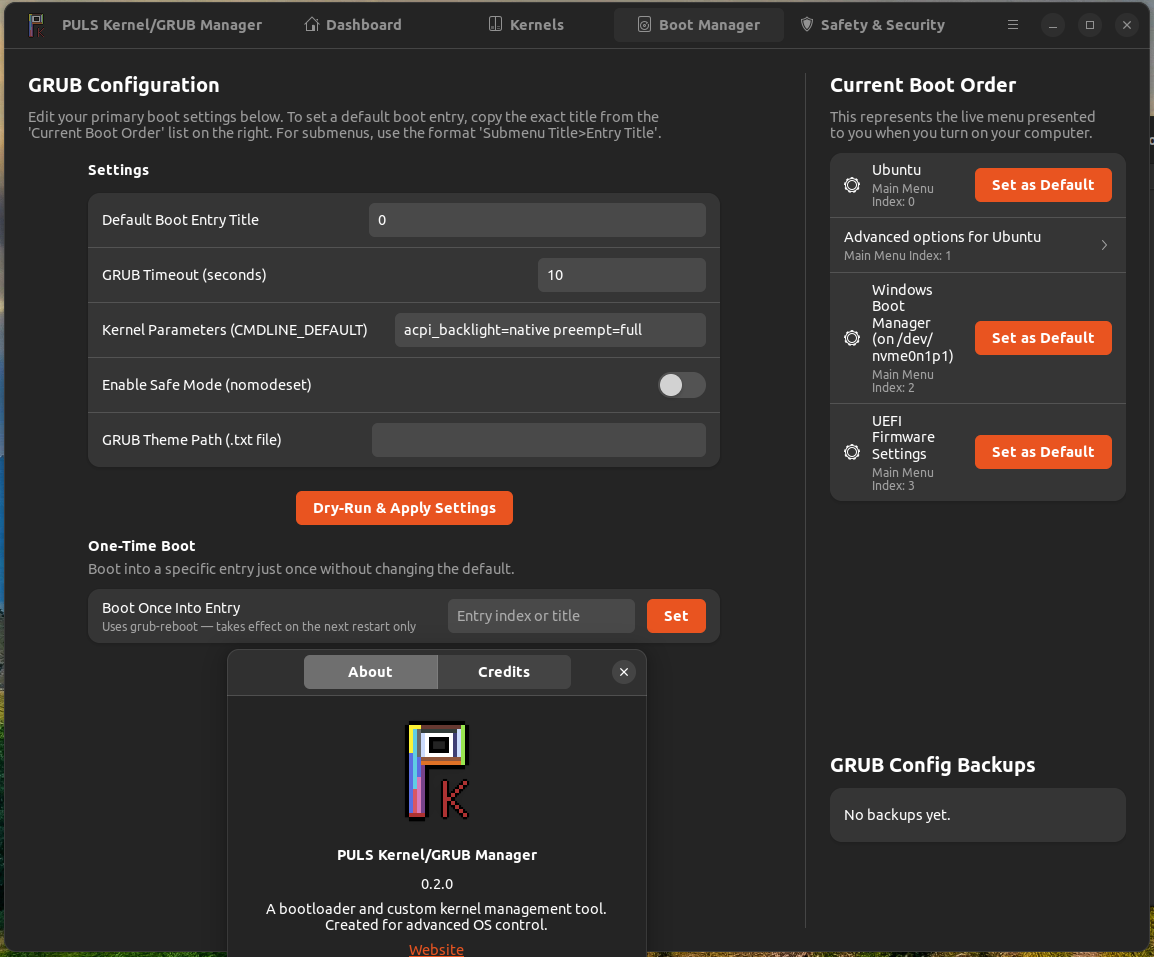
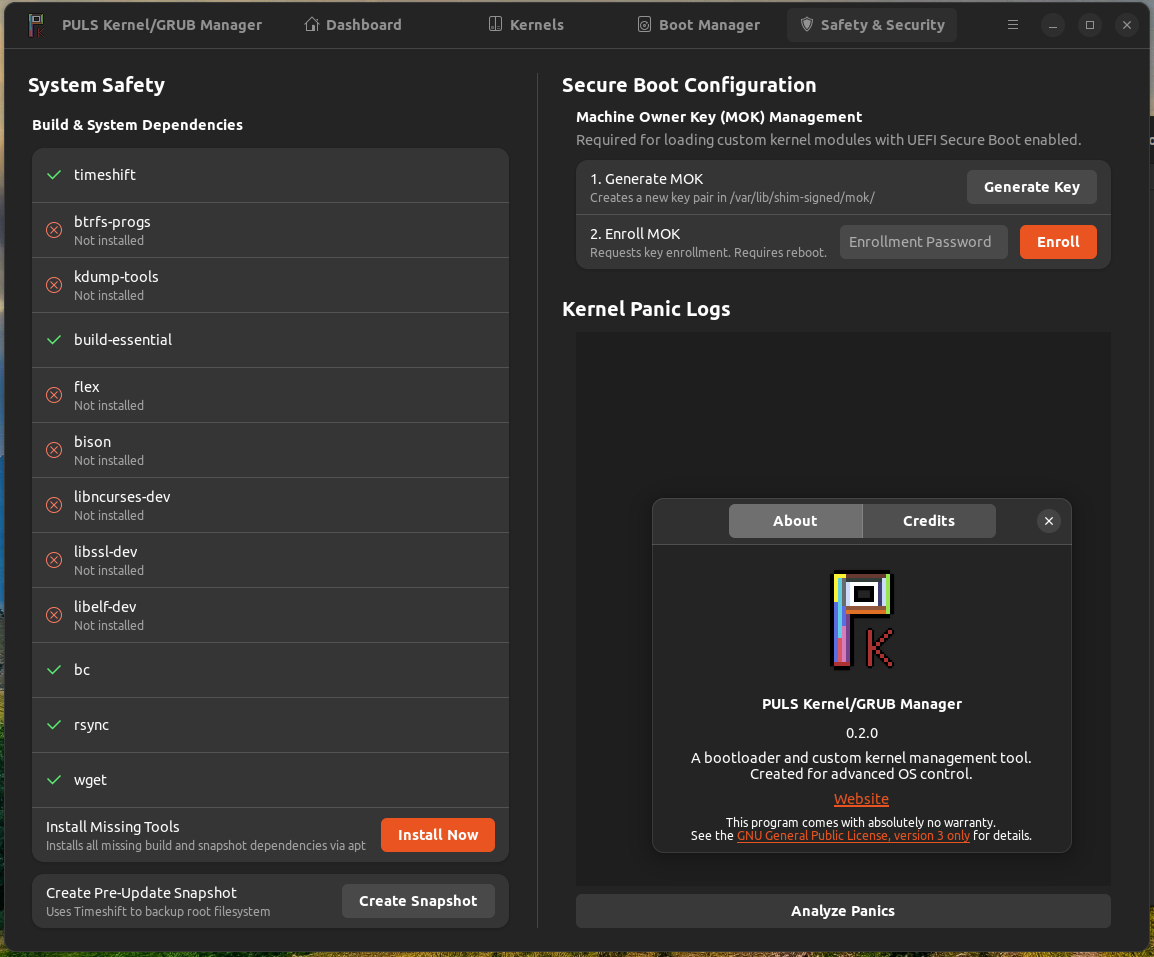
Status: Heavy development — expect rough edges, bugs and issues, but it works!
- Live overview of running kernel version
- Current GRUB default entry at a glance
/bootdisk free space- Quick-action buttons: Create Snapshot, Refresh Kernel List
- Mainline Fetching: Fetch latest stable and RC kernels from kernel.org
- GPG Verification: Cryptographic signature check before extraction
- Tailored Compilation:
localmodconfigcreates a lean, hardware-specific kernel - menuconfig Support: Optional interactive kernel configuration before compiling
- Kernel Removal: Remove installed kernels (blocks removing the running kernel)
- Automatic DKMS: Rebuilds modules (e.g. NVIDIA) for new kernels
- Dependency Automation: Installs all required build tools before compilation
- Parameter Tuning: Modify kernel parameters and GRUB settings
- Boot Order Viewer: Visualized boot entry management with set-default buttons
- Boot Once: Set a one-time boot entry without changing the default (
grub-reboot) - Safety Backups: Automatic timestamped backups of GRUB config with dry-run validation
- Backup History: View and restore any previous GRUB backup
- System Snapshots: Integrated Timeshift support with snapshot history
- Dependency Status: Per-package OK/Fail display for all required tools
- Secure Boot (MOK): Complete Machine Owner Key management
- Panic Analysis: Extract and analyze kernel panic logs from
pstoreandkdump
sudo apt update
sudo apt install ./puls-kernel-mgr_*.debgit clone https://github.com/word-sys/puls-kernel-mgr.git
cd puls-kernel-mgr
pip install .Required:
python3-gi  gir1.2-adw-1  gir1.2-gtk-4.0  pkexec  grub2-common
tar  wget  xz-utils  gpg  openssl  mokutil  dkms  librsvg2-common
Build tools (auto-installed on first run):
build-essential flex bison libncurses-dev libssl-dev libelf-dev bc rsync
Optional:
timeshift btrfs-progs kdump-tools
Graphical Interface (GTK4/Libadwaita):
puls-kernel-mgr-gtkCommand Line Interface:
puls-kernel-mgr Developer: Barın Güzeldemirci
License: GPL-3.0