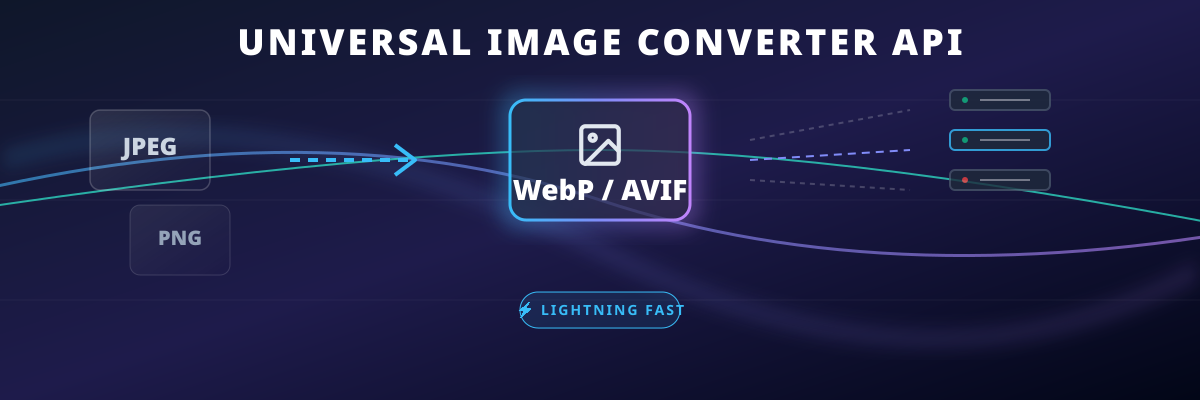
v1.1.0 — Blazing Fast Image Processor & Secure File Sharing
Self-hosted, privacy-first productivity suite. Convert and optimize images instantly, or share any file securely with auto-expiring links (Arsip).





Universal Image Converter offers a beautiful Frontend UI alongside a powerful REST API for developers. Supported formats: WebP, AVIF, JPEG, PNG, GIF, TIFF.
| Endpoint | Purpose | Method | Input |
|---|---|---|---|
/api/convert |
Optimize a single image & return JSON/Base64 | POST |
multipart/form-data |
/api/convert-bulk |
Process up to 100 images and return a ZIP file | POST |
multipart/form-data |
/api/arsip/upload |
Upload any file and get a short shareable link | POST |
multipart/form-data |
/s/:id |
Public/secure link to download arsip file | GET |
- |
Pull from Docker Hub:
docker pull bagose/image-converter:latestRunning via Docker:
docker run -d -p 3456:3456 --name image-converter bagose/image-converter:latestThe Web UI and API will be available at http://localhost:3456.
# Install dependencies
npm install

# Start production/development server
npm startThe application requires minimal configuration:
# Server
PORT=3456| Feature | Description |
|---|---|
| Arsip (File/Folder Sharing) | NEW! Drop any file or entire nested folders to get a secure shareable link. |
| Auto-Archive Converter | Converted images automatically backup into a new Arsip folder and appear in your share history! |
| Persistent History Footer | Access your recent "My Share History" persistently at the bottom, no matter which tab you select. |
| Password & Expiry Config | Protect your shared Arsip links with per-item passwords and custom auto-expiry hours (default 24h). |
| Split-Pane Folder View | Beautifully view shared folders like a desktop file manager. Quick access to embedded previews without reloading. |
| Multi-Format Image | Input and output in webp, avif, jpeg, png, gif, and tiff. |
| Blazing Fast (Sharp) | Powered by the libvips engine, achieving speeds 4-5x faster than ImageMagick. |
| Bulk Optimization | Drag and drop up to 100 images into the UI, or send arrays via API. Downloads as a single ZIP. |
| Advanced Horizontal Panel | Ergonomic UI grouping featuring an optimized top-level horizontal panel for metadata and watermark toggling. |
| Smart Resizing | Auto-calculate aspect ratios given maxWidth and/or maxHeight. |
| Premium UI/UX | Glassmorphism design with Tailwind CSS. Beautiful dark mode, responsive modals, and completely client-side driven. |
Convert and compress a single uploaded image. Returns optimized base64 data along with statistics.
| Field | Type | Required | Description |
|---|---|---|---|
image |
File |
✅ | The image file to convert (Max 50MB) |
format |
string |
Target format: webp (default), avif, jpeg, png, gif, tiff |
|
quality |
integer |
Compression quality 1 to 100 (Default: 80) |
|
maxWidth |
integer |
Resize max width in px | |
maxHeight |
integer |
Resize max height in px | |
keepMetadata |
boolean |
Pass 'true' to preserve EXIF data |
|
watermarkText |
string |
Text to overlay on the image | |
watermarkPosition |
string |
bottom-right, bottom-left, top-right, top-left, center |
|
watermarkColor |
string |
white or black |
{
  "success": true,
  "filename": "photo.webp",
  "originalSize": 2500000,
  "convertedSize": 450000,
  "savings": 82,
  "width": 1920,
  "height": 1080,
  "format": "webp",
  "base64": "UklGRhoAAABXRUJQVlA4TA0AAAAvAAAAAAfQ//73v/+BiOh/AAA="
}Process up to 100 images in a single request. Returns a downloadable .zip file containing all optimized images.
Accepts the exact same configuration fields as /api/convert, but replace image with an array of files:
| Field | Type | Required | Description |
|---|---|---|---|
images |
File[] |
✅ | Array of image files (Max 100 files, 50MB each) |
The response will be a binary stream application/zip with the header Content-Disposition: attachment; filename="converted-to-{format}.zip".
version: "3.8"
services:
  image-converter:
    image: bagose/image-converter:latest
    container_name: image-converter
    ports:
      - "3456:3456"
    restart: unless-stopped
    deploy:
      resources:
        limits:
memory: 512M- 100% Privacy: No files are ever uploaded to a remote third-party cloud. All processing and storage happen entirely inside your VPS or Local Machine.
- Auto-Cleanup Routine:
- Image Converter: Temporary outputs are scrubbed every 10 minutes (older than 1 hour).
- Arsip: Expired files are strictly deleted every 10 minutes (older than 24 hours).
MIT License — see LICENSE for details.
Built with ❤️ by volumeee