

LAUNCHER
The all-in-one desktop companion for the Radium client.
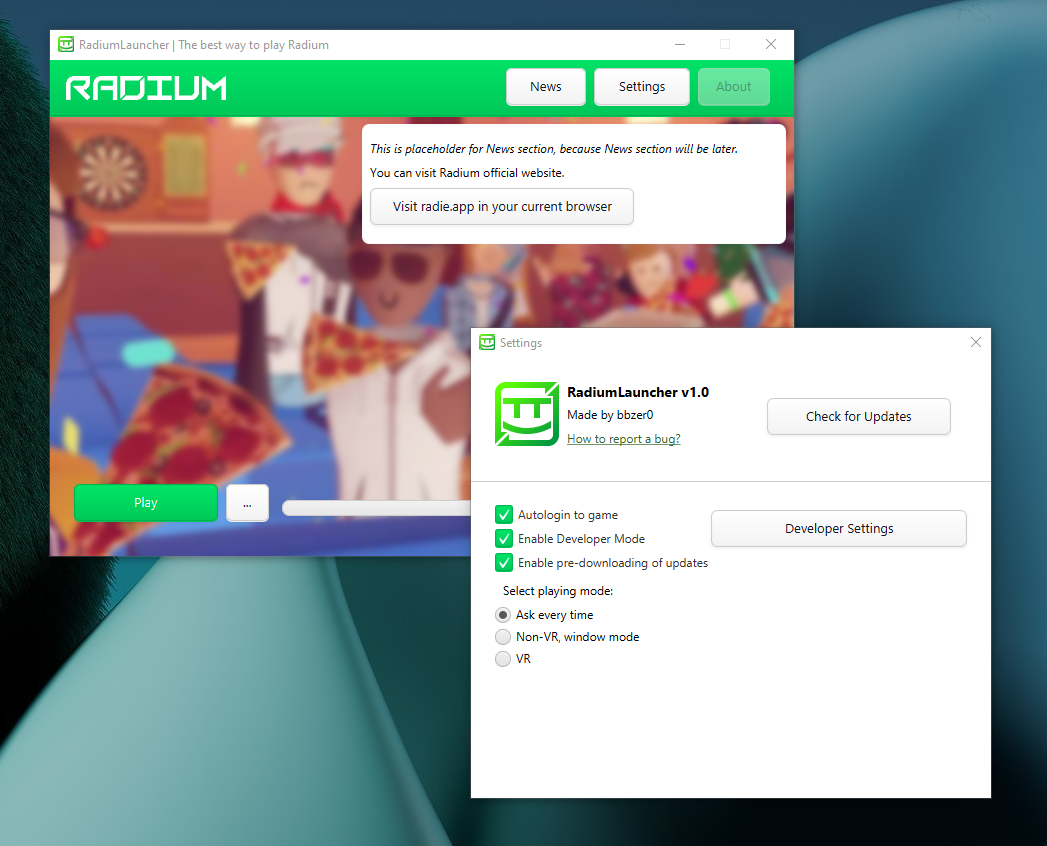
- Auto-Updating: Automatically checks for, downloads, and applies the latest Radium client patches.
- One-Click Launch: Fast and hassle-free startup for both Windows and Linux environments.
- Update Your Way: You can select update by re-downloading game fully or just patch updated files.
- Fast Troubleshoot: Try fixing in-game errors in "More" menu.
And More!
- Download the latest .EXE installer from the Releases section.
- Run the executable file.
- Press "Install".
- Download the latest .JAR from the Releases section.
- Download Java.
- Run .JAR file with installed Java.