A modern, powerful, and intuitive GUI for transforming Python scripts into standalone executables using Nuitka.






Stop memorizing Nuitka flags. Compylr gives you a clean, modern interface to configure, preview, and run your Python-to-EXE builds — visually. Just point, click, and ship.
Install:
pip install compylrRun:
compylrRequirements: Python 3.8+ and a C compiler for Nuitka to work. Supported backends on Windows: MSVC (Visual Studio C++ tools), MinGW64, Clang (from Visual Studio), and Zig.
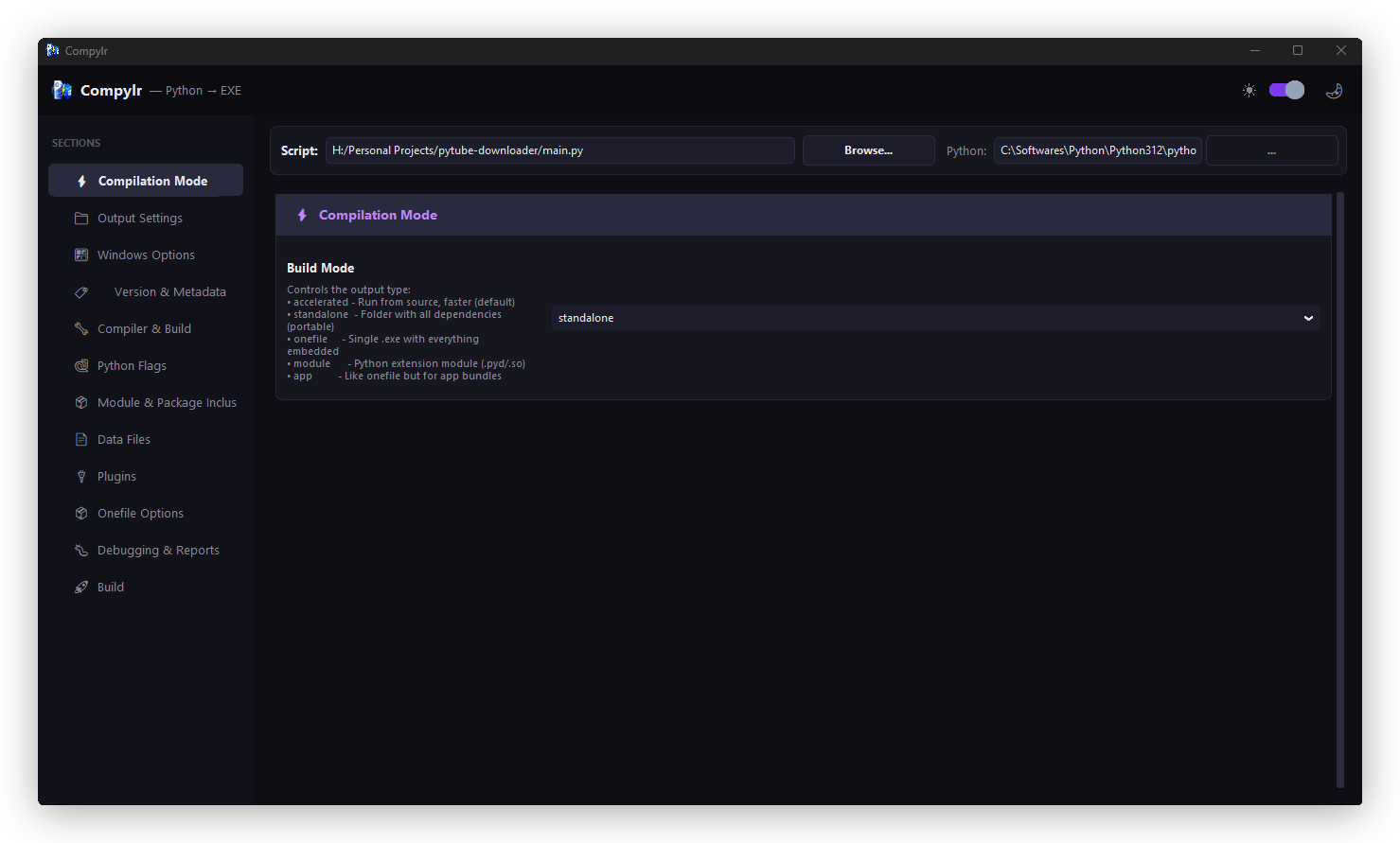
- Select Target & Environment: At the top of any page, select the Python script you want to compile and the Python interpreter to run it with.
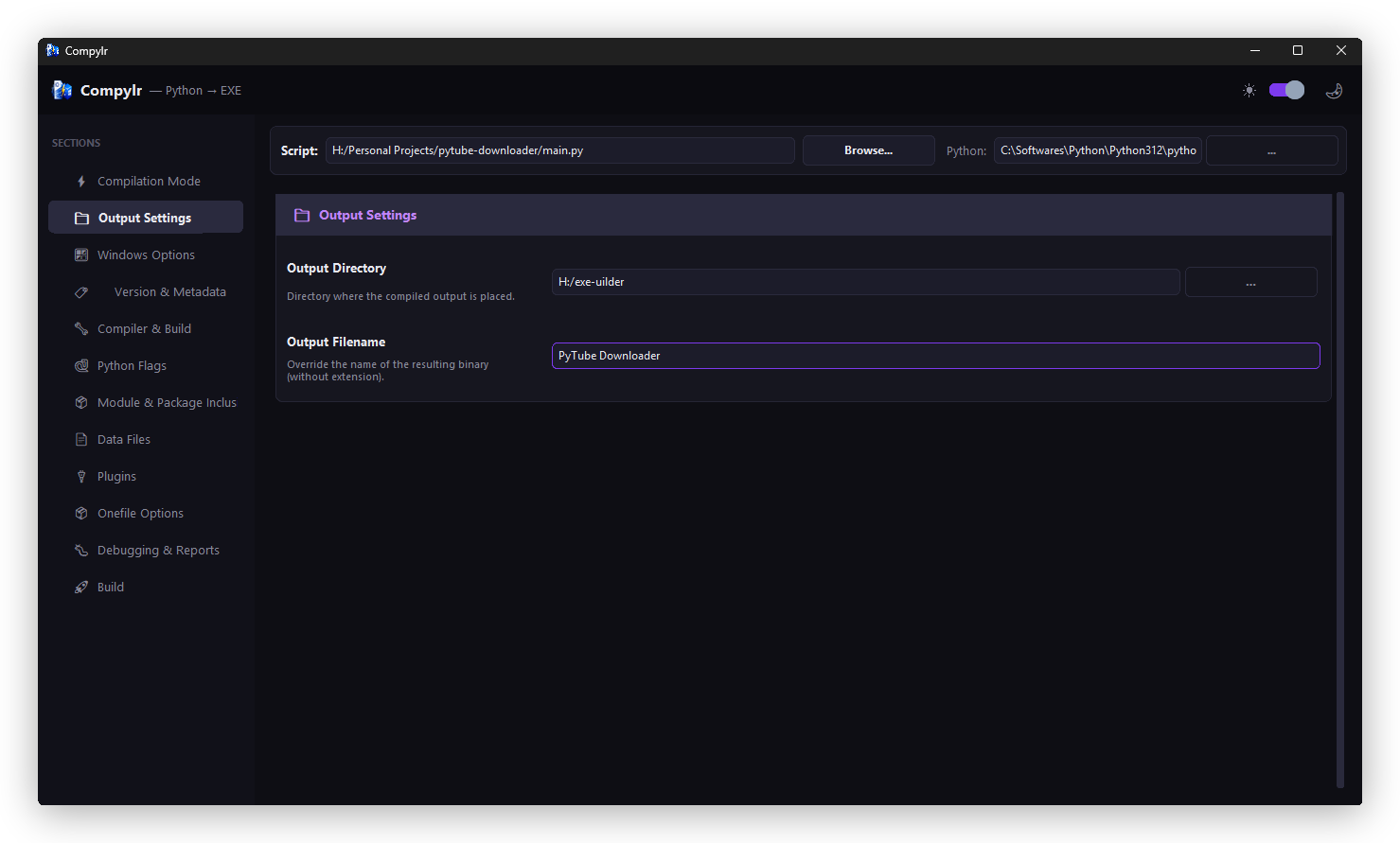
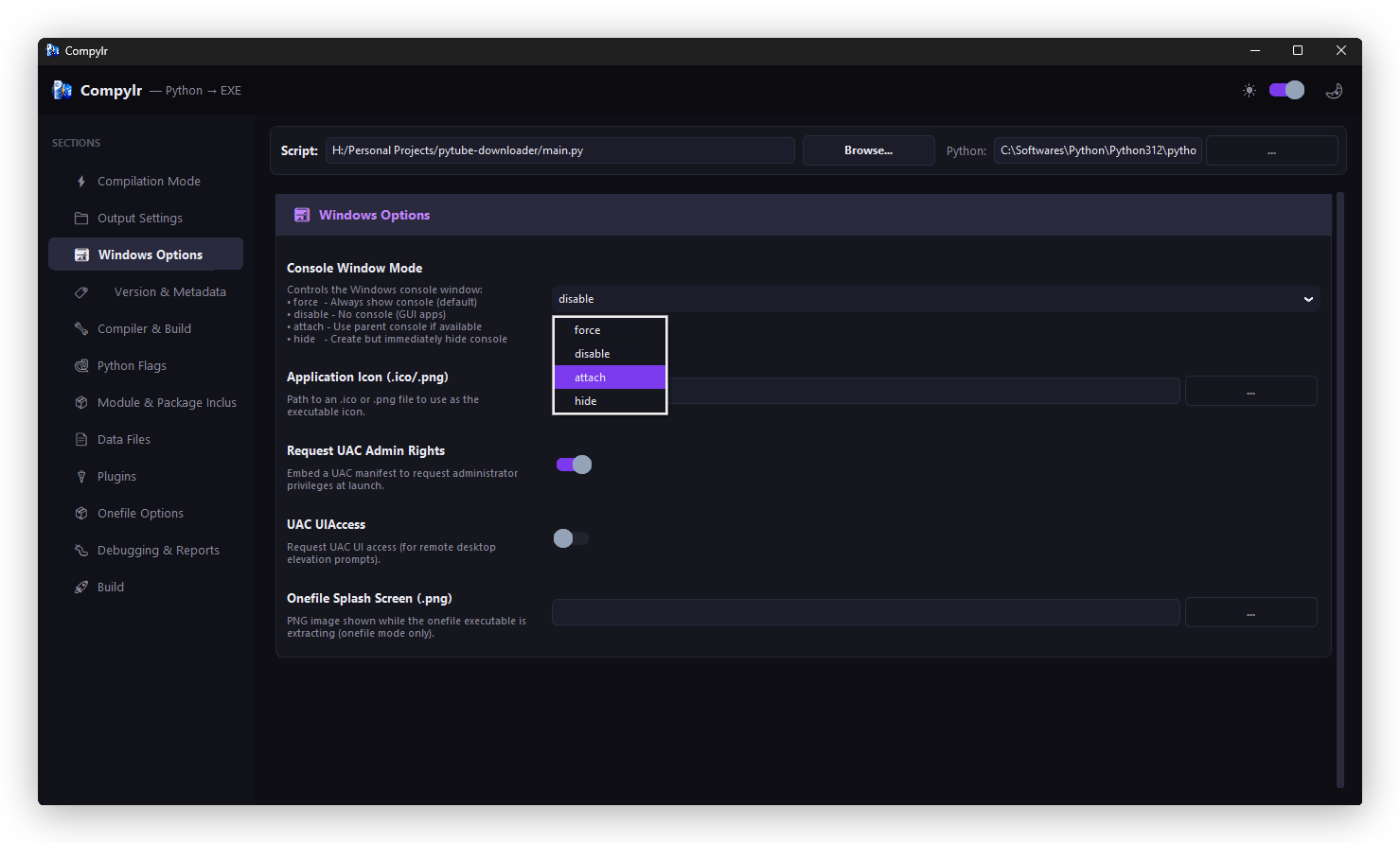
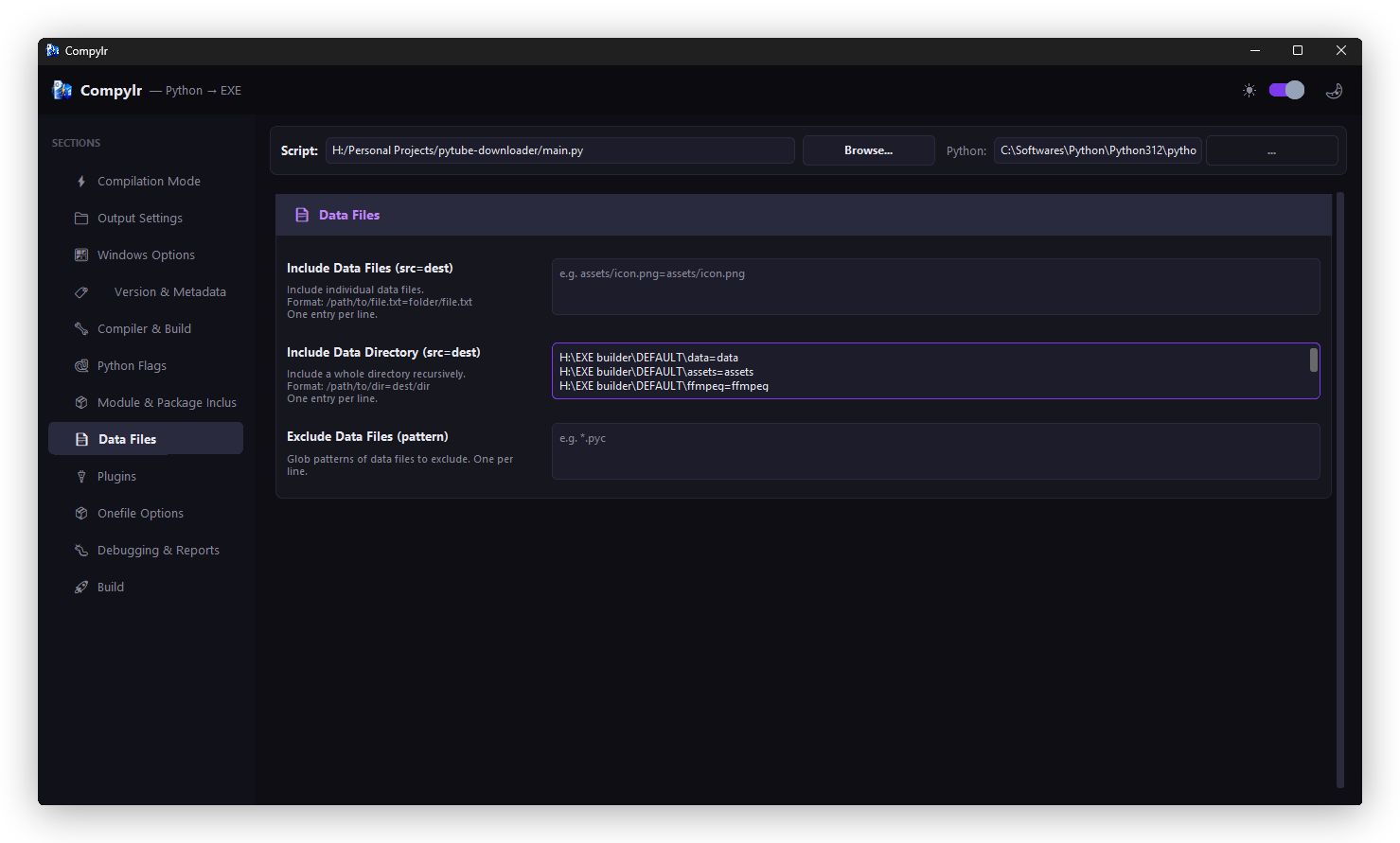
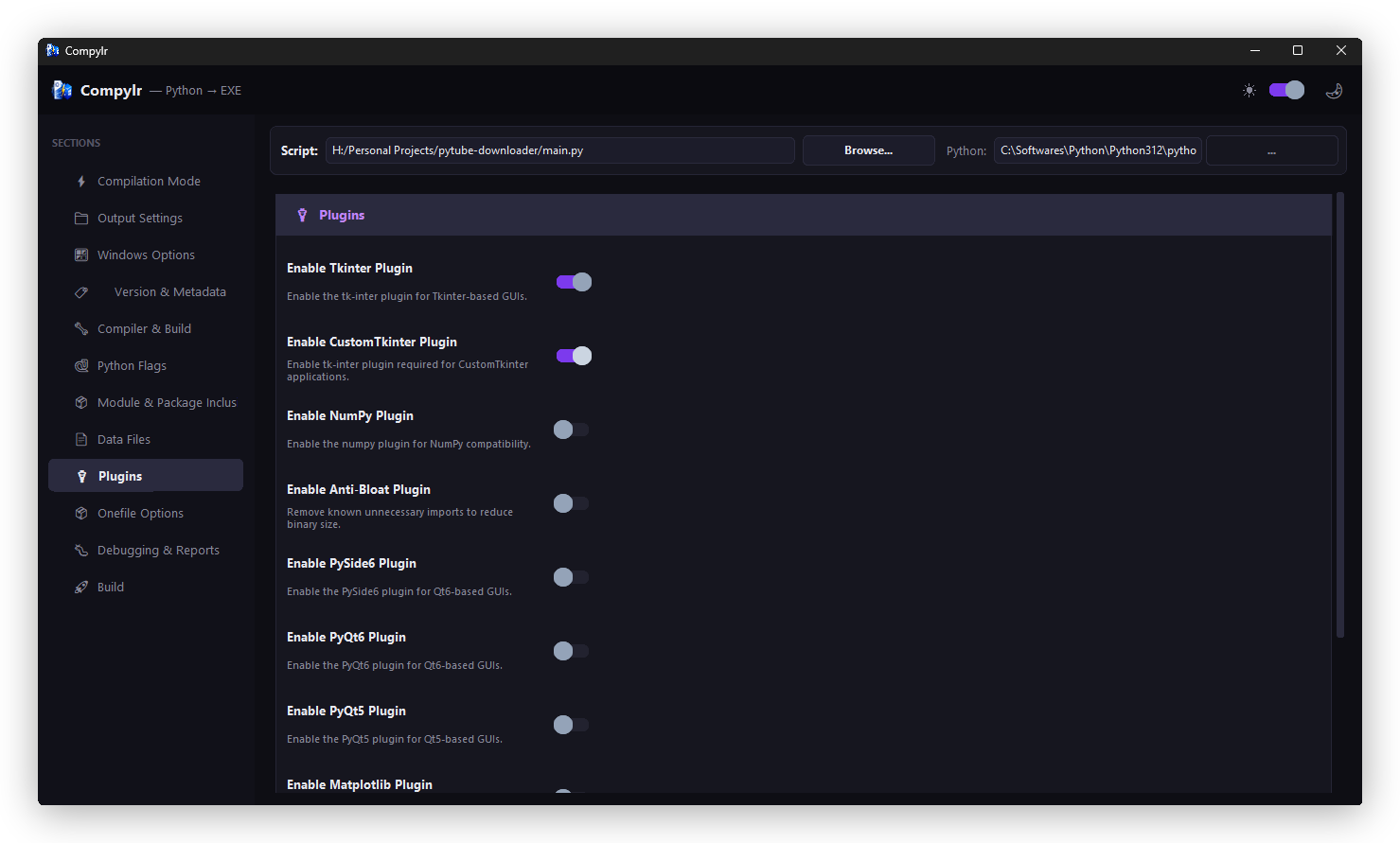
- Configure Build Settings: Navigate through the sidebar sections (Compilation Mode, Output Settings, Windows Options, version metadata, Python flags, package inclusions, and plugins) to customize your build.
- Manage Config Profiles:
- Export: Click 💾 Export Config on the Build page to save your setup as a
.comphylrfile. - Load: Click 📂 Load Config on the Build page to restore all settings from a saved profile instantly.
- Export: Click 💾 Export Config on the Build page to save your setup as a
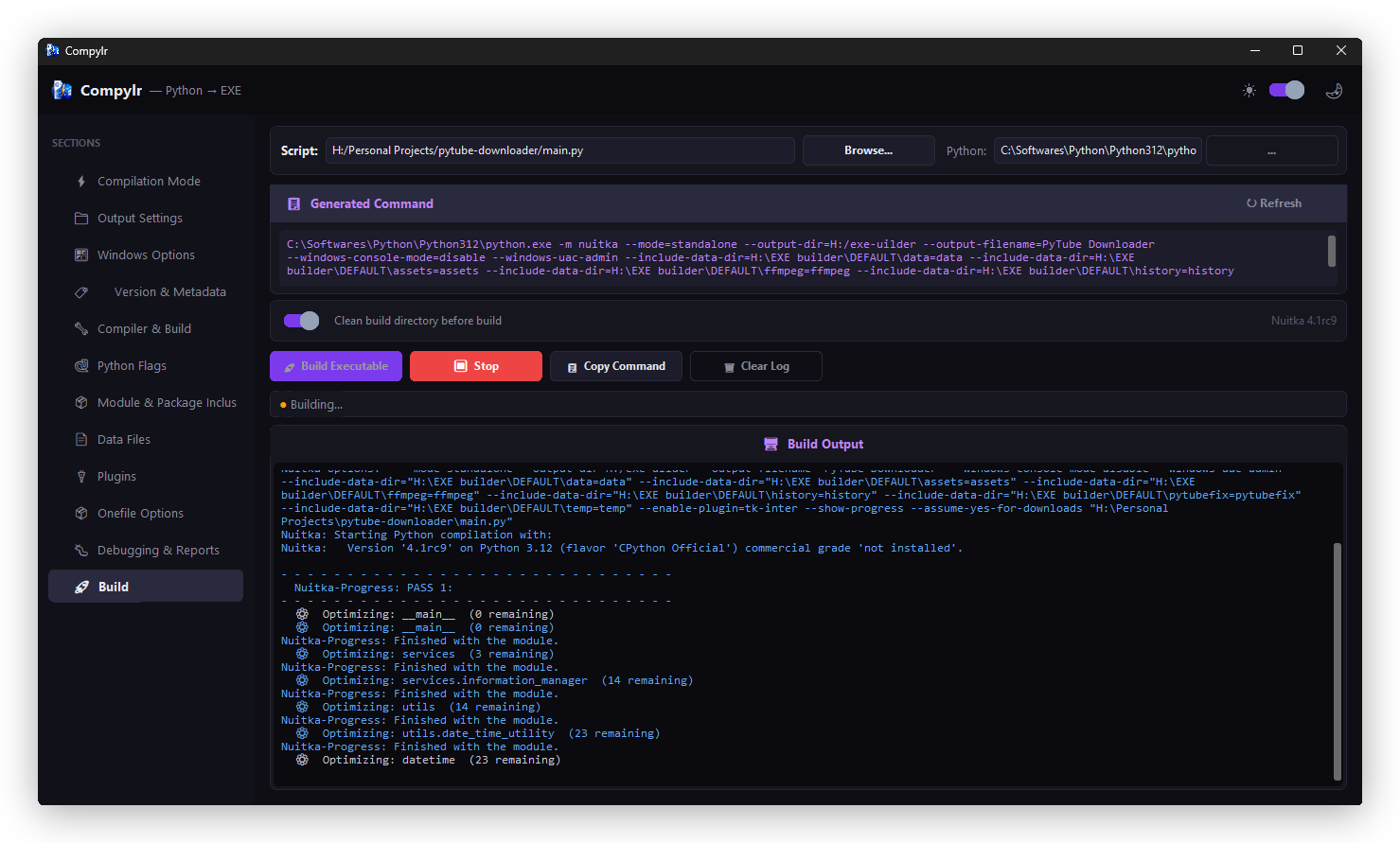
- Compile: In the Build page, click 🚀 Build Executable to begin. The integrated terminal will stream and filter Nuitka's compilation logs in real time.
| Feature | Description |
|---|---|
| 🎨 Modern UI | Built with CustomTkinter — supports dark & light mode out of the box |
| 🖱 Visual Configuration | Every Nuitka flag exposed as a clean GUI control — no CLI needed |
| 👁 Live Command Preview | See the exact Nuitka command generated as you configure |
| 🖥 Integrated Terminal | Color-coded build output with warnings, errors, and progress |
| 🧠 Smart Hints | Automatically diagnoses common build failures and suggests fixes |
| 🧹 Clean Build | One-click wipe of stale .build / .dist directories before a fresh compile |
| 💾 Config Profiles | Export all settings to a .comphylr file and reload them instantly on any project |
compylr/
├── src/
│   └── compylr/
│       ├── logo/              # Window icon and branding assets
│       │   ├── logo.ico
│       │   └── logo.png
│       ├── nuitka/            # Nuitka compiler logic and options
│       ├── theme/             # Color palettes and font tokens
│       ├── widgets/           # Reusable UI components
│       ├── __init__.py
│       ├── main.py            # Entry point
│       └── app.py             # Main application window
├── readme-assets/             # Screenshots and logo for README
├── requirements.txt
├── pyproject.toml
├── LICENSE
└── README.md
- Python — Core language
- CustomTkinter — Modern UI framework
- Nuitka — Python-to-native compiler
- macOS / Linux build support (when Nuitka adds it)
- Integrated dependency analyzer
Contributions, issues, and feature requests are welcome! Check the issues page to get started.
MIT — do whatever you want with it.
Made with ❤️ by Thisal