Click to go to youtube.
- Docker
- Python
- (WSL2)
WSL2 is needless for developers which wanna work in only Docker container.
This is the reason so that WSL2 is enclosed by parentheses.
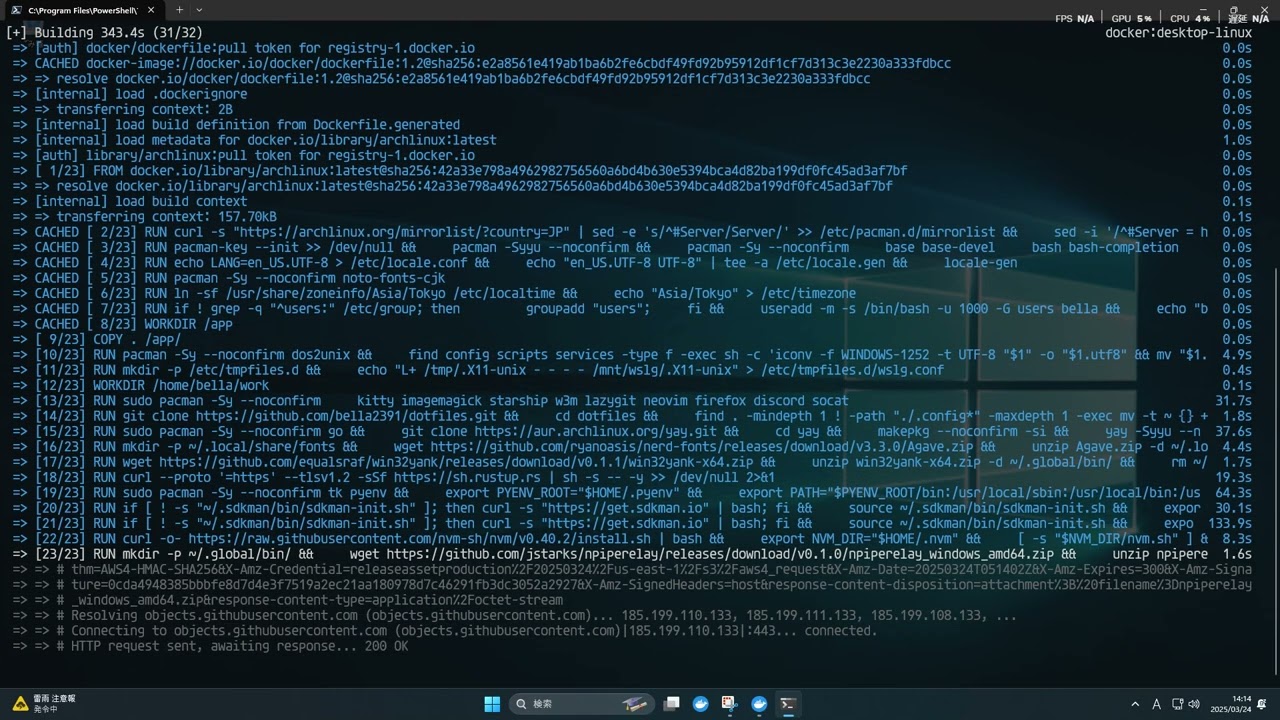
They can use a debug flag like python setup.py -i -d.
usage: setup.py [-h] [-i] [-d] [--no-cache] [-y] [--set-env]

Script for setup of WSL environment with docker

options:
  -h, --help     show this help message and exit
  -i, --install  Install: Build & Export *.wsl & Import into WSL
  -d, --debug    Enable debug mode: Build & Run container & Enter it with tty
  --no-cache     Build with no cache
  -y             Response by default value for all prompts
  --set-env      Set environment variable, saving into .env
If you want to use GUI application, you should write C:\Users\<user>\.wslconfig like below.
[wsl2]
guiApplications = true
This project uses other external assets someone creates - see the CREDITS