





@sasjs/cli is a Command-Line Interface to assist with creating, building, and deploying Data Science projects and HTML5 Web Applications on the SAS platform (both SAS 9 and Viya). Features include:
- Scaffold a new SAS App in seconds (
sasjs create myApp -t jobs) - Compile / Build SAS Jobs, Services & Macros locally and deploy / execute remotely, in isolation from other developers (
sasjs cbd) - No dependency on the server filesystem
- Optionally synchronise a local folder onto the server filesystem using
sasjs fs - Trigger Viya Jobs & Flows (
sasjs job execute/sasjs flow execute) - Enforce code quality rules with
sasjs lint - Generate HTML5 documentation (requires doxygen) with
sasjs doc - Create and execute SAS tests (
sasjs test)
There is also a feature to let you deploy a frontend application as a set of streaming web services, bypassing the need to deploy to the SAS Web Server.
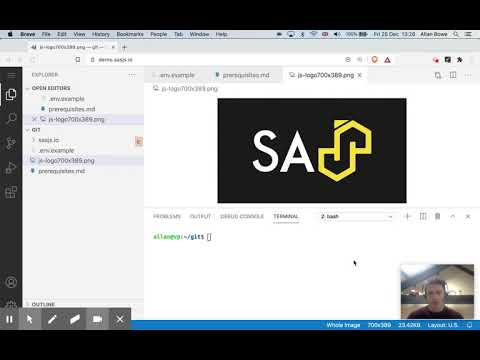
A quick demonstration of using it to compile, build and deploy a set of SAS Viya jobs is shown below.
- Install globally using
npmas follows:
npm i -g @sasjs/cli
You can also use the tool without deploying through NPX as follows:
npx @sasjs/cli <command>
Additional documentation can be found on the SASjs CLI documentation site.
Running npm i -g @sasjs/cli@latest does not always upgrade properly. This is due to a known bug in npm, which is fixed in npm 7.
If you are running NPM in version 6 or below, you can try running npm update -g @sasjs/cli instead, or - the sledgehammer approach - delete the files from the NPM folder and then do a fresh install.
- Clone the repo and install dependencies (
npm install). - One-time setup: point git at this repo's hooks directory:
git config core.hooksPath ./.git-hooks
This enables the pre-commit checks (gitleaks secret scan, 2MB commit size limit). This step is required because the repo's .npmrc sets ignore-scripts=true, so the prepare script that would configure the hooks path automatically never runs on install. If you skip it, your commits are not scanned for secrets and you may push them that way.
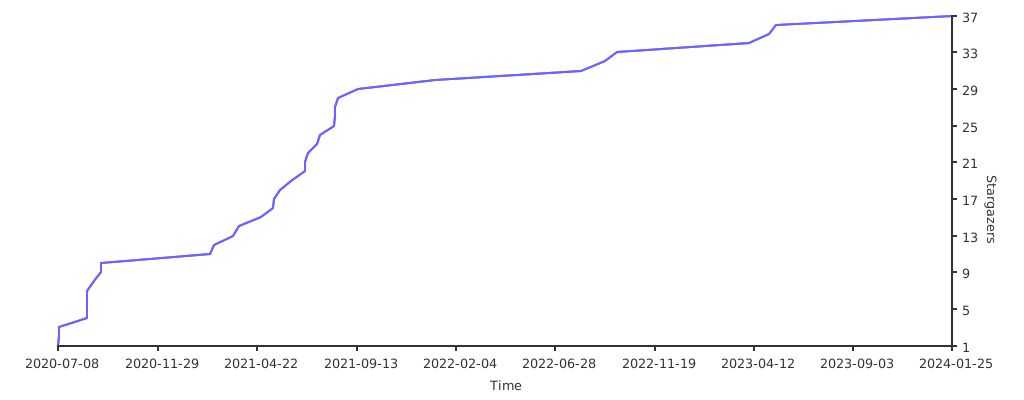
If you find this library useful, please leave a star and help us grow our star graph!
Thanks goes to these wonderful people (emoji key):


This project follows the all-contributors specification. Contributions of any kind welcome!