
A web UI for the pi coding agent.
npx -y pi-web@latestThen open http://127.0.0.1:8192 in your browser.
For remote access, use the recommended Tailscale HTTPS setup below.
--port <number>      Port to listen on (default: 8192)
--host <string>      Host to bind to (default: 127.0.0.1)
--help               Show help
pi-web does not include built-in authentication. Recommended setup: keep it bound to 127.0.0.1 (IPv4 loopback) and expose it only through your private Tailnet.
- Start
pi-weblocally (default host is already127.0.0.1):
npx -y pi-web@latest --host 127.0.0.1 --port 8192- In another terminal, expose it over Tailnet HTTPS using one of these bindings:
Without specifying an HTTPS port (default HTTPS binding):
tailscale serve --bg 8192- Open in browser:
https://<your-device>.<your-tailnet>.ts.net/
With an explicit HTTPS port binding (example: expose on Tailnet 8192):
tailscale serve --bg --https=8192 http://127.0.0.1:8192-
Open in browser:
https://<your-device>.<your-tailnet>.ts.net:8192/ -
Prefer the explicit form when you want a non-default Tailnet HTTPS port, or when you want to avoid
localhost/::1resolution ambiguity.
- Check the HTTPS URL and serve status:
tailscale serve status- To stop exposing the service:
tailscale serve resetNotes:
- This is accessible only to devices/users authorised in your Tailnet (and ACLs), so no separate
pi-webpassword is required. - Use
127.0.0.1explicitly rather thanlocalhostfor--hostand local proxy targets; on some systemslocalhostresolves to::1(IPv6), which can break loopback forwarding expectations. - Avoid binding
pi-webto0.0.0.0when using this setup. - Do not use
tailscale funnelunless you explicitly want public internet exposure.
- Browse and switch between pi sessions grouped by working directory
- Stream assistant responses in real time
- Collapsible tool call details with input/output
- Queue prompts while the agent is responding
- Switch provider and model from the status bar
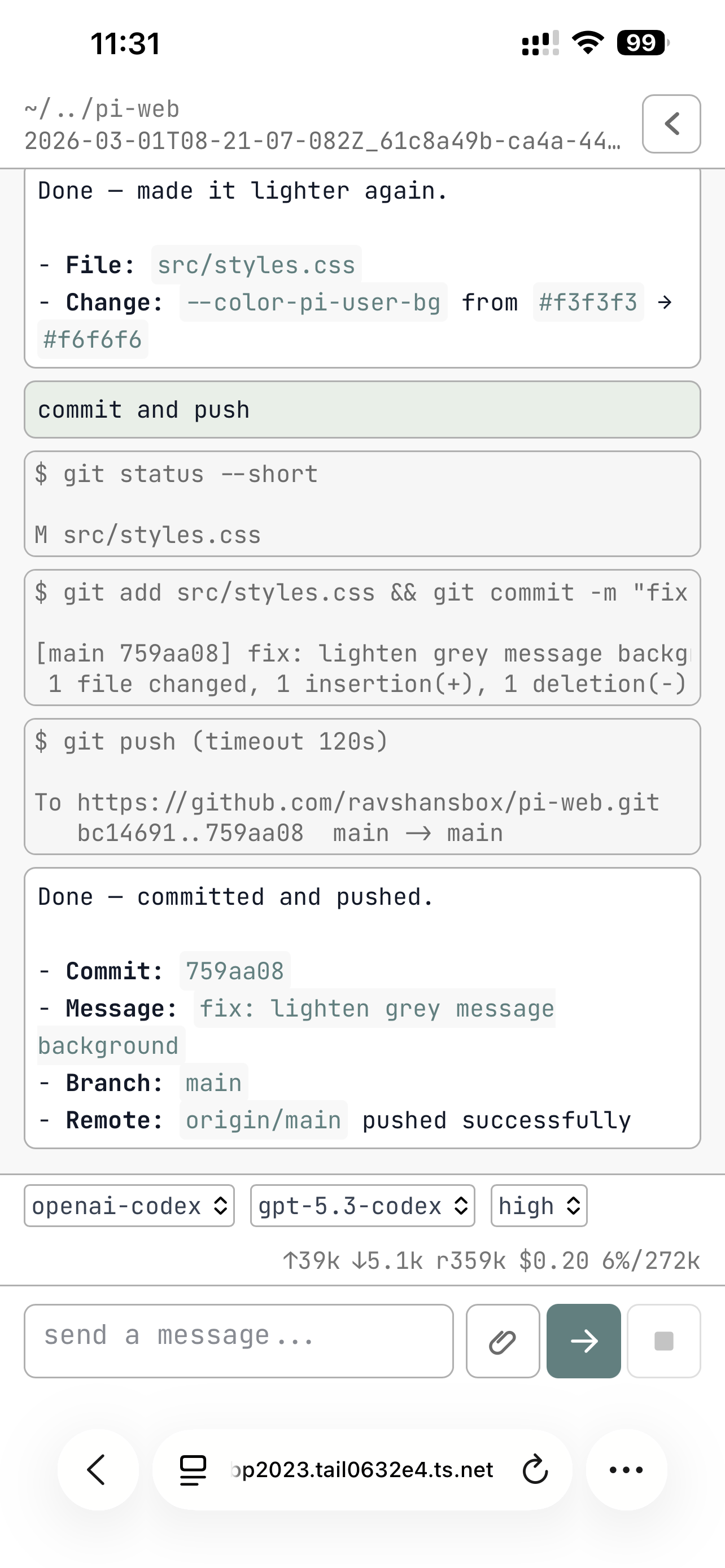
- Mobile-friendly layout
git clone https://github.com/ravshansbox/pi-web
cd pi-web
npm install
npm run dev
Requires Node.js 22+.