The 🏡Property-Expert.Com🏡 successfully completing “Property-Expert.Com” and “Project Goal : property portal, deals with every aspect of the consumers’ needs in the real estate industry. It is an online forum where buyers, sellers and brokers/agents can exchange information about real estate properties quickly, effectively and inexpensively. At Property-Expert.Com you can advertise a property, search for a property, browse through properties, build your own property microsite, and keep yourself updated with the latest news and trends making headlines in the realty sector. Took 1 month to structure base of this project like simple UI design and all backend work then afterward took 1 month to design user frindly interface then few week take to counter bugs and clear various "Test Case". budget : free of cost !”. Node site that handles user registration, authentication & authorization with JWT, keep user , Home data in api form as well as user home interest data.
Here is the REPO.
Here is the DEMO.
Registered users are stored in mongoDB and their password is hashed by bcrypt. When the user POSTs their credentials to the server, they recieve 1 Json Web Token (access token & that will exprire certain time later!).On the client side user have to re-login if token is exprire. for safety purpose we are using firebase phone auth to verify user and then after proccesed next task.
The 🏡 Property-Expert.Com 🏡 allow user to SELL(post) there Property Details and Property will display on site then user can show there interest in property, after clicking show interest button; user details along with property details save to dbs thats all we have in it. later we contact with user and home owner to deal comfirmation of Property.
git clone https://github.com/ranjit95s/property-expert.git
cd property-expert
npm i
npm start
npm run dev| No | Method | Endpoint | Description |
|---|---|---|---|
| #1 | POST |
/signup |
Creates a new user in MongoDB and returns it with status 201 |
| #2 | POST |
/verify |
User have to verify his/her phone number then after can Browse through this site |
| #3 | POST |
/login |
User login after successfully signup |
| #4 | GET |
/property |
All user uploaded property appears here |
| #5 | GET |
/home?h=home.id |
Each property full details appear here with home ID,(homeID generate automatically after posting property) |
| #6 | POST |
/post-property |
User can post property here |
| #7 | GET |
/User?_id |
Registered users information + User can change his/her avatar |
| #8 | POST |
/logout |
Registered users can logout and after can login with same registered information |
| #9 | GET |
/aboutmore |
About page |
| #10 | POST |
/contact |
Only registered user can send message |
| #11 | GET |
/database/ |
API DATA |
| #12 | POST |
/deptlogin/ |
Department login For stuff only , for deleting , adding , editing infomation and contacting to user that interesting buying or renting homes |
| No | Request Body | Response Body |
|---|---|---|
| #1 | { username, email, password } | { username, email, createdAt } |
| #2 | { userphone , OTP verify code } | { userphone , Auth userPhone No. } |
| #3 | { email, password } | { access_token } |
| #4 | { expaire_token } | { User have to login to get { access_token }} |
| #5 | Authorization: Bearer <access_token> | User id that is logged in |
Configuration should made in the .env file, before run. .env.example file is below:
PORT=3000
MONGO_URL=mongodb://localhost:27017/<db_name>.
├── public
│ ├── css // All css styles
│ │ ├── 404.css
│ │ ├── abouts.css
│ │ ├── contact.css
│ │ ├── footer.css
│ │ ├── AdminSetUp.css
│ │ ├── homeInt.css
│ │ ├── mod-home.css
│ │ ├── userdata.css
│ │ ├── home.css
│ │ ├── index-style.css
│ │ ├── login.css
│ │ ├── navbar.css
│ │ ├── postprop.css
│ │ ├── prop-style.css
│ │ ├── style.css
│ │ ├── user.css
│ ├── images // All images
│ │ └── ...
│ ├── js // All js scripts
│ │ ├── home.js
│ │ ├── main.js
│ │ ├── mainlog.js
│ │ ├── post-prop.js
│ │ ├── user.js
│ └── └── verifyOtp.js
├── src // Source Folder
│ ├── db
│ │ └── conn.js // Database connection
│ ├── middleware
│ │ └── auth.js // Authentication of user
│ ├── models // Mongoose schema
│ │ ├── home.js // Home schema
│ │ ├── homeInterest.js // home Interest schema
│ │ ├── message.js // Message schema
│ │ └── user.js // User schema
│ └── app.js
├── templates
│ ├── views
│ │ ├── 404.ejs
│ │ ├── PostProperty.ejs
│ │ ├── aboutmore.ejs
│ │ ├── contact.ejs
│ │ ├── footer.ejs
│ │ ├── home.ejs
│ │ ├── index.ejs
│ │ ├── login.ejs
│ │ ├── navbar.ejs
│ │ ├── properties.ejs
│ │ ├── signup.ejs
│ │ ├── user.ejs
│ │ ├── database.ejs
│ │ ├── deptlogin.ejs
│ │ ├── homeData.ejs
│ │ ├── homeInt.ejs
│ │ ├── userDB_Msg.ejs
│ │ ├── usersData.ejs
│ └── └── verifyOtp.ejs
├── .env
├── .gitignore
├── README.md
├── package-lock.json
└── package.jsonMini user interface is build
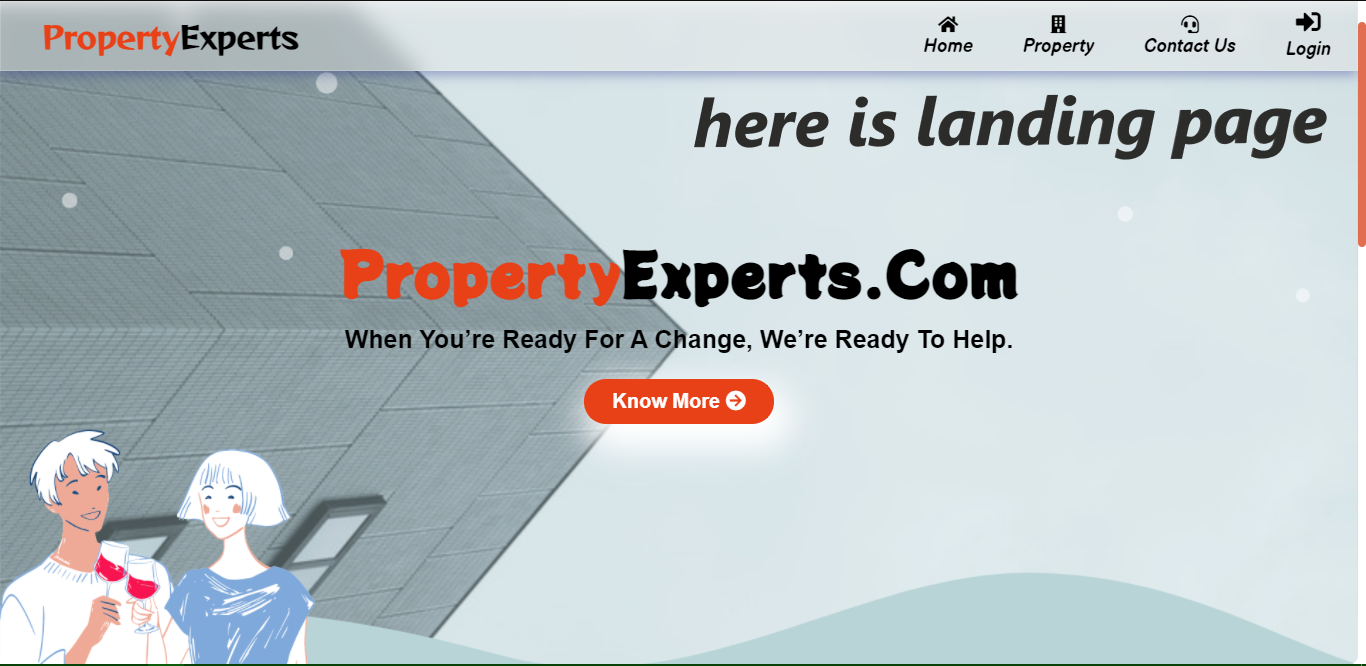
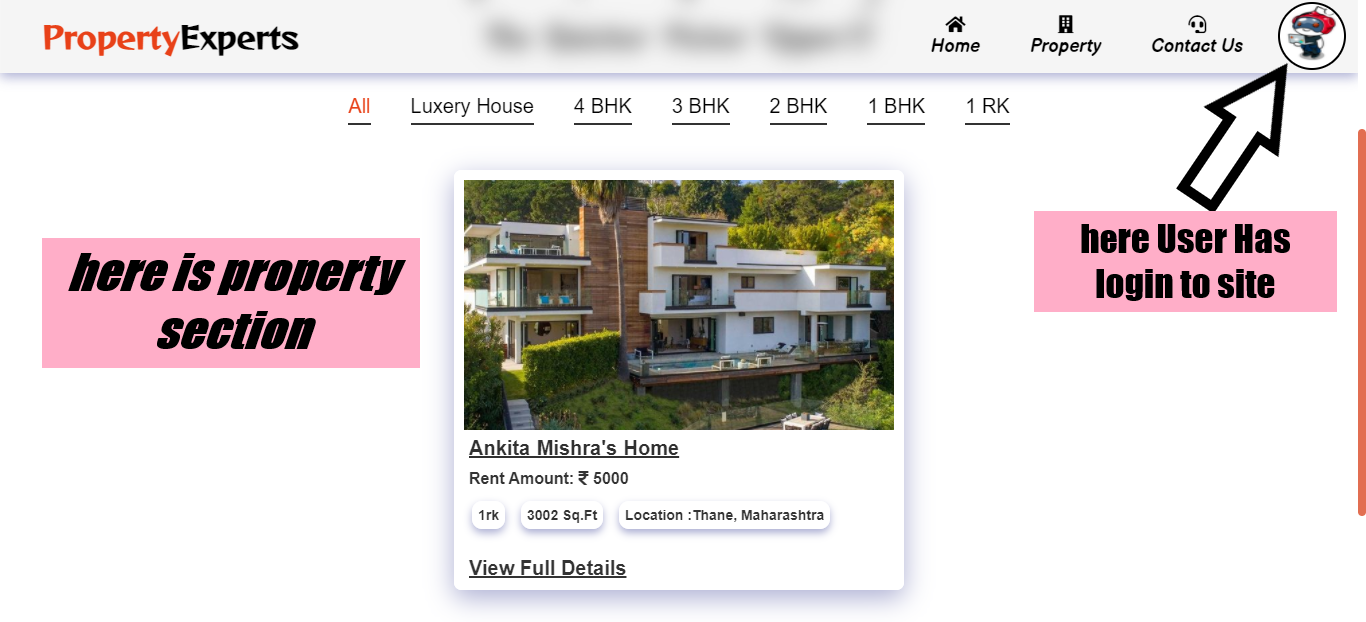
User Model is created with mongoose in user.js. home Model is created with mongoose in home.js. message Model is created with mongoose in message.js. homeinterest Model is created with mongoose in homeinterest.js.
Password is hashed with bcryptjs. For performance see also: bcrypt.