
Five themes. Zero Comic Sans.
A markdown reader for the web and VS Code — with typography that respects your words.


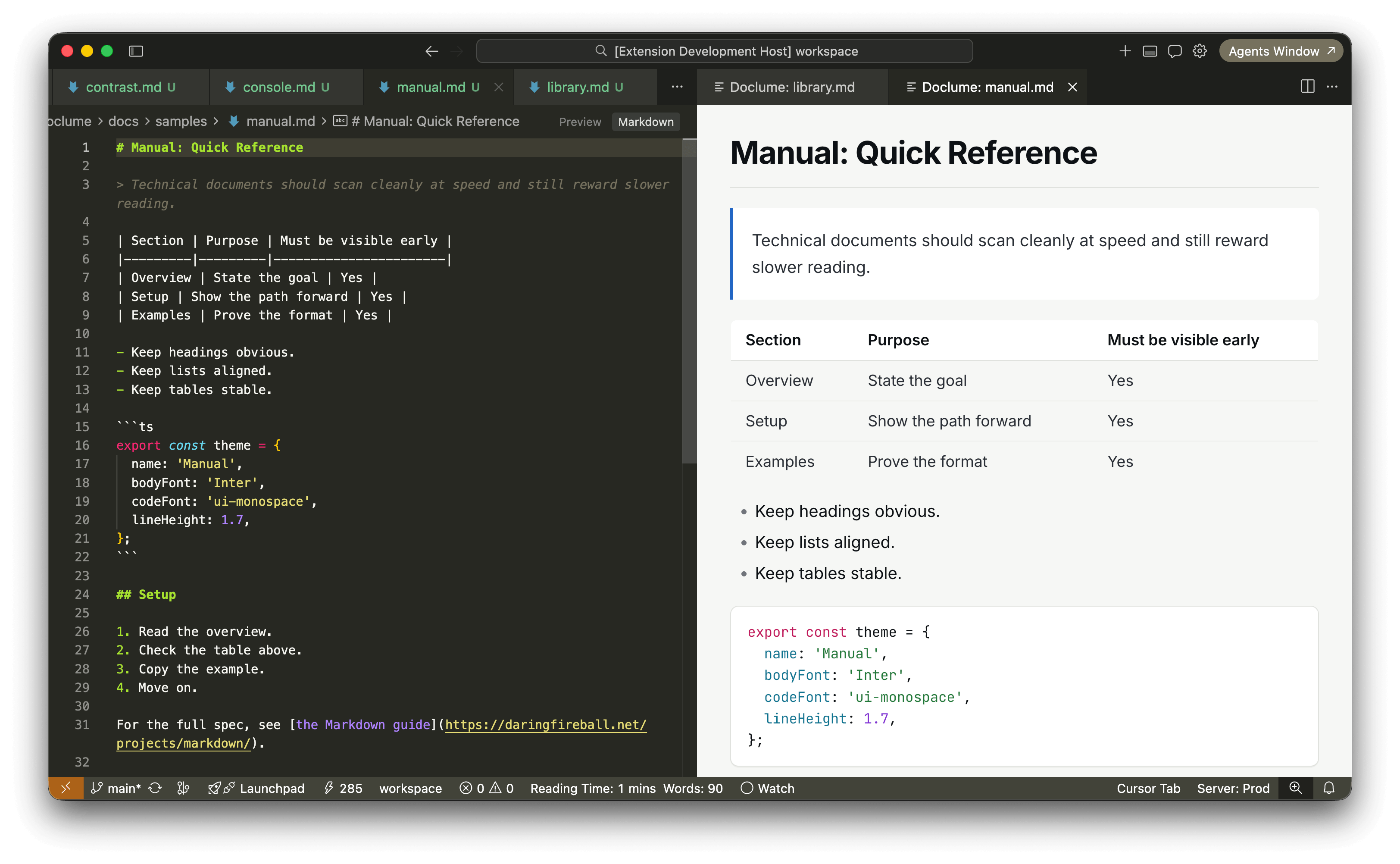
Library · Serif · light · warm cream |
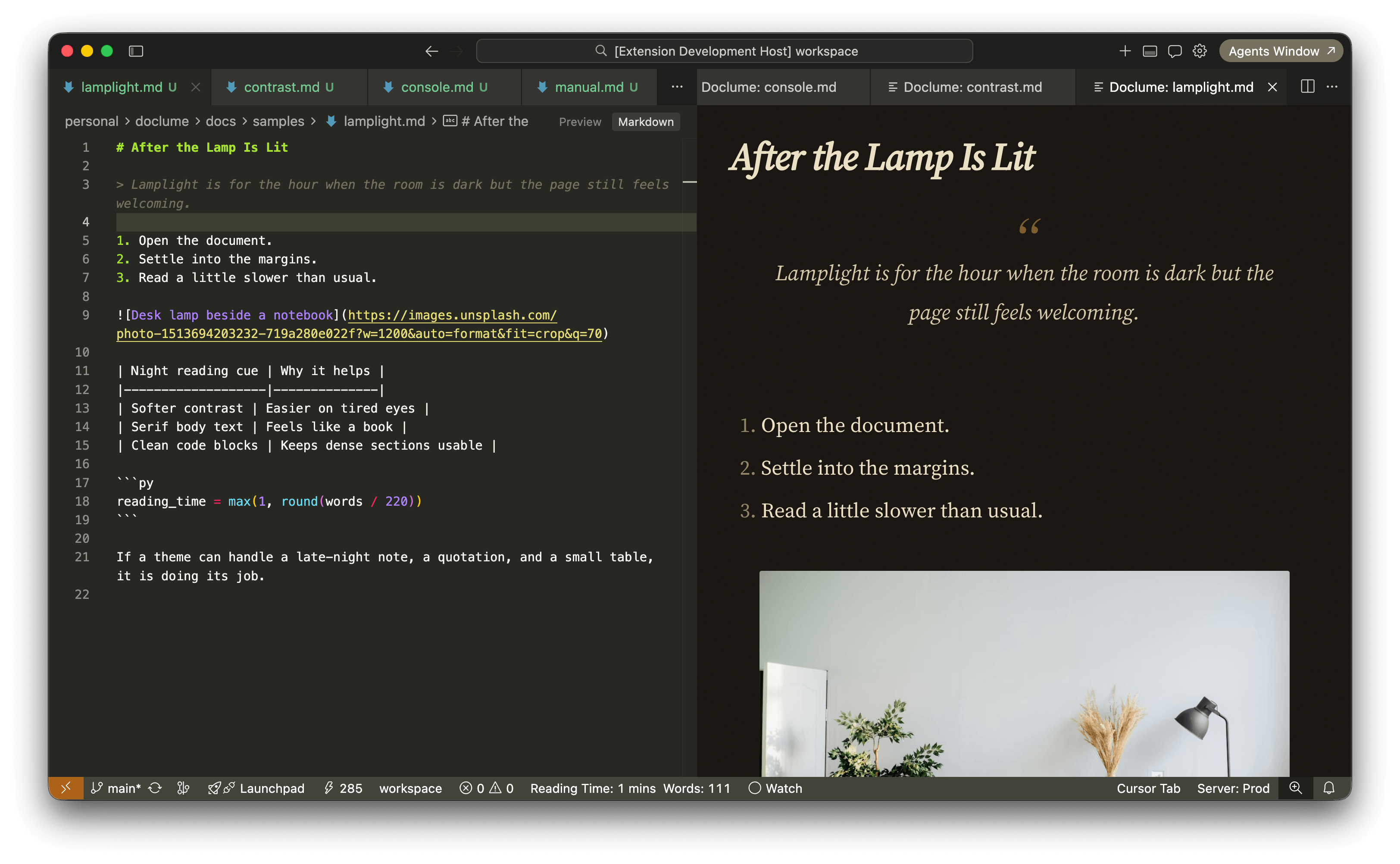
Lamplight · Serif · dark · amber |
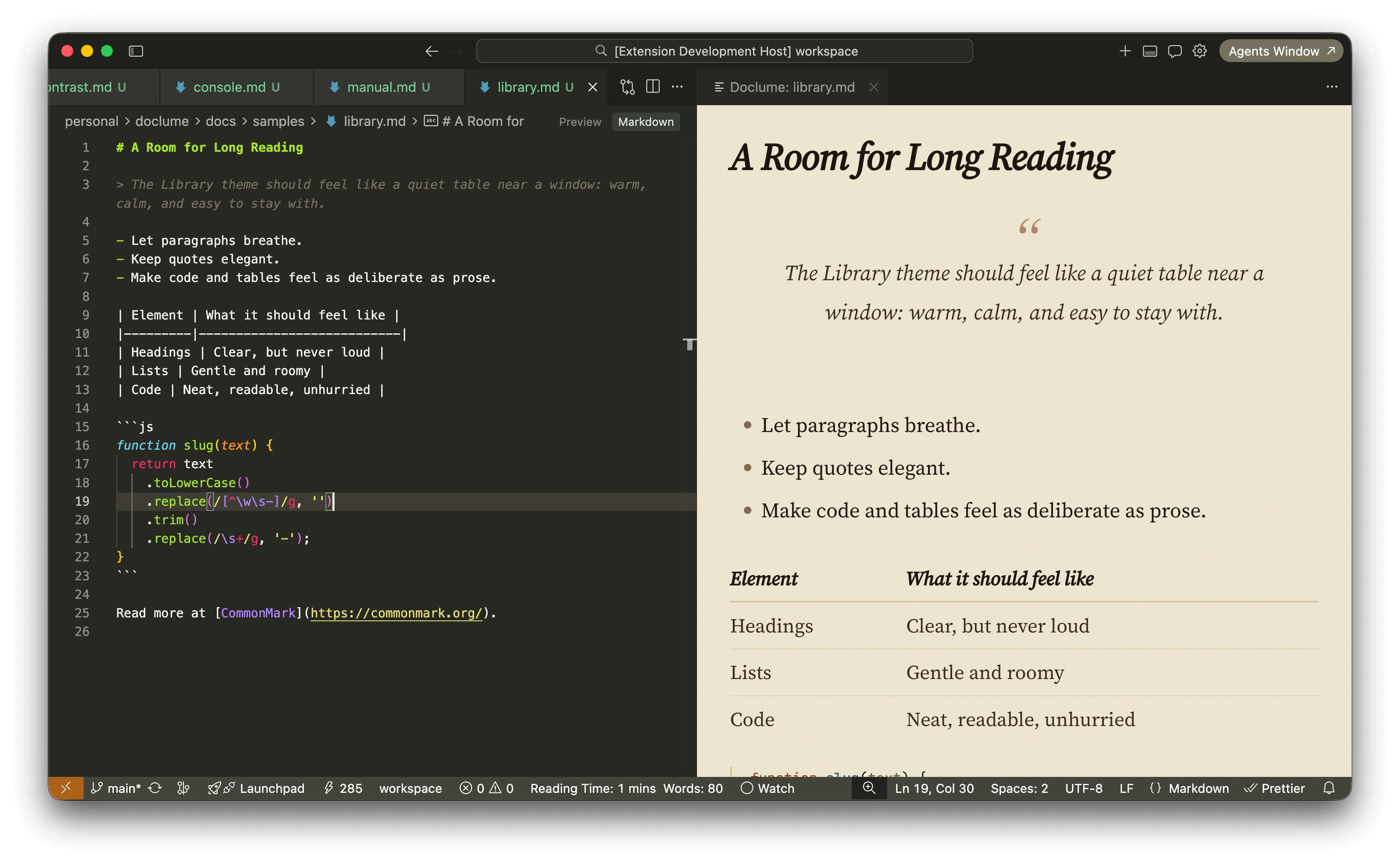
Manual · Sans · light · clean |
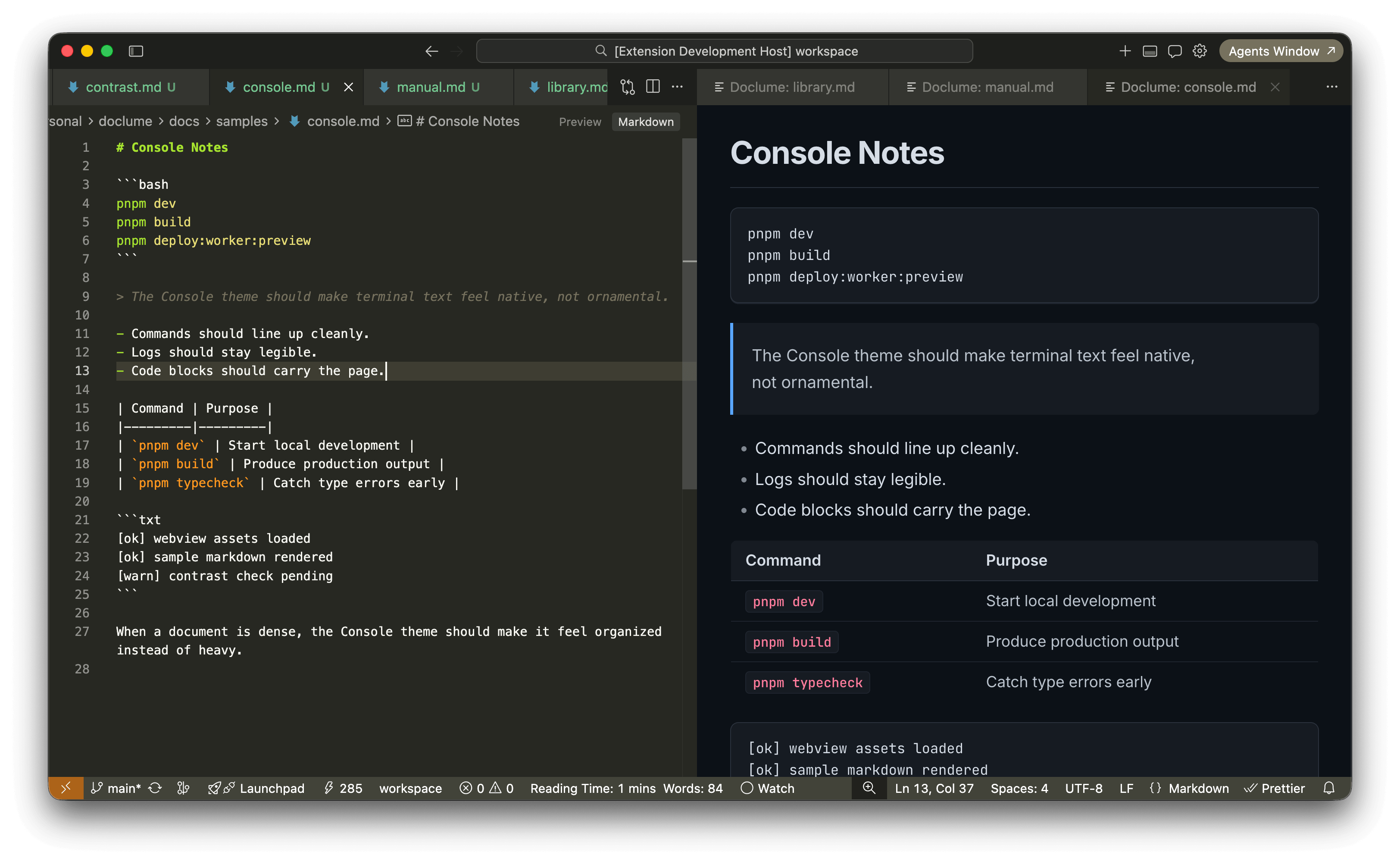
Console · Sans · dark · IDE-style |
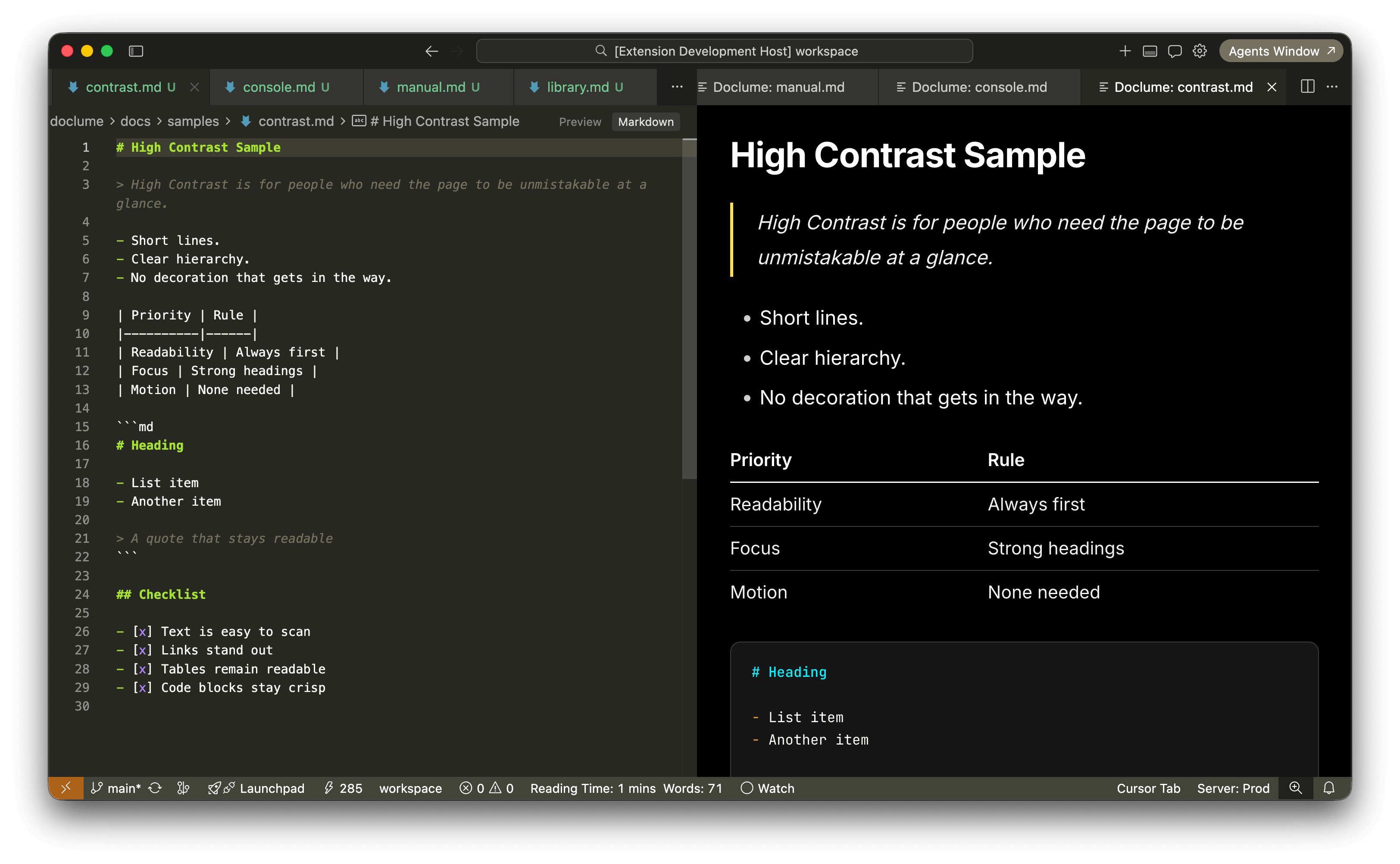
High Contrast · Sans · accessibility · WCAG |
|
The default markdown preview renders your file. Doclume reads it.
Serif fonts for long-form prose. Proper line lengths. Themes that don't feel like a homework assignment. Whether you're drafting a spec, writing a changelog, or reading someone else's docs — your words deserve better than a white void.
| Theme | Mode | Best for |
|---|---|---|
| Library | Serif · light | Long reads, essays, changelogs |
| Lamplight | Serif · dark | Late-night reading, warm amber tones |
| Manual | Sans · light | Specs, READMEs, API docs |
| Console | Sans · dark | Technical docs, IDE-style |
| High Contrast | Sans | Accessibility, WCAG |
5 themes, 2 font families, both sides of dark/light. Auto mode picks based on your system preference.
Doclume reads markdown the way you meant it to look—one experience in the browser and in VS Code, so the preview beside your editor matches what you’d share from the web app.
- Tables & tasks — ship specs and changelogs without fighting the layout
- Code blocks — syntax-colored fences that stay readable on every theme
- Diagrams — Mermaid in the preview, no round-trip to another tool
- Math — crisp formulas with KaTeX
- Notes & glossaries — footnotes and definition lists when the doc calls for them
Open markdown in any browser — no install, no account, no friction.
→ doclume.rabisnaqvi.workers.dev
- Paste markdown or open a local
.md,.prompt,.instructions,.chatagent, or.skillfile - Pick a theme, read comfortably
- Outline (table of contents) and in-document search (
Ctrl+F/Cmd+F) - Word count and estimated reading time at a glance
Live preview beside your editor; updates as you type. Same rendering as the web reader—tables, diagrams, math, footnotes—so nothing surprises you at publish time. Fonts ship with the extension (no Google Fonts fetch in the webview).
Install:
code --install-extension rabisnaqvi.doclumeOr search doclume in the Extensions panel · Marketplace page
Open preview:
| OS | Shortcut |
|---|---|
| Mac | Cmd+K Cmd+Shift+L |
| Windows / Linux | Ctrl+K Ctrl+Shift+L |
Also: 📖 icon in the editor toolbar · right-click file in Explorer · Command Palette → Doclume: Open in Doclume
Switch themes:
Command Palette → Doclume: Select Doclume Theme… · or Doclume: Cycle Doclume Theme to rotate
Auto mode tracks your VS Code color theme — light workspace gets Manual, dark gets Console.
Configuration:
Supported file types: .md · .prompt · .instructions · .chatagent · .skill
Run the local suite with:
pnpm test:corepnpm test:webpnpm test:vscode:smokepnpm test:vscode:visualpnpm test:vscodepnpm testpnpm test:update-snapshots
For local test commands and snapshot maintenance notes, see tests/README.md.
MIT · rabisnaqvi
{
  // auto | library | lamplight | manual | console | contrast
  "doclume.theme": "auto"
}