


Interactive financial widgets — a multi-page web application built with the okama package and the Dash (Plotly) framework.
A live instance is running at okama.io.
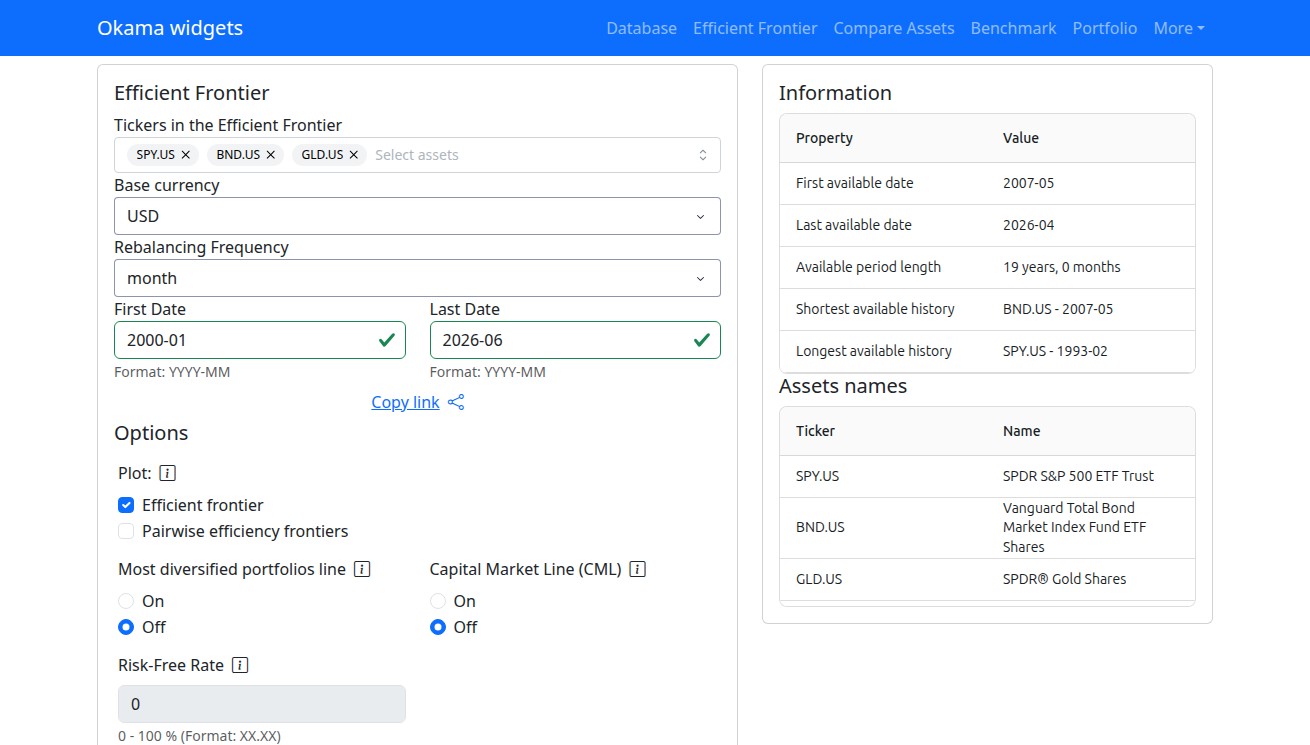
| Widget | Route | What it does |
|---|---|---|
| Efficient Frontier | / |
Portfolio optimization: efficient frontier chart, assets transition map, simulated portfolios |
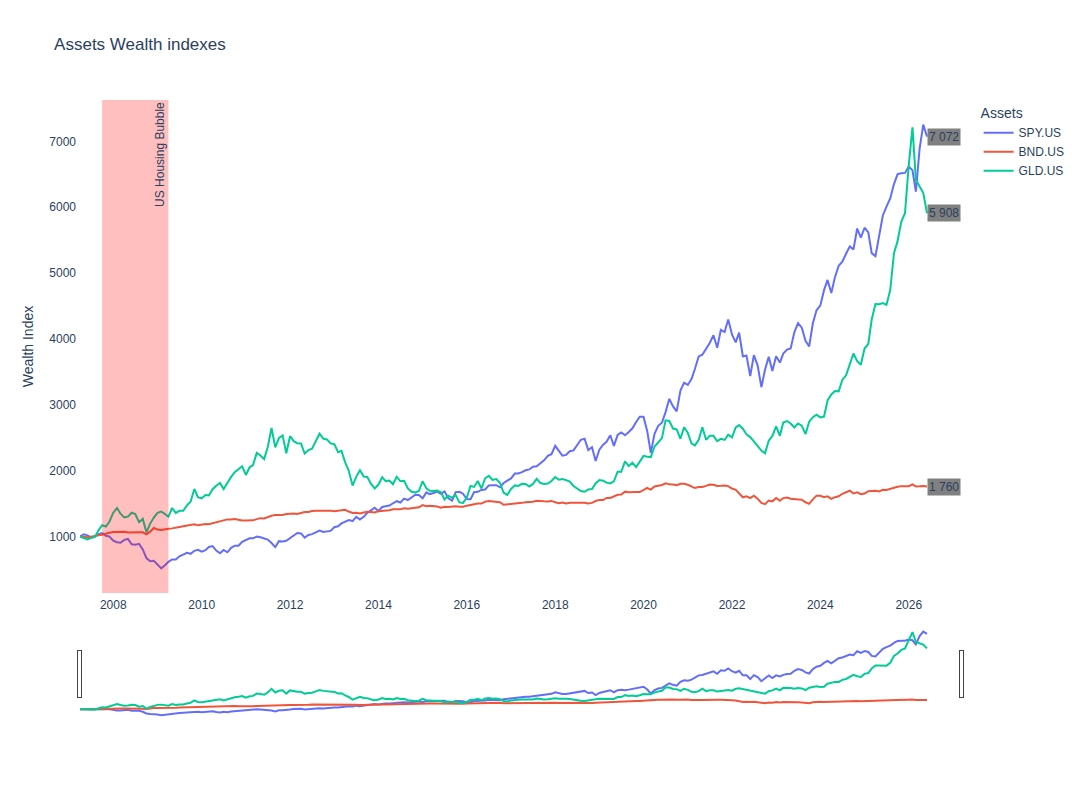
| Compare assets | /compare |
Compare assets' historical performance: wealth indexes, rate of return, risk, CVAR, drawdowns, correlation |
| Compare with benchmark | /benchmark |
Compare assets with a benchmark: tracking difference, tracking error, correlation, beta |
| Investment Portfolio | /portfolio |
Portfolio analysis: rebalancing, cash flow strategies, Monte Carlo forecasts |
| Database | /database |
Search the financial database: stocks, ETF, mutual funds, indexes, currencies, commodities, rates |
git clone https://github.com/mbk-dev/okama-dash.git
cd okama-dash
poetry install
Alternatively, with pip:
python -m venv venv
source venv/bin/activate  # Windows: venv\Scripts\activate
pip install -r requirements.txtpoetry run python app.pyThe development server starts at http://localhost:8050.
Note
By default the application caches okama data in Redis. To run without Redis, set
OKAMA_CACHE_BACKEND=filesystem — caching falls back to the local cache-directory/ folder.
| Environment variable | Default | Description |
|---|---|---|
OKAMA_CACHE_BACKEND |
redis |
Cache backend: redis or filesystem |
OKAMA_REDIS_URL |
redis://localhost:6379/0 |
Redis connection URL (used when the backend is redis) |
For production, serve the application with Gunicorn (installed by poetry install)
using the run_gunicorn.py entry point:
poetry run gunicorn run_gunicorn:serverThe widgets use free "end of day" historical data and macroeconomic indicators provided by the okama package:
- Stocks, ETF and mutual funds for main world markets
- Stock indexes and commodities
- FX and crypto currencies, central bank exchange rates
- Macroeconomic indicators (inflation, central bank rates, CAPE10) for many countries
See the okama package for the full data coverage.
poetry run pytest -m "not e2e"   # fast suite: unit + component tests
poetry run pytest -q             # everything, including browser (e2e) tests
Unit and component tests mock the okama API — no network access or Redis required.
The e2e tests run in a real browser; install it once with poetry run playwright install chromium.