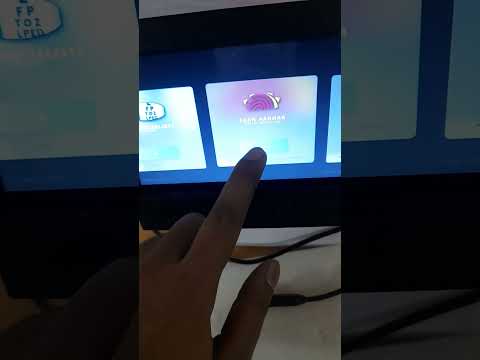
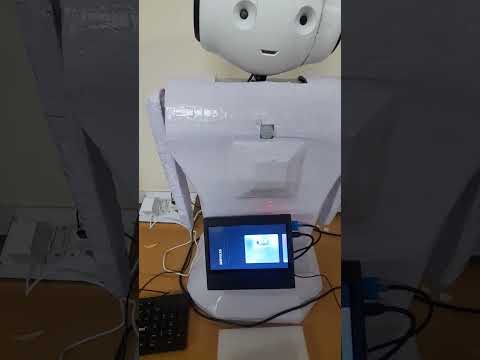
Click below to watch the demo:
cd your_workspace  # move to workspace

# install python packages ( --break-system-packages use this tag in ubuntu 24)
pip install -r requirements.txt

# install dependecy packages
rosdep install --from-paths src --ignore-src -r -y

## build and run the package
colcon build    # build the workspace
source install/setup.bashto run xparo
ros2 launch core launch_xparo.launch.py
to run robot package
ros2 launch core simulation_launch.launch.py
to visvalize the data
ros2 launch core launch_data_visualization.launch.py