
Table of Contents
Recipenation is a website that can help users to create their recipe creations by being able to share them with all.
This app was built with some technologies below:
Before going to the installation stage there are some software that must be installed first.
If you want to run this project locally, I recommend you to configure the back-end first before configuring this repo front-end.
- Clone the repo
git clone https://github.com/ilhamyusuf27/React-FrontEnd-Recipenation.git
- Go To Folder Repo
cd React-FrontEnd-Recipenation
- Install Module
npm install
- Setup .env
- Type
npm run devTo Start Website - Type
npm run startTo Start Production
Create .env file in your root project folder.
REACT_APP_BASE_URL = https://recipenation-app.herokuapp.com/
 |
 |
| Login Page | Register Page |
 |
 |
| Landing Page | Search Page |
 |
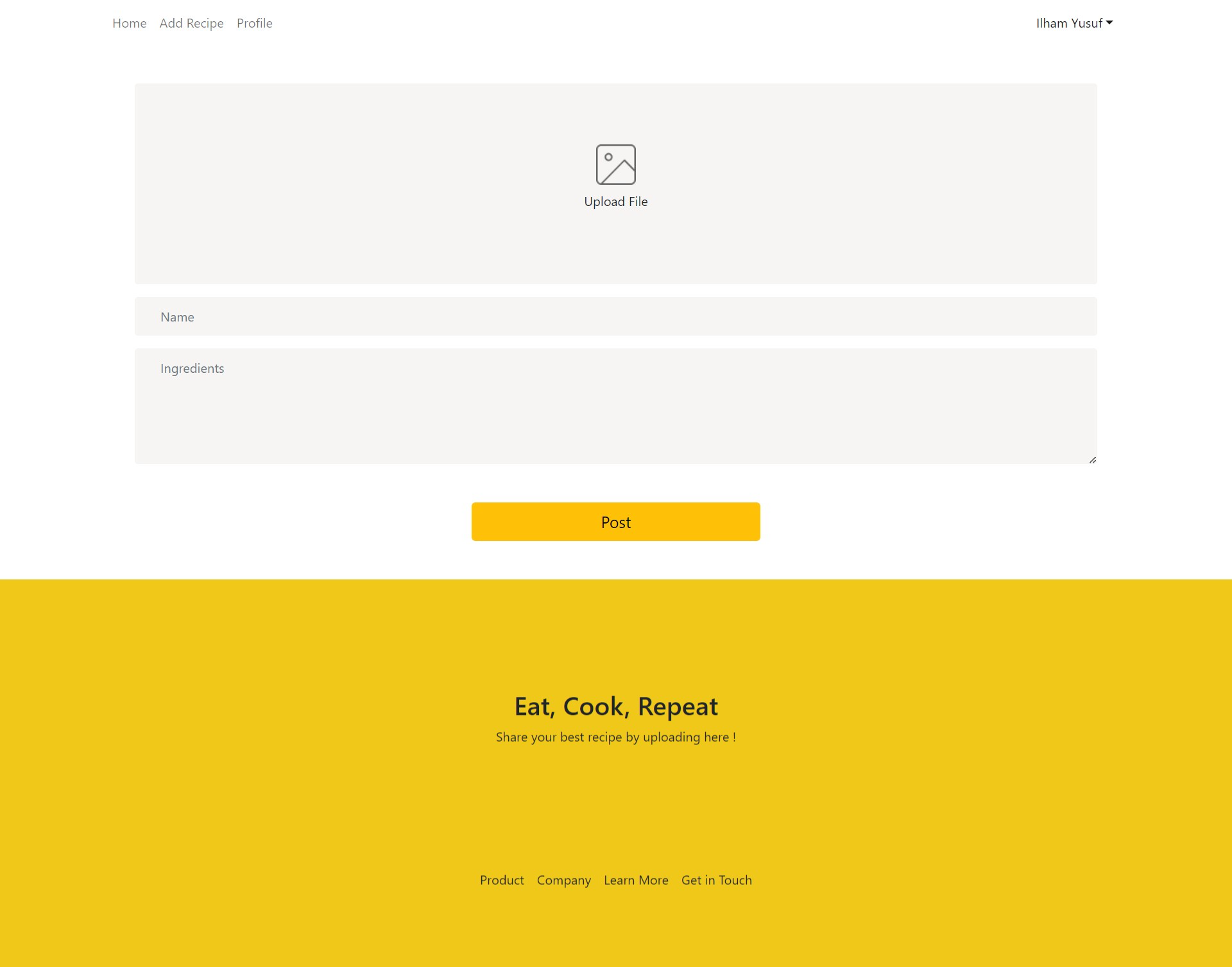 |
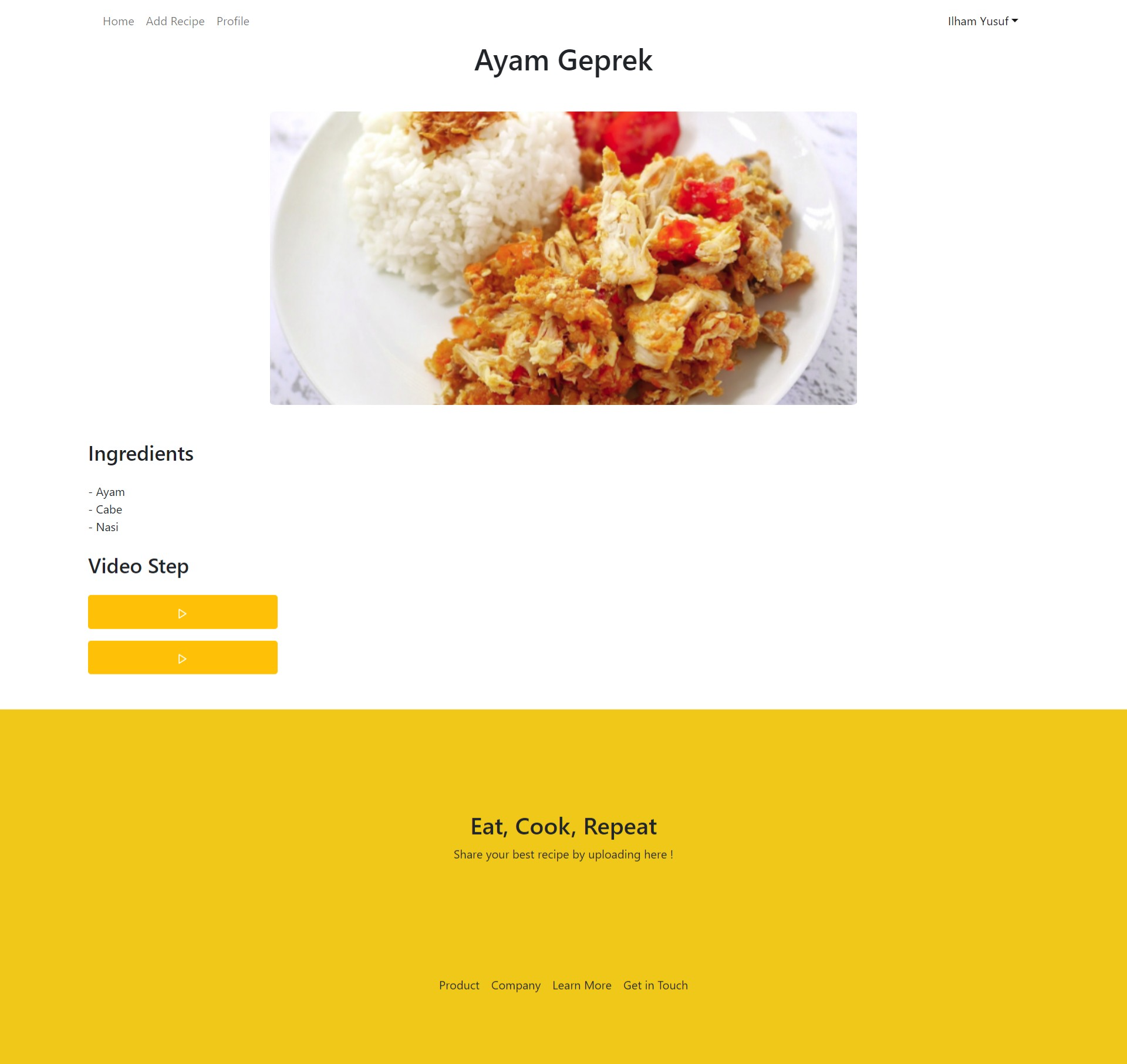
| Detail Recipe | Add Recipe |
 |
|
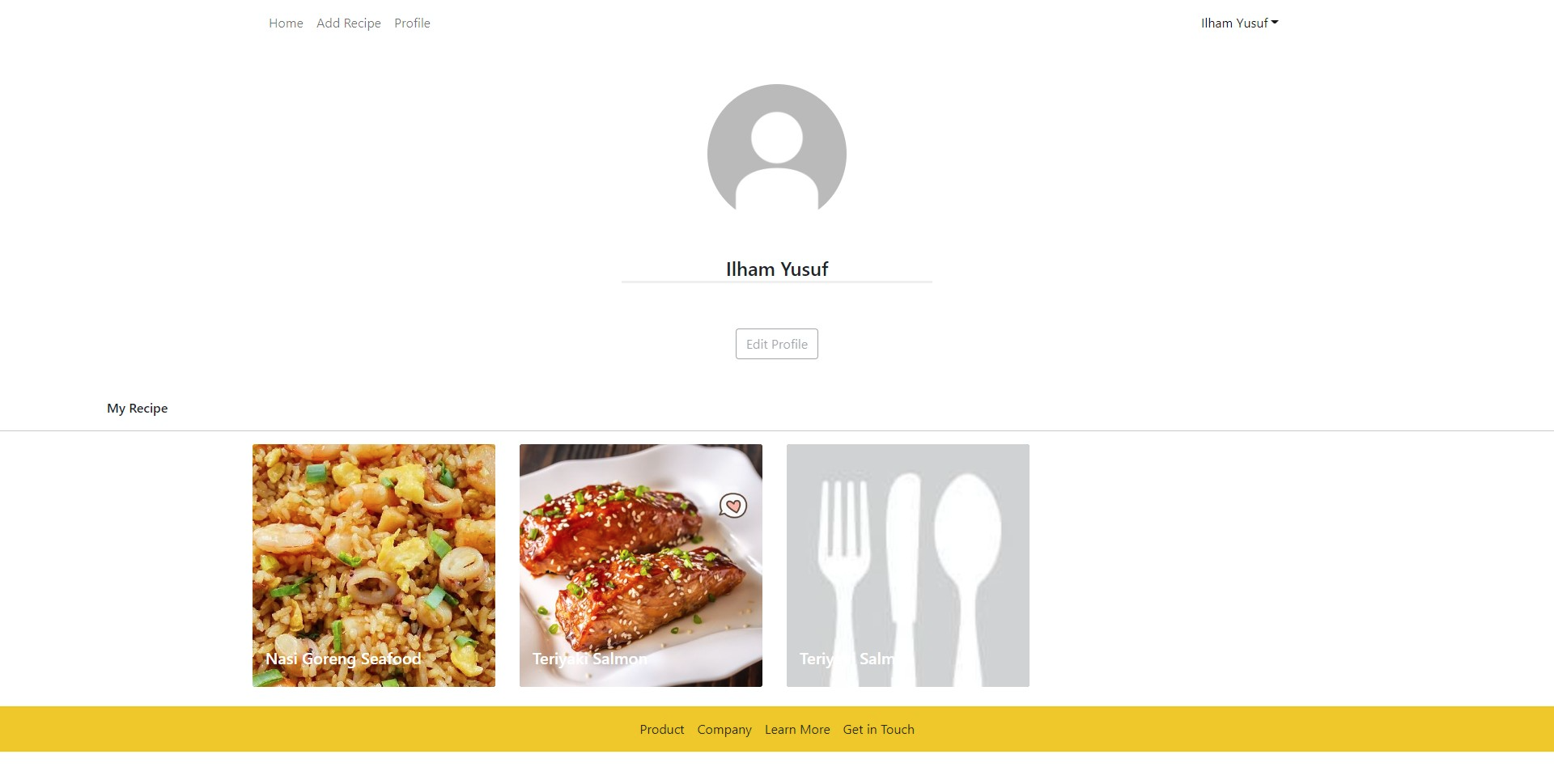
| Profile |
Contributions are what make the open source community such an amazing place to be learn, inspire, and create. Any contributions you make are greatly appreciated.
- Fork the Project
- Create your Feature Branch (
git checkout -b feature/AmazingFeature) - Commit your Changes (
git commit -m 'Add some AmazingFeature') - Push to the Branch (
git push origin feature/AmazingFeature) - Open a Pull Request
🚀 API
 Ilham Yusuf Alghani Front End Web Developer | Back End Web Developer |
Distributed under the MIT License.