




MLIR, TableGen, and PDLL support for the Zed editor.
- Tree-sitter grammars for MLIR (
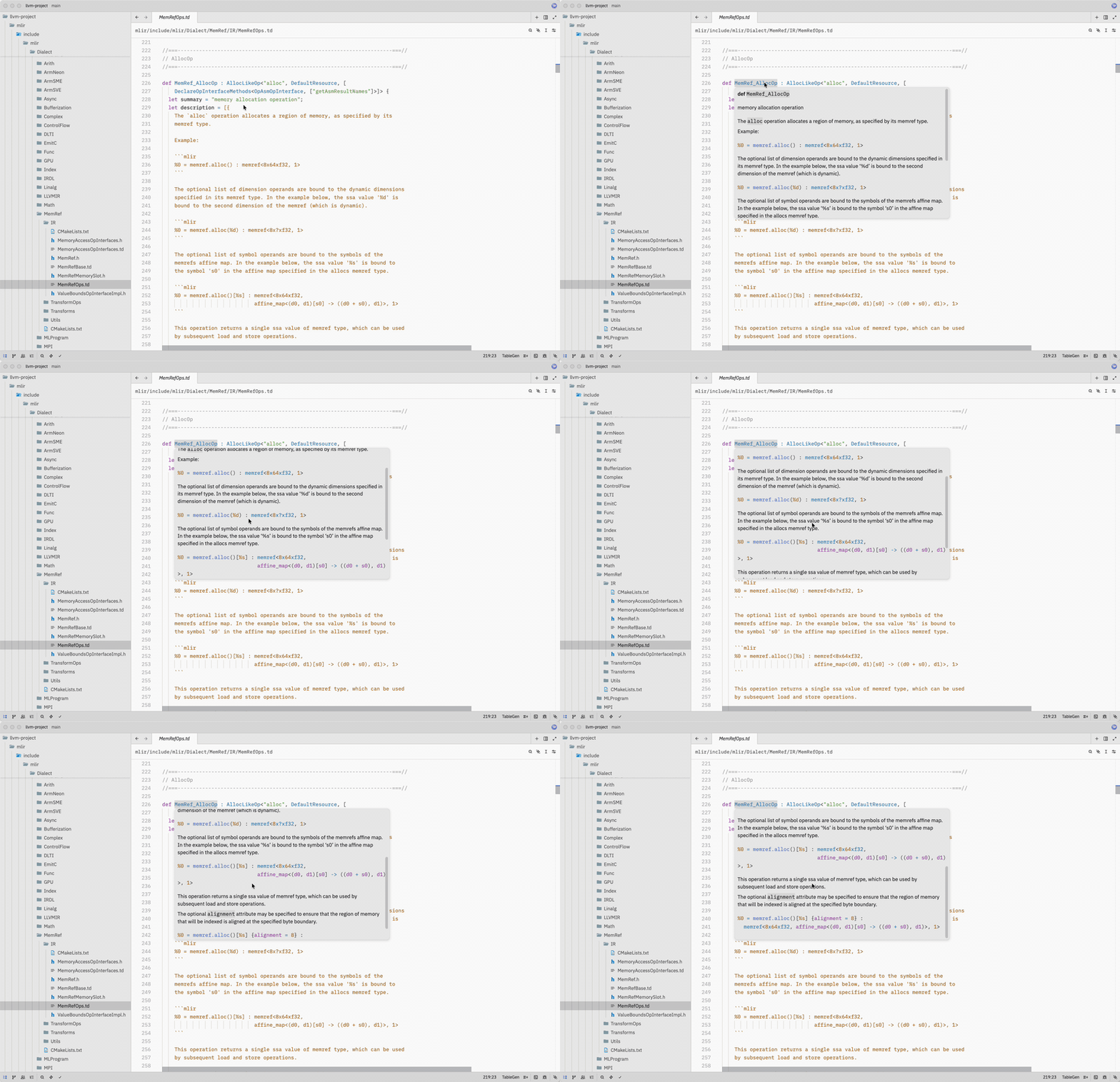
.mlir), TableGen (.td), and PDLL (.pdll) — the pinned MLIR parser parses a corpus of 566 official MLIR test files across 24 dialect directories withoutERRORnodes; MLIR Suite's Zed queries provide highlighting on top of those syntax trees. - MLIR inside C++ raw strings — when Zed's bundled C++ grammar injects
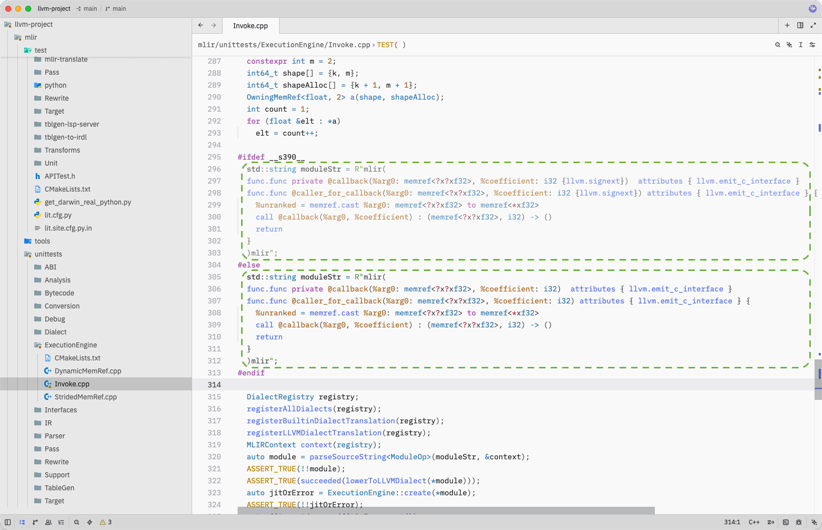
raw_string_contentby delimiter, MLIR insideR"mlir(…)mlir"strings is highlighted using this extension's MLIR grammar. - First-class custom dialect support — user-defined or out-of-tree
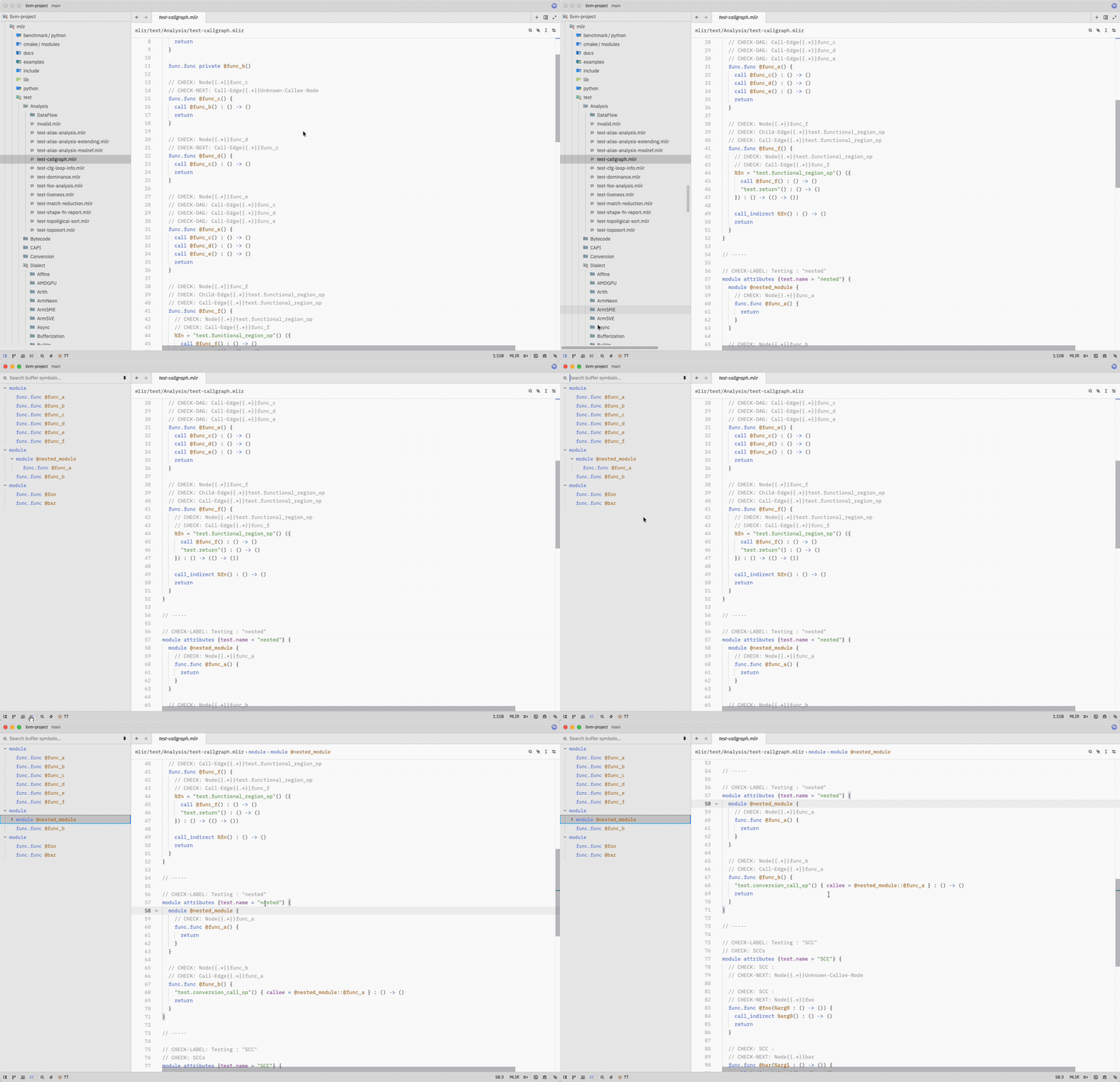
dialect.opforms are recognized and highlighted correctly, so your project's own dialects just work. - Symbol outline — navigate symbols in MLIR, TableGen, and PDLL from the outline panel.
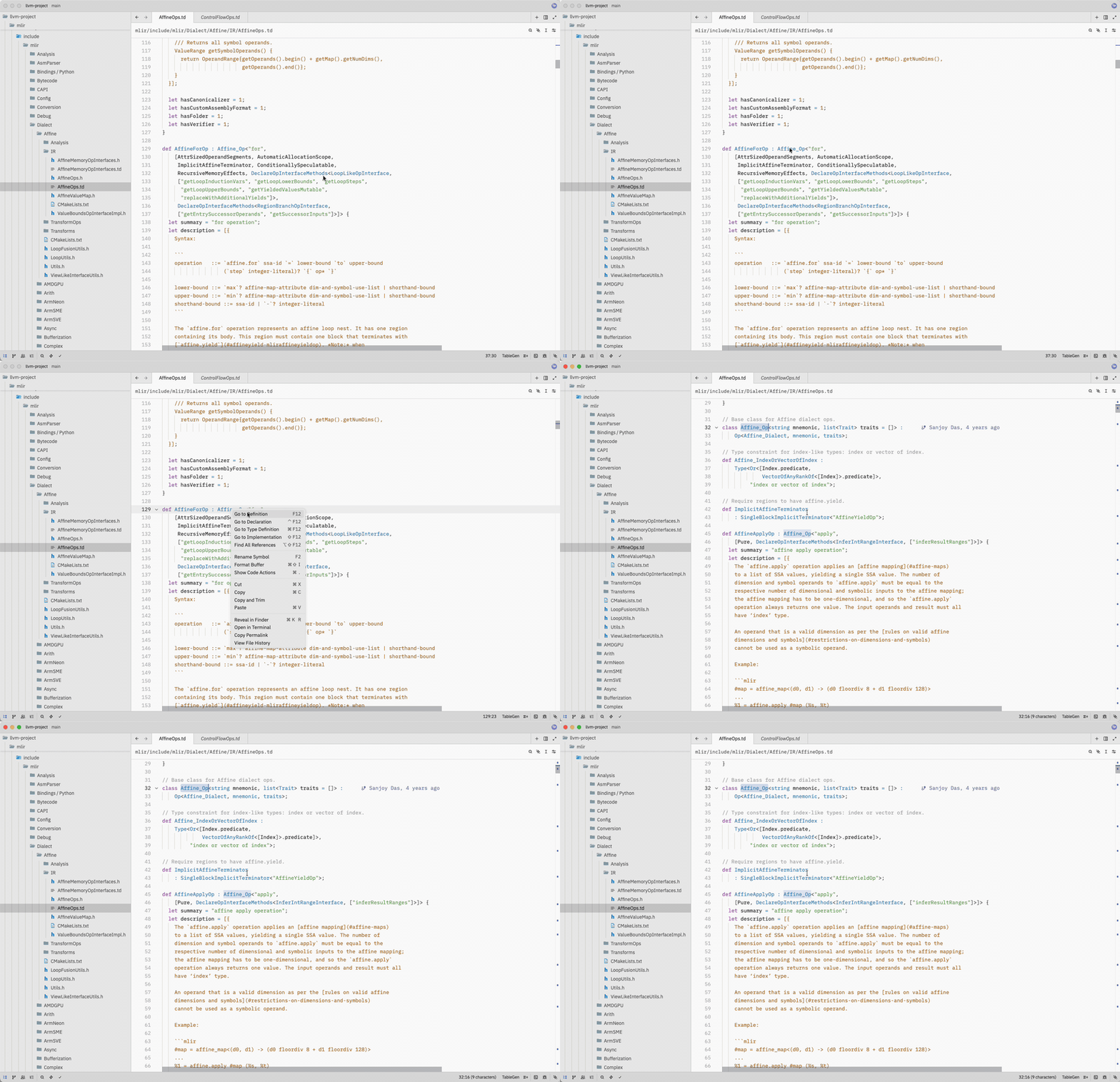
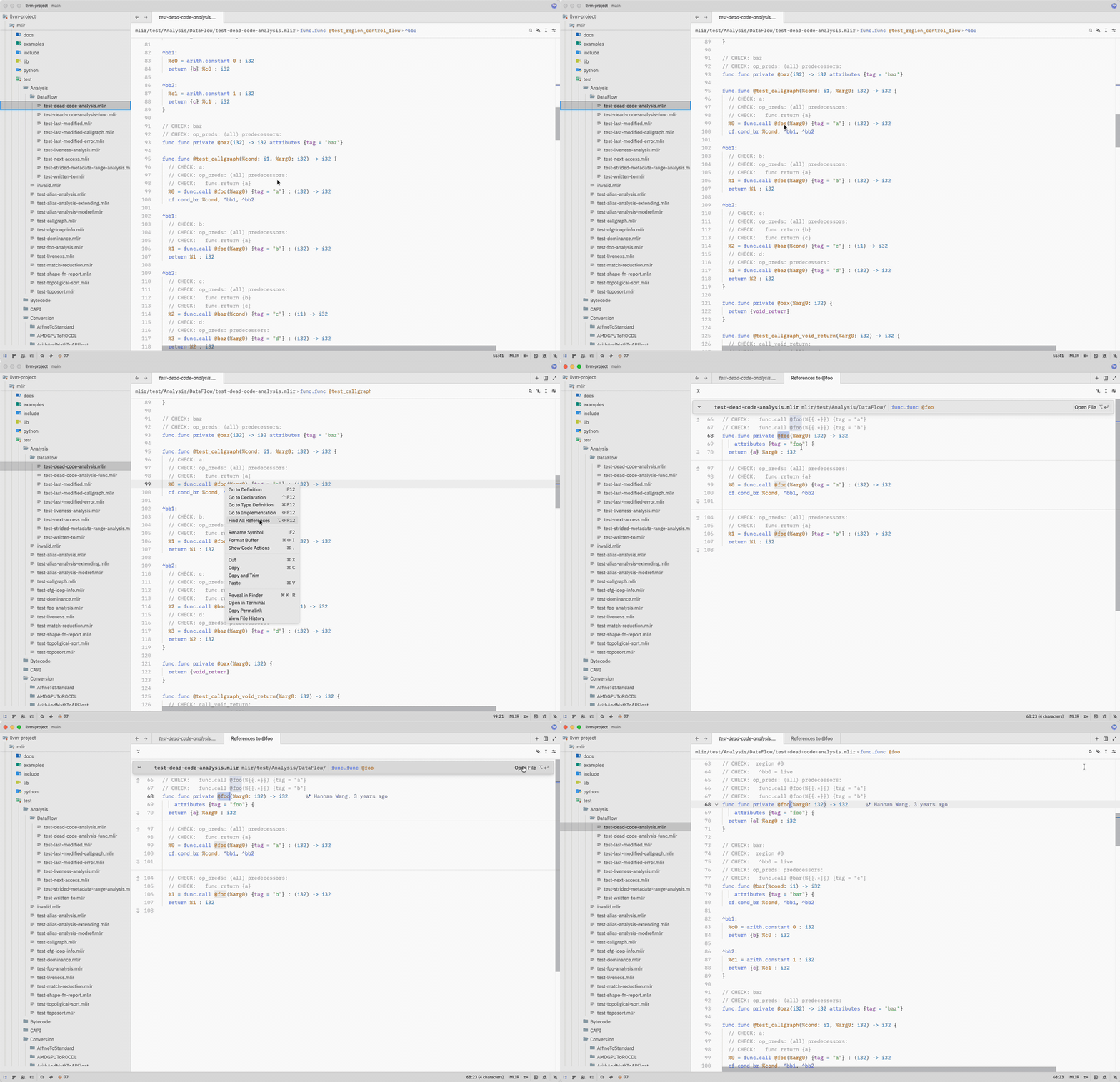
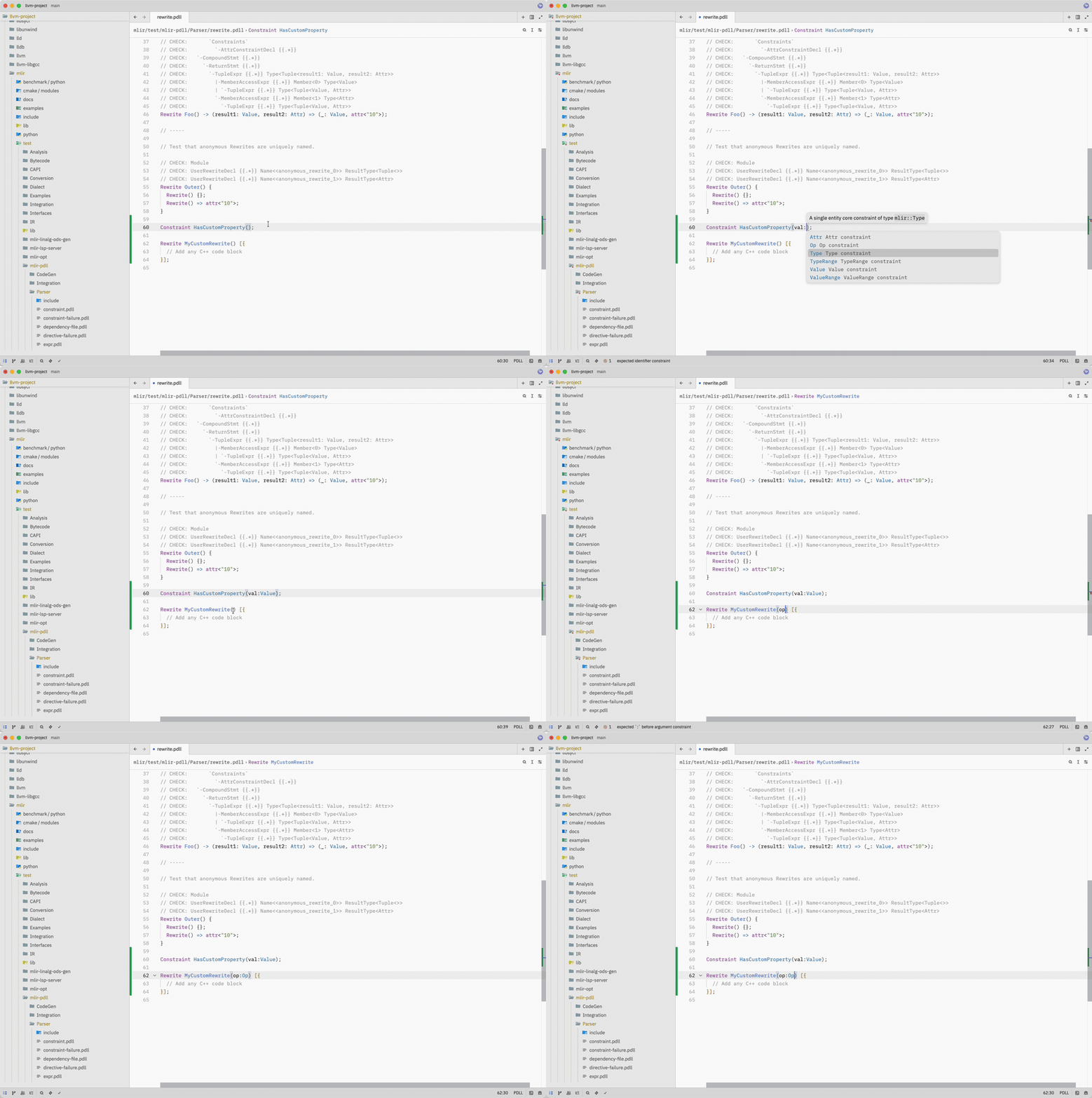
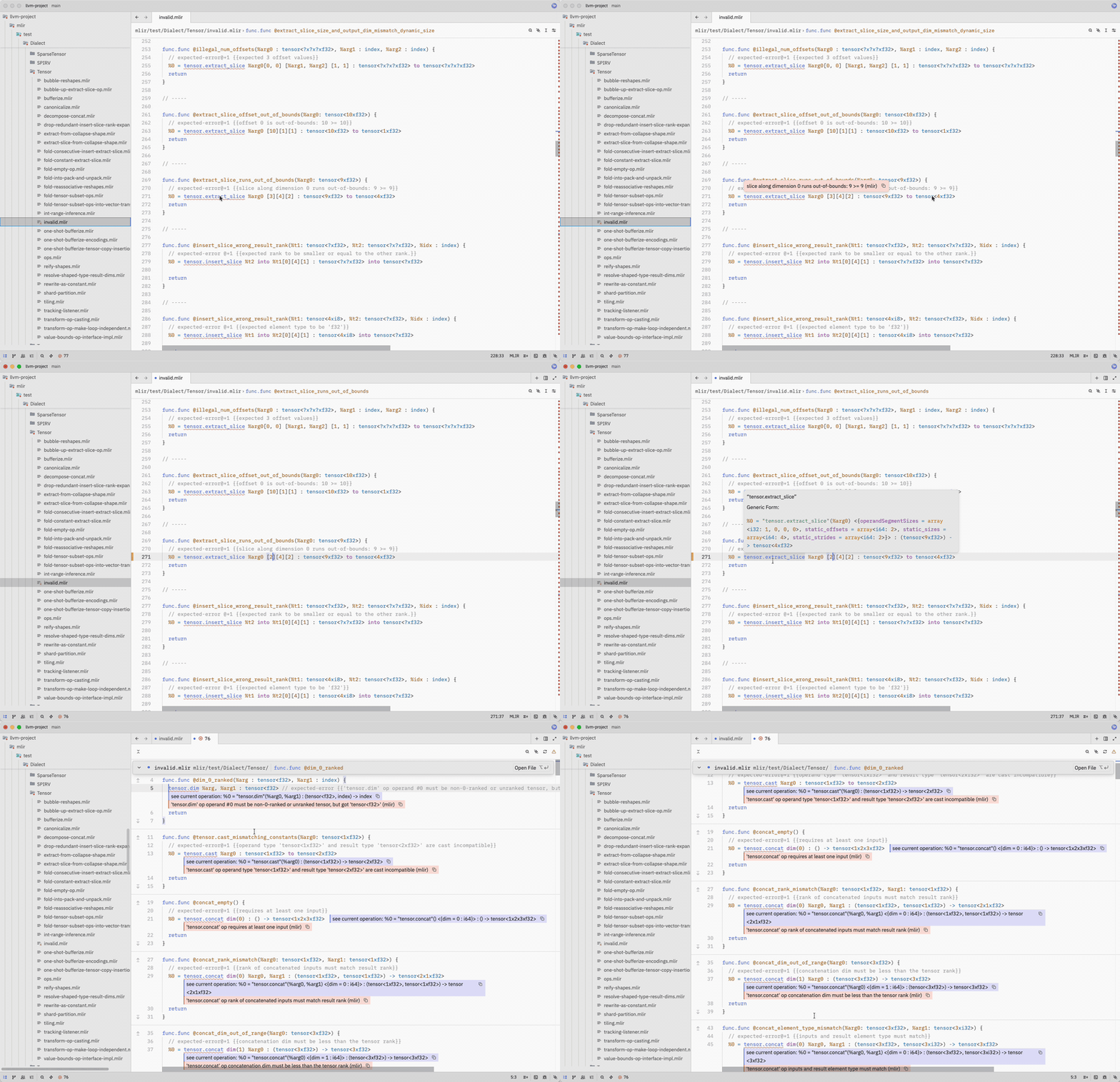
- Language Server integration for all three upstream LLVM servers:
mlir-lsp-serverfor.mlirmlir-pdll-lsp-serverfor.pdlltblgen-lsp-serverfor.td
- Rich completion labels — completion items from the MLIR and PDLL language servers are classified by their LSP kind and detail, so values, blocks, dialects, operations, types, attributes, constraints, and include paths are colored consistently.
- Editing ergonomics — bracket matching, auto-close pairs, and indentation tuned for each language.
- Zed editor
- (Optional) LLVM language servers for LSP features — see Language Server Setup.
This extension is installed as a Zed dev extension: clone the repository, then point Zed at the directory. Zed compiles the extension to WebAssembly on first install, so a local Rust toolchain is required.
Install Rust via rustup (stable). On macOS / Linux:
curl --proto '=https' --tlsv1.2 -sSf https://sh.rustup.rs | shOn Windows, download and run rustup-init.exe from rustup.rs.
Rust must be installed through rustup; Zed handles the required WebAssembly target automatically when it builds the dev extension.
git clone https://github.com/felixtensor/zed-mlir-suite.gitIn Zed, open the command palette (Cmd+Shift+P on macOS, Ctrl+Shift+P on Linux/Windows) and run zed: install dev extension — or open Extensions (Cmd+Shift+X / Ctrl+Shift+X) and click Install Dev Extension. Select the cloned directory.
Zed builds the extension on install; the first build fetches dependencies and may take a minute or two. If the build fails, run zed: open log to inspect Zed.log for details.
The three servers live in the llvm-project monorepo under mlir/tools/. Follow the official MLIR Getting Started guide to build them; a typical Unix-like flow is:
git clone https://github.com/llvm/llvm-project.git
mkdir llvm-project/build && cd llvm-project/build

cmake -G Ninja ../llvm \
  -DLLVM_ENABLE_PROJECTS=mlir \
  -DLLVM_TARGETS_TO_BUILD="Native" \
  -DCMAKE_BUILD_TYPE=Release \
  -DLLVM_ENABLE_ASSERTIONS=ON

cmake --build . --target mlir-lsp-server mlir-pdll-lsp-server tblgen-lsp-server
After a successful build, the binaries land in llvm-project/build/bin/. Either add that directory to your $PATH, or point each server at its absolute path via settings.json (see below).
Tip: if
mliris listed inLLVM_ENABLE_PROJECTSand you build the defaultalltarget, the three LSP servers are produced along with the rest of MLIR — no separate invocation needed.
Each server is configured under lsp.<server-id>.settings in Zed's settings.json. The extension looks for the server binary via settings.path, then falls back to $PATH.
| Language | Server id |
|---|---|
| MLIR | mlir-lsp-server |
| PDLL | mlir-pdll-lsp-server |
| TableGen | tblgen-lsp-server |
| Field | Type | Applies to | Description |
|---|---|---|---|
path |
string |
all | Path to the server binary |
compilation_database |
string |
tblgen, pdll | Path to the compilation-database YAML |
extra_dirs |
string[] |
tblgen, pdll | Extra include directories |
log |
string |
all | Log verbosity: "error", "info", or "verbose" |
pretty |
bool |
all | Pretty-print JSON output |
All fields are optional. The extension auto-detects compilation-database files in your workspace; if detection succeeds, no manual configuration is needed.
When using Zed's SSH remote development, language servers run on the remote server. Configure MLIR Suite server binary paths with zed: open server settings, not zed: open settings file; the latter edits the local machine's settings. See SSH remote development for the recommended settings layout.
Zed's native
binary.pathandbinary.argumentsfields still work and take precedence when set.
After changing settings, open the command palette (Cmd+Shift+P on macOS, Ctrl+Shift+P on Linux/Windows) and run zed: restart language server to apply them.
This extension builds on:
- MLIR — the multi-level intermediate representation framework from the LLVM project.
- tree-sitter-mlir — Tree-sitter grammar for MLIR.
- tree-sitter-tablegen — Tree-sitter grammar for TableGen.
- tree-sitter-pdll — Tree-sitter grammar for PDLL.
- The three LSP servers (
mlir-lsp-server,mlir-pdll-lsp-server,tblgen-lsp-server) are part of the LLVM project.
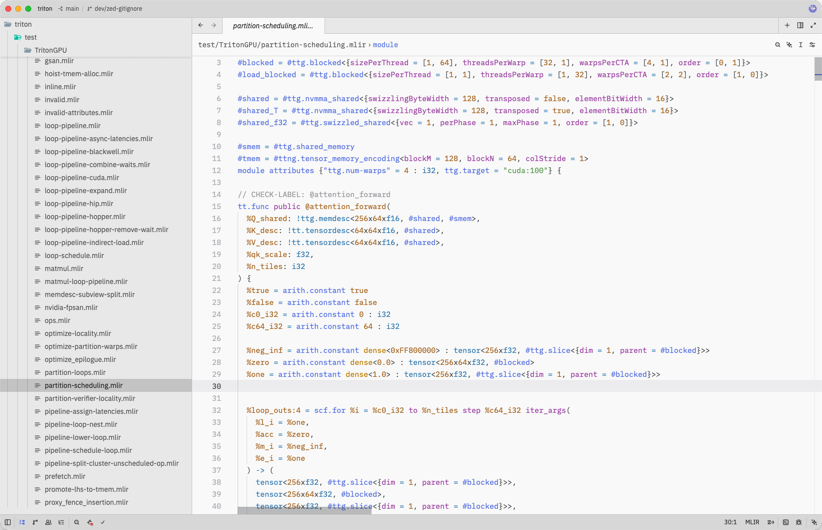
The out-of-tree dialect screenshot uses a TritonGPU test file from Triton.
For MLIR tooling in other editors, see:
- vscode-mlir — official VS Code extension for MLIR, PDLL, and TableGen.
- mlir-mode — Emacs major mode and LSP client, shipped in the LLVM monorepo.
MLIR Suite is actively developed. See the roadmap for planned work and CONTRIBUTING.md for issue reporting, development, and validation guidance. Participation is governed by the Code of Conduct.
- Use the issue chooser to report a bug, request a feature, or ask a setup question.
- Follow the pull request guidance when submitting a change.
Apache License 2.0 with LLVM Exceptions.
{
  "lsp": {
    "mlir-lsp-server": {
      "settings": {
        "path": "/path/to/mlir-lsp-server",
        "log": "verbose"
      }
    },
    "tblgen-lsp-server": {
      "settings": {
        "path": "/path/to/tblgen-lsp-server",
        "compilation_database": "/path/to/build/tablegen_compile_commands.yml",
        "extra_dirs": [
          "/path/to/llvm-project/llvm/include",
          "/path/to/llvm-project/mlir/include"
        ]
      }
    },
    "mlir-pdll-lsp-server": {
      "settings": {
        "path": "/path/to/mlir-pdll-lsp-server",
        "compilation_database": "/path/to/build/pdll_compile_commands.yml",
        "extra_dirs": [
          "/path/to/llvm-project/mlir/include"
        ]
      }
    }
  }
}