
Windows Users: You will be prompted to download missing dependencies, click Install (Cuda) if you have an Nvidia GPU, and if not, click Install (No Cuda).
Linux Users: All dependencies are packaged in the .AppImage - so this step does not apply
Then click "Select Image Folder" to select the folder containing the images.
Aftewards click Select Output Folder to select the folder where the result should be stored (There should be plenty of disk space in the location of the output folder).
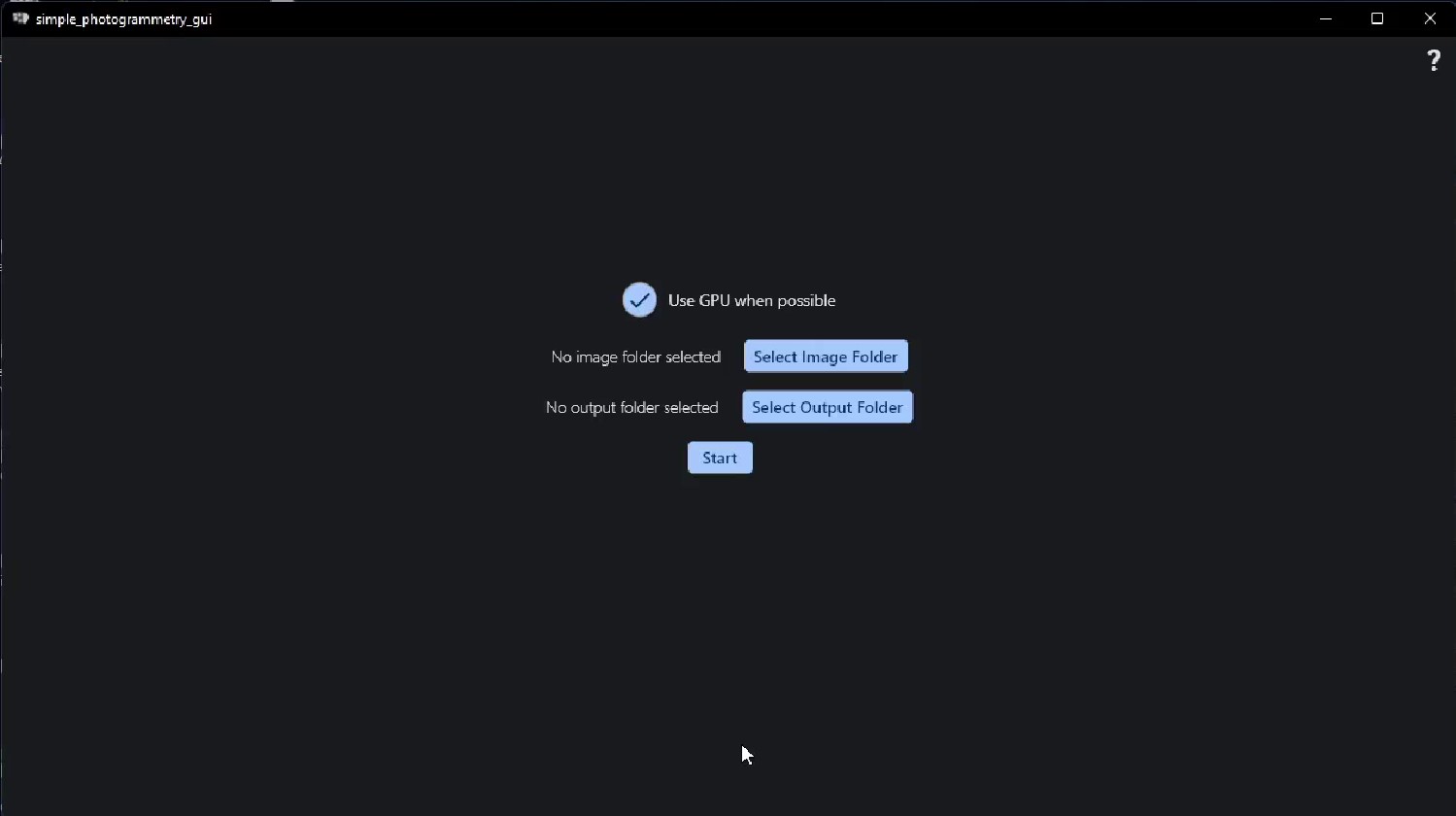
Lastly, click start. The finished result will be in the output folder with the name: textured.obj
```
git clone https://github.com/edin45/simple_photogrammetry_gui.git
cd simple_photogrammetry_gui
flutter clean
flutter pub get
flutter build windows --release
```
then alongside the simple_photogrammetry_gui.exe (in the build/windows/runner/Release folder) put your desired (compiled!) version of openmvs as a zip file called openmvs.zip (zip the contents of the folder not the folder itself, or it will not work).
Along with zip files of:
- decimateMesh.exe (compiled from python/decimateMesh.py using command: pyinstaller --onefile decimateMesh.py --collect-all pymeshlab)
- resizeImages.exe (compiled from python/resizeImages.py using command: pyinstaller --onefile resizeImages.py)
- texrecon.exe (is in the folder mvs-texturing)
This is experimental - so it could have issues,
but if it works it should compile all dependencies, collect them and set them up, and finally package everything into a nice .AppImage

```
git clone https://github.com/edin45/simple_photogrammetry_gui.git
cd simple_photogrammetry_gui/linux_compilation_scripts_wip
docker build -t simple_photogrammetry_gui_box .
docker run -it -v $(pwd)/..:/workspace/simple_photogrammetry_gui simple_photogrammetry_gui_box /bin/bash
cd /workspace
cp simple_photogrammetry_gui/linux_compilation_scripts_wip/compile_dependecies.sh .
cp simple_photogrammetry_gui/linux_compilation_scripts_wip/build_appimage.sh .
./compile_dependecies.sh
./build_appimage.sh
cp *.AppImage simple_photogrammetry_gui/
```
OpenMVS: https://github.com/cdcseacave/openMVS
Colmap: https://colmap.github.io/
mvs-texturing: https://github.com/nmoehrle/mvs-texturing