Skip to content

eYs3D/eCaptureView_Windows

Folders and files

NameName
Last commit message
Last commit date

Latest commit


History

36 Commits


Repository files navigation

eCaptureView_Windows

Prerequisites

  • Windows 10

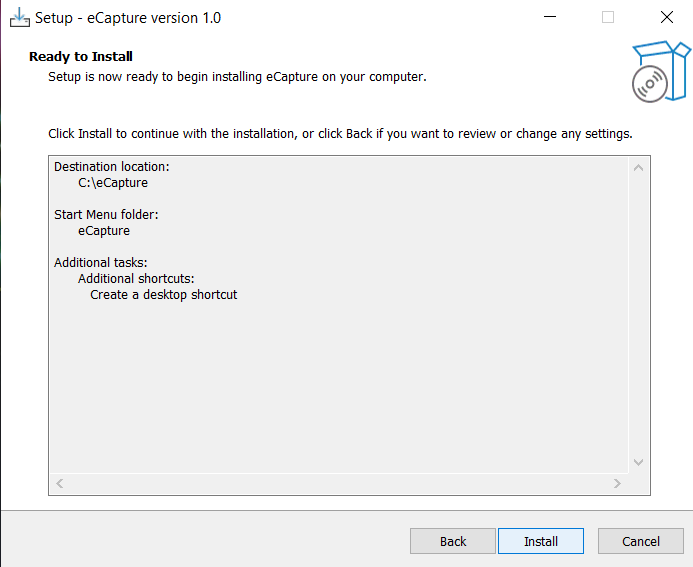
Installing the eCapture on Windows

  • Double click eCapture.exe that you downloaded to install application.
    step1 step2 step3 step4

Run eCaptureView

  • To start the application, go to "C:\eCapture" folder and double click eCapture.exe

step5

MSVCP140.dll or VCRUNTIME140.dll Missing on Windows 10 [Optional]

You may see a message like this when you launch a program on your Windows computer.
image image

[How to solve]

  • Reinstall the Microsoft Visual C ++ Redistributable package.
    Double-click vc_redist.x64.exe file where you install the eCapture, and follow the instructions to install it.
    Screenshot 2021-08-27 104252

About

eCaptureView_Windows release repository

Resources

Stars

2 stars

Watchers

0 watching

Forks

Packages


Contributors