A unified interface for Bkper. Use bkper in two complementary modes:
- Interactive mode — run
bkper agentto open the Bkper Agent TUI - Command mode — run
bkper <command>for explicit CLI workflows, scripts, and automation
With one tool, you can build and deploy Bkper apps, and manage financial data -- books, accounts, transactions, and balances.

- Node.js >= 22
bun add -g bkpernpm i -g bkperpnpm add -g bkperyarn global add bkperbkper auth loginThis is the only command that opens the browser OAuth flow. When you are done working, run bkper auth logout to clear local credentials.
bkper agent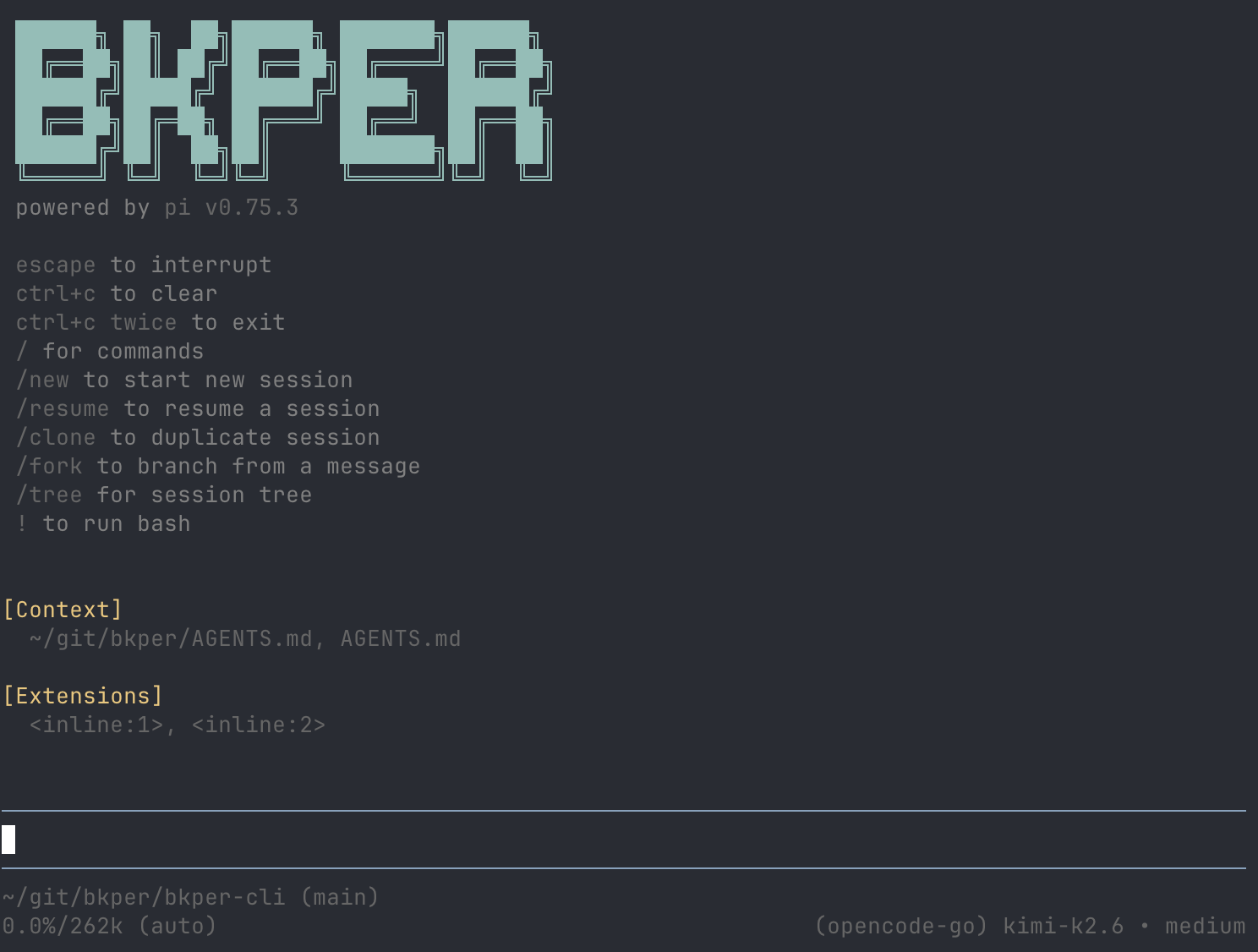
On first launch, type /login and select a provider. We recommend OpenCode Go for open-weights models and OpenCode Zen for frontier models — both give you access to high-quality models with no extra setup.
Good starting prompts:
What are the main account types in Bkper?How do I query transactions using the CLI?What files are in this project?Help me create a script that lists all accounts in my book
→ See Interactive Mode below for passthrough flags and advanced usage.
# List your books
bkper book list

# Show CLI help
bkper --help
Pick a book and create your first transaction:
bkper transaction create -b <bookId> --description "Office supplies 123.78"Run
bkper --helporbkper <command> --helpfor built-in documentation on any command.
→ See Data Management and App Management below for full command references.
Bkper's agent mode is intentionally a thin wrapper around Pi:
- Pi provides the core agent runtime and TUI
- bkper adds Bkper-specific domain context and startup maintenance behavior
On each agent startup, bkper performs a background CLI auto-update check (same behavior as command mode).
Use Pi CLI features directly through bkper:
bkper agent <pi-args>If no Pi arguments are provided, bkper agent starts the interactive Bkper Agent experience.
If Pi arguments are provided, everything after bkper agent is passed through to Pi.
Examples:
bkper agent -p "Summarize this repository"
bkper agent --model openai/gpt-4o -c
bkper agent install <pi-package-source>
bkper agent --help
bkper agent keeps Bkper defaults (including the Bkper system prompt) unless you explicitly pass --system-prompt.
Use bkper help agent for the Bkper CLI command help, and bkper agent --help for Pi help.
For all available passthrough flags and commands, see the Pi CLI reference: https://github.com/badlogic/pi-mono/tree/main/packages/coding-agent#cli-reference
Pi-specific extensions are loaded from Pi extension folders (for example .pi/extensions and ~/.pi/agent/extensions).
Manage books, files, accounts, transactions, and balances.
bkper book list
bkper account list -b <bookId>
bkper transaction list -b <bookId> -q 'on:2025' --format csv
bkper balance list -b <bookId> -q 'on:2025-12-31' --format csv
→ Full Data Management reference
Build, deploy, and manage Bkper apps.
bkper app init my-app
bkper app dev
bkper app sync && bkper app deploy
bkper app logs --last 50
bkper app logs reads recent app logs kept for 15 days. The default output is human-readable, and JSON is available with --json.
→ Full App Management reference
Use the access token for direct API calls from any tool.
This requires a prior bkper auth login, and bkper auth token does not start a browser login flow:
# Print the current access token
TOKEN=$(bkper auth token)

# Use it with curl, httpie, or any HTTP client
curl -s -H "Authorization: Bearer $TOKEN" \
https://api.bkper.app/v5/books | jq '.items[].name'The getOAuthToken function returns a Promise that resolves to a valid OAuth token, for use with the bkper-js library:
import { Bkper } from 'bkper-js';
import { getOAuthToken } from 'bkper';

Bkper.setConfig({
    oauthTokenProvider: async () => getOAuthToken(),
});- Developer Docs — full platform documentation
- App Template — scaffold a Bkper app in minutes
- Full CLI reference — data management, app building, taxes, and financial statements