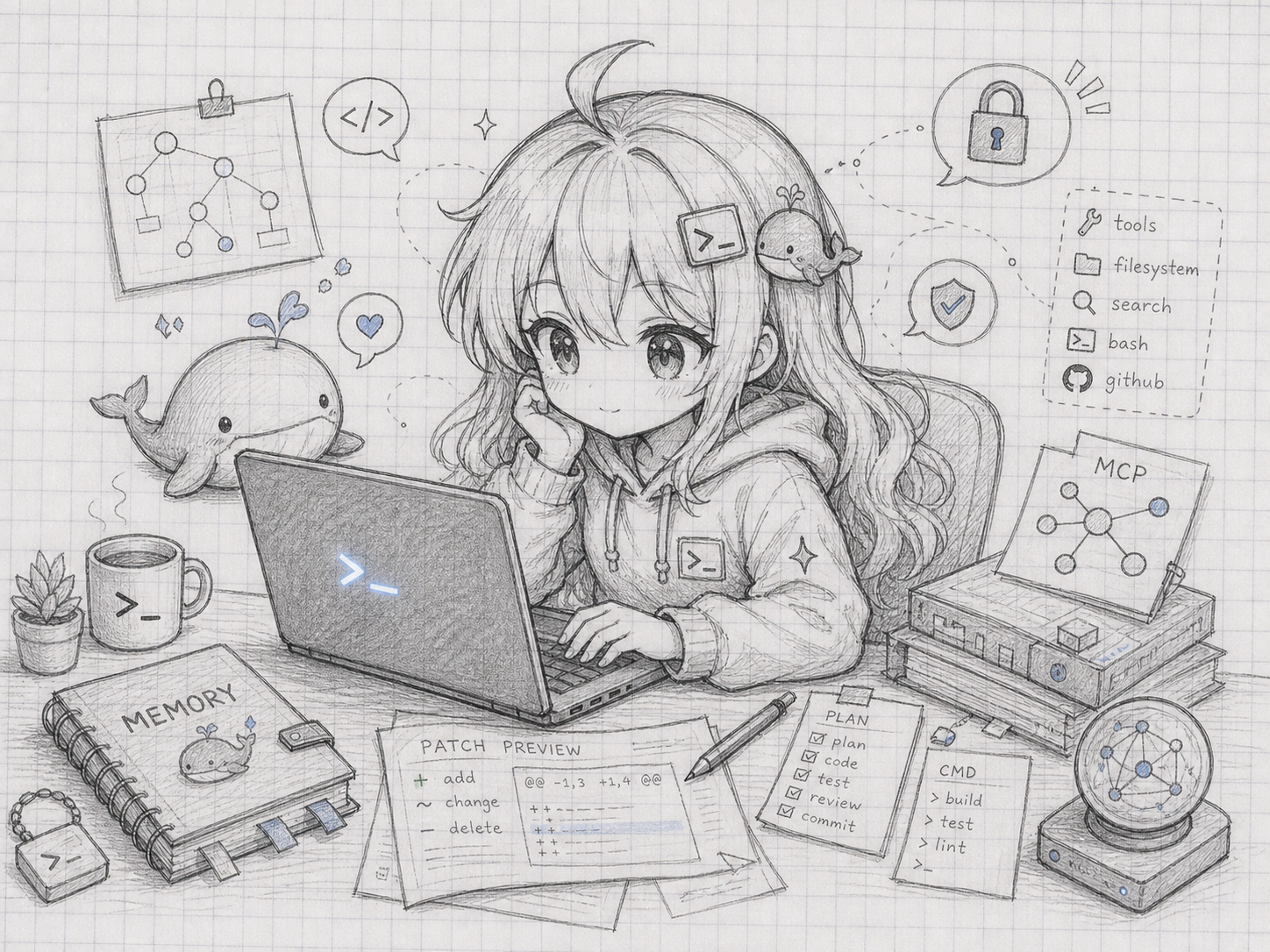
WEIPING_WHALE — a terminal-native DeepSeek coding agent.
Side-git snapshots · session fork/backtrack · auto model routing · skills · sub-agents · LSP diagnostics · live cost tracking · MCP · optional local HTTP/SSE API.
WEIPING_WHALE is a focused coding-agent CLI for people who want a small, honest
terminal tool rather than a web app. It inspects files, searches with glob/grep,
runs shell commands behind approval gates, previews edits as patches, checkpoints
your workspace around every turn so you can /undo, routes between DeepSeek models
per turn, connects MCP servers, and can expose a localhost HTTP/SSE control surface.
Based on CodeWhale (MIT). WEIPING_WHALE re-implements CodeWhale's feature set in TypeScript. CodeWhale is the mature Rust implementation of the same idea; this is a smaller, hackable TS sibling. Not affiliated with DeepSeek Inc.
npm install -g weiping-whaleOr run from source:
git clone https://github.com/appleweiping/WEIPING_WHALE.git
cd WEIPING_WHALE
npm ci
npm run build
node dist/index.js --doctor
The CLI installs three binaries: weiping-whale, wwhale, and deepseek (a
back-compat alias). State lives in ~/.weiping-whale/ (falling back to a legacy
~/.deepseek-cli/ if present, so existing sessions keep working).
export DEEPSEEK_API_KEY="<your-key>"
wwhale --doctor
wwhale
Useful invocations:
wwhale -t "summarize the architecture of this repo"
wwhale --model auto -t "find and fix the failing test"
wwhale --model pro --thinking max -t "review this change for security gaps"
wwhale --last
wwhale --serve --port 7878| Area | What it does |
|---|---|
| Model runtime | DeepSeek V4 Pro/Flash presets, thinking controls, --model auto per-turn routing |
| File work | read_file, write_file, edit_file, glob, grep |
| Shell work | execute_bash with blocked-command rules, approval queue, bounded timeout |
| Patch safety | writes default to preview; apply with /apply <id> |
| Snapshots | side-git checkpoints each turn; /snapshots, /restore, /undo, revert_turn |
| Sessions | named sessions, /fork, /backtrack, --last, resume by id/prefix |
| Cost | live cost + prefix-cache-hit footer chip; /cost |
| Compaction | /compact (model summary) and /compact fast (offline), tool-call-safe |
| Skills | workspace + global SKILL.md discovery; /skills install owner/repo |
| Sub-agents | agent_open / agent_eval bounded background workers |
| LSP | post-edit diagnostics from TypeScript + Python language servers |
| Vision | attach images with /image; sent as image_url content blocks |
| MCP | stdio MCP servers become normal tools with diagnostics |
| HTTP API | optional --serve localhost control surface with bearer-token auth |
| Memory | agentmemory REST when reachable; local outbox when offline |
Every turn is checkpointed into a separate git repository under
~/.weiping-whale/snapshots/ — your own .git is never touched. If a turn makes
a mess, /undo rolls the workspace back, /restore <id> jumps to a specific
snapshot, and the model can call revert_turn to undo its own edits.
With --model auto (or /model auto), a fast zero-cost keyword heuristic picks
the model and thinking level for each turn: hard signals (debug, error, 调试, デバッグ)
route to pro + max thinking, light ones (search, format, 格式化) to flash, and
everything else to a sensible default.
Drop a folder containing a SKILL.md (YAML frontmatter name + description)
into .weiping-whale/skills/ (workspace) or ~/.weiping-whale/skills/ (global).
WEIPING_WHALE also discovers .claude/skills and .agents/skills for cross-tool
reuse, and can install from GitHub:
# inside the REPL
/skills list
/skills install owner/repoAfter a direct file write or /apply, WEIPING_WHALE asks a language server for
diagnostics and feeds errors back to the model. Install the servers you want:
npm install -g typescript-language-server typescript   # TypeScript/JavaScript
npm install -g pyright                                  # Python
Diagnostics are best-effort: if a server isn't installed, it's skipped silently.
wwhale --serve starts a control surface bound to 127.0.0.1 that requires a
bearer token (auto-generated and printed once at startup):
GET  /health                      # unauthenticated liveness
GET  /v1/cost                     # session cost snapshot
POST /v1/message  {"message":"…"} # run a turn, returns { reply }
POST /v1/stream   {"message":"…"} # Server-Sent Events: start / reply / done
curl -s -H "Authorization: Bearer $TOKEN" \
  -d '{"message":"list the open TODOs"}' \
  http://127.0.0.1:7878/v1/message
Turns are serialized with the interactive REPL, in-flight turns and SSE connections are capped, and the prompt is sent in the request body (never the URL). Binding to a non-localhost host prints a loud warning — anyone who can reach the host and token can drive the agent.
Use /permission-model <mode> or the equivalent environment variables.
| Profile | Writes | Sandbox | Shell |
|---|---|---|---|
safe |
preview | workspace only | ask for risky commands |
read-only |
blocked | read-only | ask for risky commands |
trusted |
direct | unrestricted | auto-run except blocked patterns |
locked |
preview | read-only | never run risky commands |
The default is safe. Broadly destructive shell commands stay blocked even in
permissive modes. This is approval-gating, not an OS sandbox.
WEIPING_WHALE loads the first config file it finds:
WEIPING_WHALE_CONFIG/DEEPSEEK_CONFIG./weiping-whale.toml/./.weiping-whale.toml./deepseek-cli.toml/./.deepseek-cli.toml~/.weiping-whale/config.toml/~/.deepseek-cli/config.toml- the packaged fallback
config.toml
[llm]
model = "flash"
api_key_env = "DEEPSEEK_API_KEY"
base_url = "https://api.deepseek.com"

[agent]
workspace = "."
max_iterations = 50

[snapshots]
enabled = true
retention_days = 7

[subagents]
max_agents = 4
max_depth = 2

[lsp]
enabled = true
include_warnings = falsewwhale --doctor --json prints a structured report (runtime, endpoint host, auth
source, paths, safety modes, MCP state) and exits non-zero on required-check
failures. It never prints API keys, tokens, or full provider URLs.
npm ci
npm run typecheck
npm test # build + e2e suites + package smoke + release scanCodeWhale (formerly deepseek-tui) is a large, mature Rust coding agent.
WEIPING_WHALE is an independent TypeScript project that ports CodeWhale's ideas
at a much smaller scale, keeping the core hackable. Where CodeWhale ships OS
sandboxing and a 7-language LSP stack, WEIPING_WHALE stays honest about being a
TS tool: approval-gated shell (no OS sandbox) and a TypeScript/Python LSP subset.
MIT