PyGets is a lightweight widget toolkit for building small interfaces with pygame.
It provides reusable UI components for rapid prototypes, tools, menus, and simple applications without introducing a larger GUI framework.
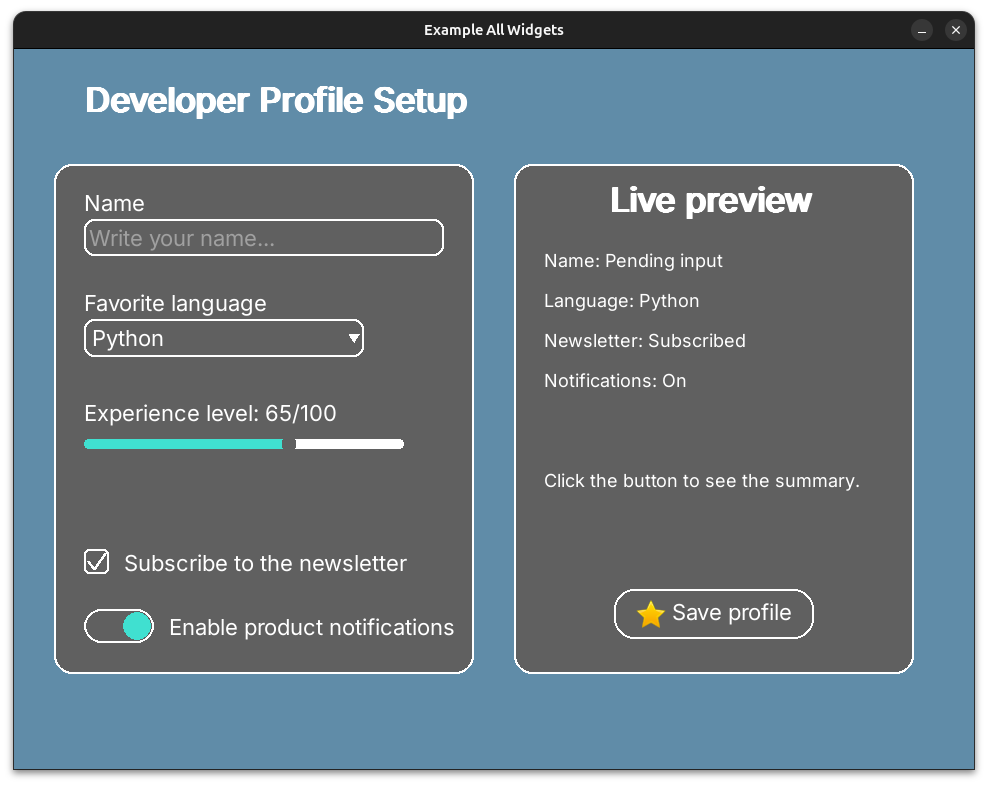
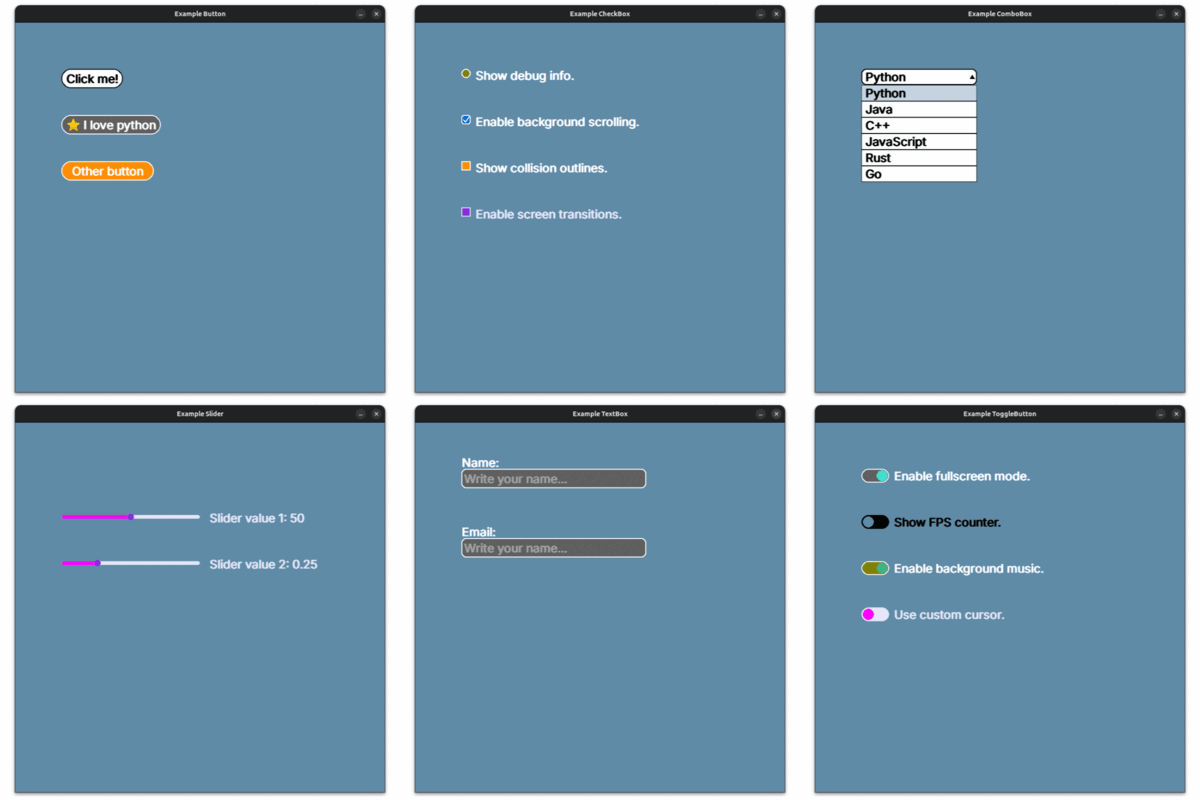
ButtonCheckboxComboboxPopupSliderTextboxTogglebutton- Built-in theme system with multiple predefined themes
After publishing to PyPI, users can install PyGets with:
pip install pygetsFor local development from this repository:
pip install -e .[dev]import pygame
from pygets.core.theme import themes
from pygets.widgets import Button
pygame.init()
screen = pygame.display.set_mode((800, 500))
pygame.display.set_caption("PyGets Demo")
font = pygame.font.Font(None, 28)
button = Button(
x=80,
y=80,
font=font,
screen=screen,
theme=themes["light"],
text="Click me",
)
clock = pygame.time.Clock()
running = True
while running:
clock.tick(60)
for event in pygame.event.get():
if event.type == pygame.QUIT:
running = False
if event.type == pygame.MOUSEBUTTONDOWN and event.button == 1:
if button.rect.collidepoint(event.pos):
print("Button pressed")
screen.fill((96, 140, 168))
button.draw()
pygame.display.flip()
pygame.quit()Install development dependencies:
pip install -e .[dev]Run the test suite:
pytest testsBuild release artifacts:
python -m build
python -m twine check dist/*- User docs:
docs/ - Examples:
examples/ - Contribution guide:
docs/CONTRIBUTING.md - Release guide:
RELEASING.md
PyGets is distributed under the MIT License. See LICENSE.