

TelegramBot module for MagicMirror
- You can remote-control your
MagicMirrorand modules withinTelegram. - The Bot is implemented in this module thus you don't need to manage antoher daemon.
- Other module developers can add their commands easily. (See the Wiki : https://github.com/eouia/MMM-TelegramBot/wiki )
[1.2.2] 2020-03-23
- added: Can upload screenshot to google photos via
MMM-GooglePhotos(> 2.0.0)
Ref : https://core.telegram.org/bots#6-botfather
- Open your browser in Desktop PC(or your mirror or your phone, anywhere) and Navigate to https://telegram.me/botfather
- Click
Send Messagebutton, then your telegram will be opened in your phone or your PC whichTelegramis already installed on. MeetBotFather. - Command
/newbot, give anameto the bot created, give anusername.usernameshould end withbot. (e.g.MyMagicMirrorBotormystupidslave-bot... ) - After created, you can get API Token. It looks like
110201543:AAHdqTcvCH1vGWJxfSeofSAs0K5PALDsaw. Remember that. - Read messages from
BotFather. You can find your bot and change chat room of your Bot. Type anything, but your bot will not react yet.
- In your mirror, open terminal and execute below;
cd ~/MagicMirror/modules
git clone https://github.com/eouia/MMM-TelegramBot.git
cd MMM-TelegramBot
npm install- Open
config.jsofMagicMirror, add these;
{
  module: 'MMM-TelegramBot',
  config: {
    telegramAPIKey : '<your Telegram API Token>',
    allowedUser : ['<your Telegram username without @>'], // This is NOT the username of bot.
  }
},- restart your
MagicMirror.
- Back to the chat room with your Bot in Telegram, try
/helpor/commands. Your bot will react! - Now,try
/mychatid. This command will show the id of this chat room. Thechat idlooks like12345678. Remember that. We will use this id for admin.
- Open
config.jsagain.
{
  module: 'MMM-TelegramBot',
  config: {
    telegramAPIKey : '<your Telegram API Token>',
    allowedUser : ['<your Telegram username without @>'],
    adminChatId : <your admin chat id>,
  }
},- Restart your
MagicMirror. - You can get welcome message in your admin chat room. Now you can use Bot!
{
  module: 'MMM-TelegramBot',
  position: "top_left", // Required since 1.2.0
  config: {
    telegramAPIKey : '<your Telegram API Token>',
    allowedUser : ['<your Telegram username without @>'],
    adminChatId : <your admin chat id>,

    useWelcomeMessage: false,
    verbose: false,

    /** added since 1.1.0 **/
    favourites:["/commands", "/modules", "/hideall", "/showall"],
    screenshotScript: "scrot",
    detailOption: {},
    customCommands: [],

    /** added since 1.2.0 **/
    telecast: null, // true or chat_id
    telecastLife: 1000 * 60 * 60 * 6, //
    telecastLimit: 5,
    telecastHideOverflow: true,
  }
},useWelcomeMessage: if set asfalse, Wake-up message will not happen.verbose: if set asfalse, log will not be logged.favourites: put your favourite commands to telegram keyboard. They will be loaded by command/favorscreenshotScript: set your screencapture program(if needed with option parameters but not target filename. The filename will be added in the end of this command automatically.) if set as null,/screenshotwill not work.
If you are using another platform, find a proper screencapture program for your environment. (e.g: for OSX,
screencapturewill be valid.)
detailOption: For Developer/Expert. Set detail options fornote-telegram-bot-apiconstructor (https://github.com/yagop/node-telegram-bot-api/blob/5169d79bd92495d169f9e49302b9f5c630c6ccfc/src/telegram.js#L186)customCommands: You can add your own command (Finally!!!)telecast:nullfor disallowance.truefor activating by only/telecastcommand."{chatId}"for telecasting whole chats in specific chat room. (Read the wiki)telecastLife: ms of lifetime of chat. After this time, chat will be disappeared and cache data also be removed.telecastLimit: How many chats be displayed. Older chat will be shifted by new one.telecastHideOverflow: ontrue, when overflowed old chats will be hidden. (defined by CSS) If you have touch/mouse interface, you can scroll hidden area.
Telecast might have different look by position of module. on .bar, .middle.center, .third region,
telecastLimit:1would be better. Or modify CSS by yourself.
[1.2.1] 2020-03-15
- added: text identifier on no profile photo.
- added:
TELBOT_TELECASTnotification.
[1.2.0] 2020-03-13
- Added:
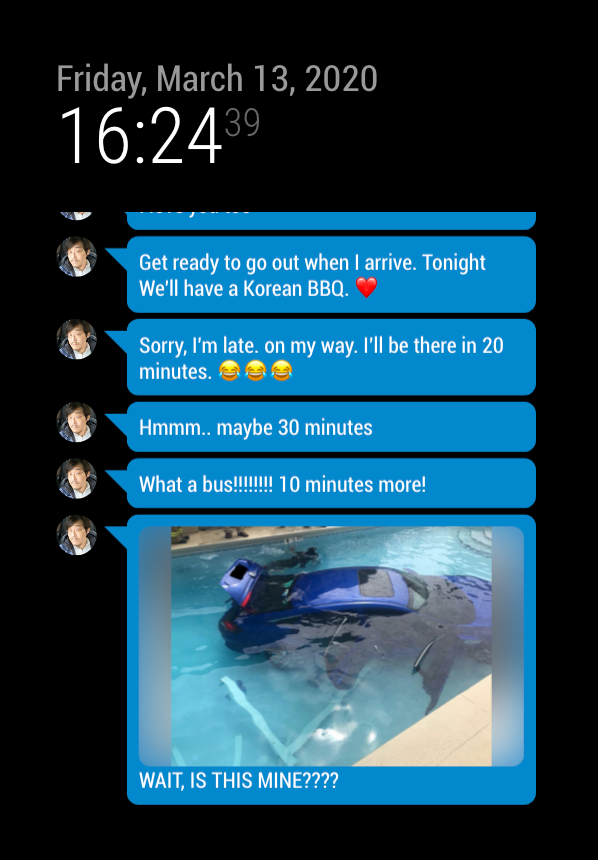
Telecast. Now you can telecast your chat or message on MagicMirror screen. (Read the wiki) - Changed:
positionis needed fortelecast(You need to re-configure)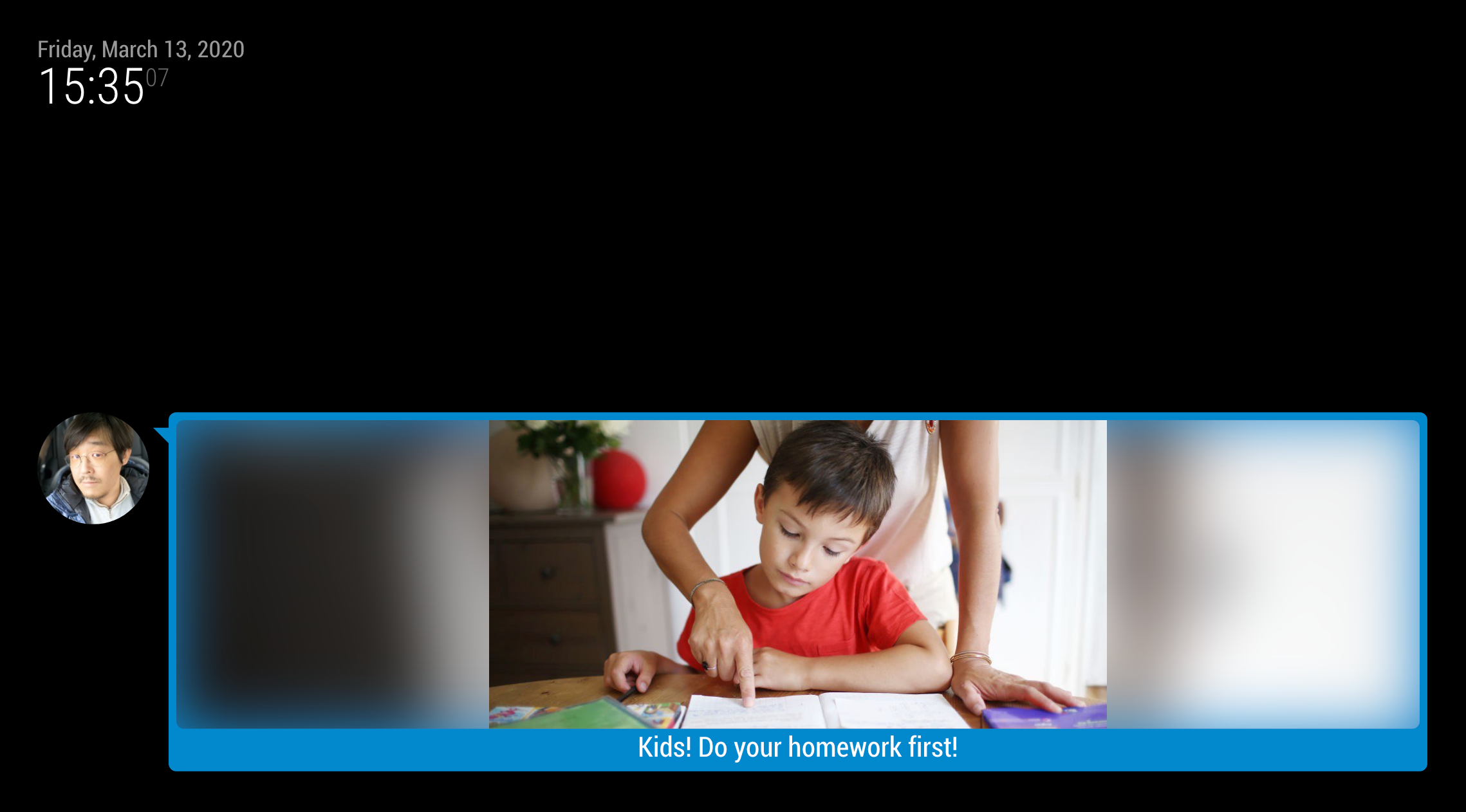
[1.1.1] 2020-03-09
- changed:
TELBOT_TELL_ADMINcan get rich format.
[1.1.0] 2020-02-27
-
added: new commands
/recent: load telegram keyboard for recent used commands/favor: load telegram keyboard for favorite commands/shell: execute shell script or shell command (e.g:/shell echo hello world)/notification: emit MagicMirror notification (e.g:/notification SHOW_ALERT {"title":"test", "timer":1000})/screenshot: take a screenshot of MagicMirror
I will remove screenshot feature from
MMM-Toolson next updates at near future, so use this instead. -
added: new features
- custom command by user available.
- abbreviation of command available (e.g: You can use just
/notior/ninstead of full/notification) - detail option of telegramBot constructor(API) available. (e.g: proxy setting) - experimental
-
changed: kinder logging message.
-
changed:
parse_mode:"MarkdownV2"is supported.(natively by API) -
Some translate files are not completed. Please PR for others.
[1.0.2] : 2019-12-16
- Added: Now
commandis registrable on runtime through notificationTELBOT_REGISTER_COMMAND
[1.0.1] : 2019-09-10
- Added:
useWelcomeMessageandverbose
See the Wiki