- Web login system is created with PHP, Javascript, MySQL and PHPMailer
- Apply jQuery, AJAX and Bootstrap
- XAMPP 7.2.0 (Apache web server and MySQL Database)

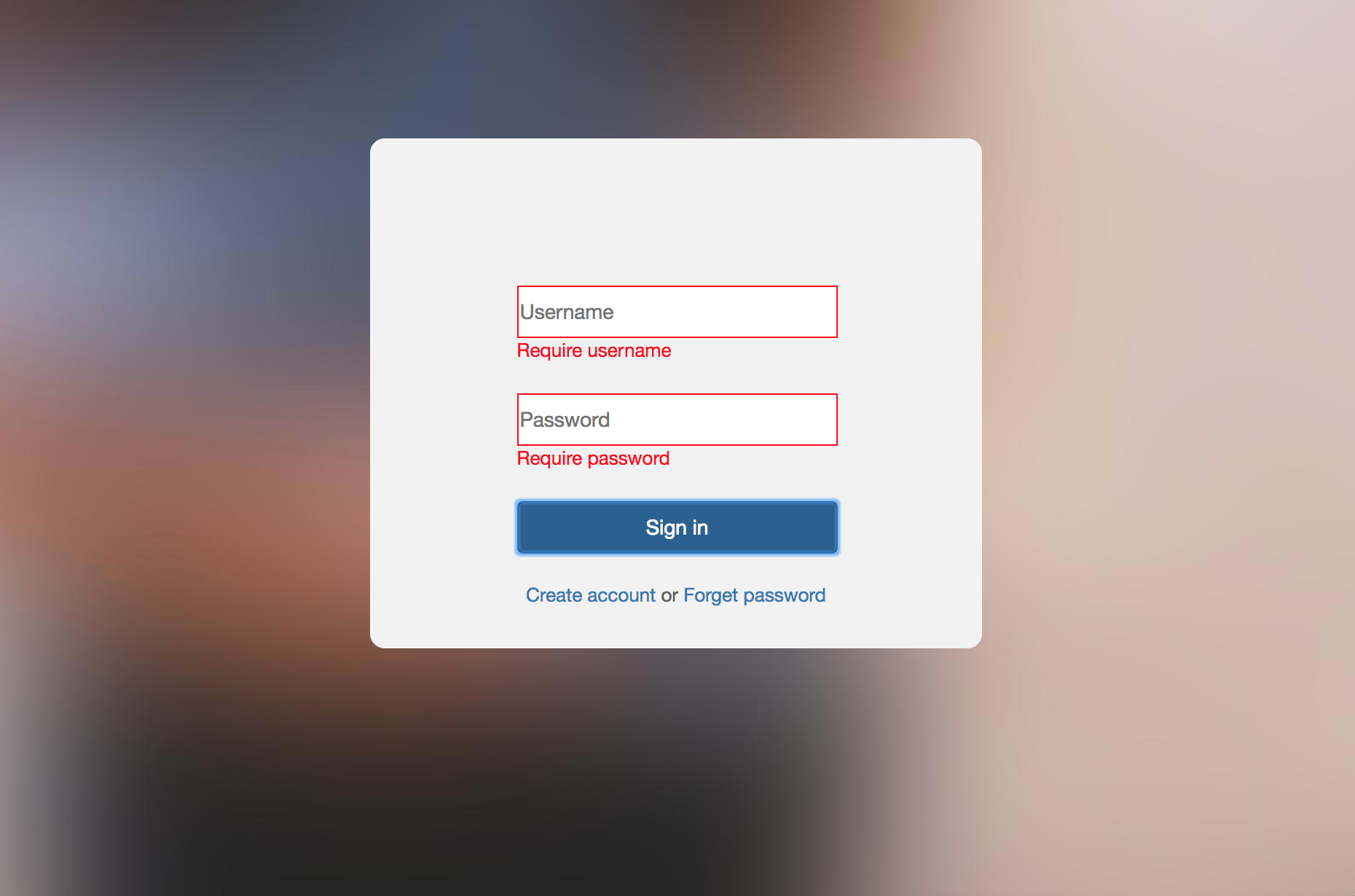


If the user forgets his password, he will need to enter their registered username. And then a validation code will send to user's email. User uses validation code to reset their password.




- Download and Set Up XAMPP(make sure the Apache Web Server and MySQL Database running)
- Go to the website localhost/phpmyadmin, create a MySQL database named loginapp and create table named users with 6 columns. The 6 columns are named with id, firstName, lastName, email, userid, pwd separately.
- Register a new user in this LoginSystem, then user can sign in successfully.
- If the user forget their password, the LoginSystem will apply PHPMailer to send user a email with validation code to let them reset their password. So as to do that, you need to add some codes in the reset.php file.
In line 28 $mail->Username = ''; add a gmail address into ''
In line 29 $mail->Password = ''; add the password of gmail into ''
In line 34 $mail->setFrom(""); add the same gmail address into ""