
AdGuard is a lightweight and efficient ad blocking browser extension
that removes unwanted ads, trackers, and intrusive elements across the web.
AdGuard.com |
Reddit |
Twitter |
Telegram


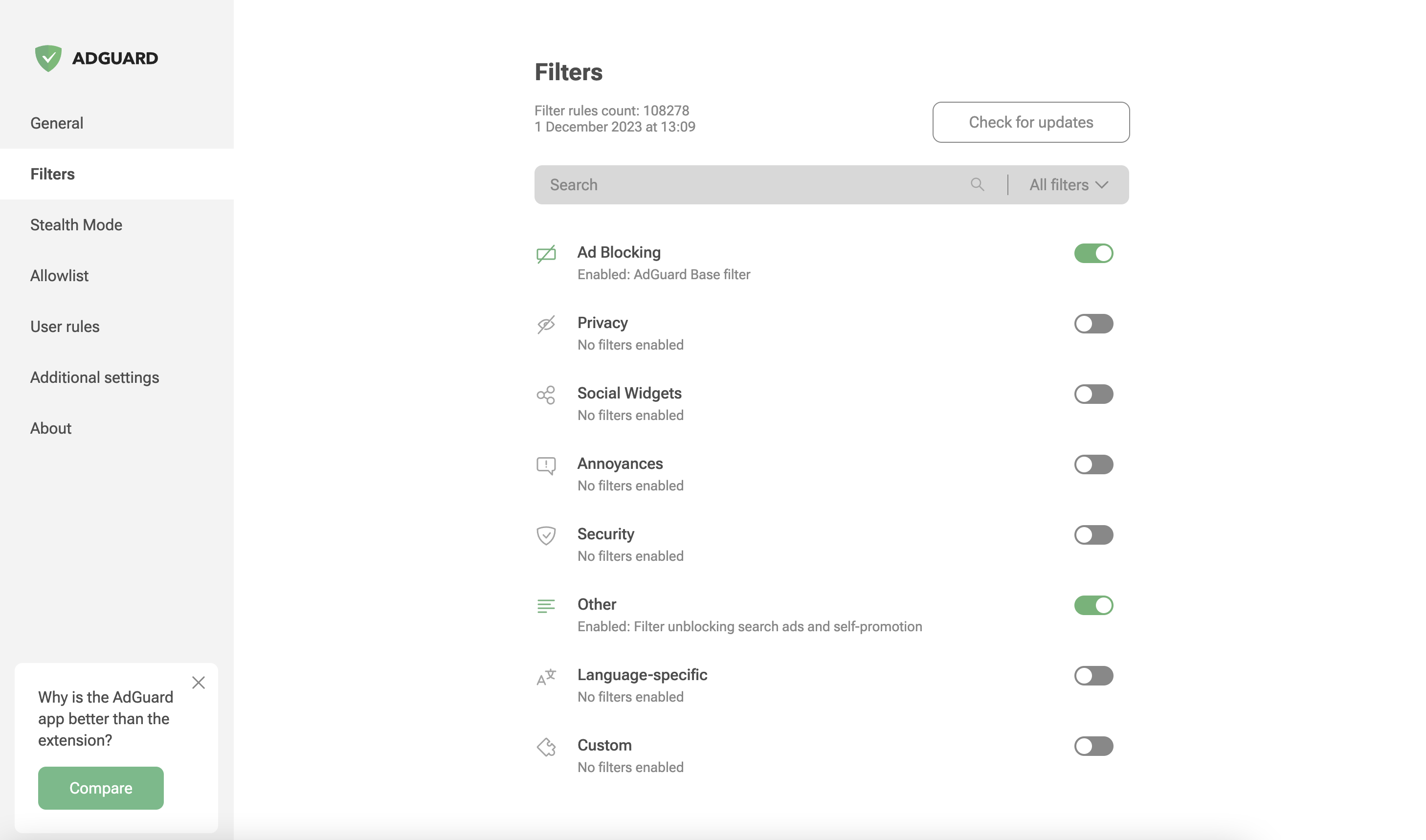
AdGuard Browser Extension is a fast and optimized browser add-on created to block advertisements, prevent tracking technologies, and improve your browsing privacy.
The extension blocks different types of ads and unwanted web elements while providing advanced privacy protection features. Instead of only hiding known trackers, AdGuard helps prevent websites from collecting information that can be used to create hidden user profiles.
Unlike standalone AdGuard applications for Windows and macOS, the browser extension is completely free and open source. More details about product differences are available in the official comparison guide.
AdGuard does not collect personal information, track browsing activity, or participate in any acceptable ads program. The project is supported by premium versions of AdGuard products and remains focused on user privacy.
Get the extension from the official Chrome Web Store.
Install AdGuard through the official Mozilla Add-ons website.
The extension can be downloaded from the Opera Add-ons store.
Available for installation through the Microsoft Store.
AdGuard is powered by a community of users and contributors who help improve the project in different ways. Everyone can participate by translating, testing new releases, reporting issues, or suggesting improvements.
Active contributors help make AdGuard better for users worldwide, and every contribution matters.
Those who want to assist with translations can find all required information about the AdGuard translation program here:
https://adguard.com/kb/miscellaneous/contribute/translate/program/
Beta versions of AdGuard Browser Extension are available for users who want to test upcoming changes and provide feedback.
Additional information can be found on the official beta page:
Use GitHub to report bugs or request new features. Create an issue through the official repository:
https://github.com/AdguardTeam/AdguardBrowserExtension/issues
Note
Problems related to filtering rules, such as missed ads or incorrect blocking, should be reported in the dedicated repository: https://github.com/AdguardTeam/AdguardFilters
Additional contribution methods are available on the official contribution page:
https://adguard.com/contribute.html
After installing the extension from your browser store:
- Select the AdGuard icon in the browser toolbar to open the extension menu. Protection starts automatically with recommended filter lists enabled.
- Enable or disable protection for the current website using the main switch.
- Open settings through the gear icon to access advanced configuration options.
- Use Assistant to manually select and block unwanted elements on any webpage.
The extension is ready to use immediately after installation with default settings optimized for most users.
AdGuard requires browser permissions to provide filtering, privacy protection, and customization features.
tabs— access required for managing extension tabs and settings pageswebRequest— used for filtering requests, applying rules, and tracking blocked resourcescookies— required for cookie management and tracker protection featurescontextMenus— used to create browser context menu actionsstorage— stores preferences, rules, and custom filtersunlimitedStorage— allows storing large filter databaseswebNavigation— required for script injection timingprivacy— provides access to browser privacy settings
<all_urls>— allows filtering and modifying content on websiteswebRequestBlocking— enables synchronous request blocking
host_permissions— provides website access under Manifest V3userScripts— allows custom filtering scriptsscripting— injects required scripts into pagesdeclarativeNetRequest— manages request blocking and modificationdeclarativeNetRequestFeedback— provides filtering activity information
Because of the transition from MV2 to MV3, filter updates require automated build processes instead of direct remote updates.
The CI system creates updated extension versions containing the latest @adguard/dnr-rulesets package with refreshed static filtering rules.
Automated processes regularly synchronize new releases from the @adguard/dnr-rulesets package.
Build timing is controlled through the CI schedule and ensures that users receive updated filtering rules as quickly as possible.
Chrome Web Store's "skip review" mechanism has limitations. Extensions containing changes to filtering scripts cannot always be published through this process and may require a full review cycle.
Script rules are generated during the build process and stored in local_script_rules.js for safe usage with the scripting API.
Automated builds perform:
- Unit testing.
- Translation verification.
- Code quality checks.
- Resource updates.
- Integration testing.
After successful validation, the updated extension package is prepared for release.
The extension follows this version format:
major.minor.patch+autoBuildIncrementVersion.buildTag.dnrRulesetsVersion
- major.minor.patch — standard semantic version number.
- autoBuildIncrementVersion — automatic build counter.
- buildTag — identifier describing build status.
- dnrRulesetsVersion — version of the DNR filtering rules package.
Example:
5.2.1+88.beta.20251014
For browser-compatible builds, the version format is:
major.minor.patch.autoBuildIncrementVersion
AdGuard Browser Extension supports both Manifest V2 (MV2) and Manifest V3 (MV3).
| Browser | Version |
|---|---|
| Chromium-based browsers MV2 | ✅ 106 |
| Chromium-based browsers MV3 | ✅ 121 |
| Firefox | ✅ 78 |
| Firefox Mobile | ✅ 113 |
| Opera | ✅ 67 |
| Opera MV3 | ✅ 107 |
| Edge Chromium | ✅ 80 |
| Edge Legacy | ❌ |
- Development — setup instructions and development workflow
- Changelog — list of changes and releases
- LLM agent rules — instructions for AI coding assistants