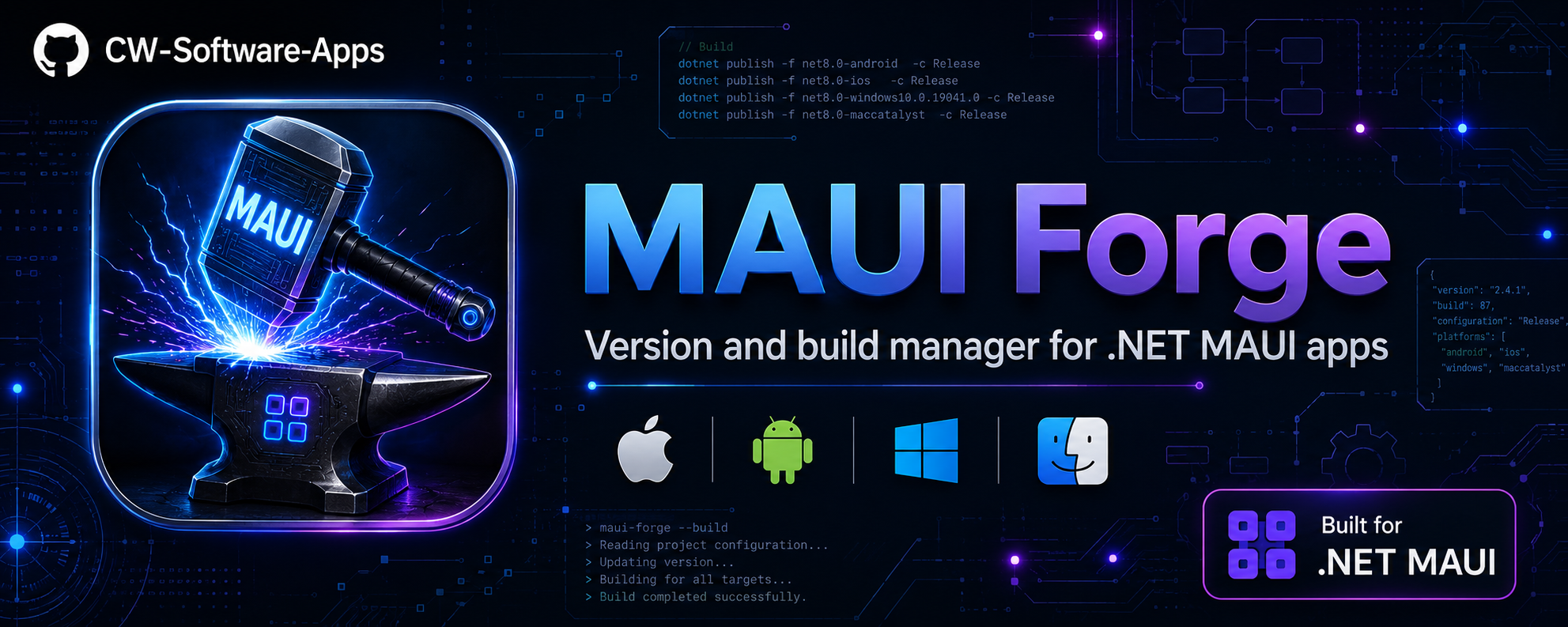





You have multiple .NET MAUI apps. To release even one of them, you have to:
- Edit
Info.plist(iOS version + build) - Edit
AndroidManifest.xml(Android version + build) - Edit
.csproj(ApplicationVersion / ApplicationDisplayVersion) - Make sure all three match
- Open Xcode or Android Studio to pick a device
- Remember the right
dotnet publishflags for archive, codesign, and framework - Repeat for every app, every time
MAUI Forge replaces all of that — TUI or web dashboard, pick an app, pick an action, done.
If you develop MAUI apps on a Mac using VS Code, you know the pain: there's no built-in Run/Archive launcher for iOS. Every time you want to:
- Run on a physical device → manually pick the UDID, type the
dotnet build -t:Runflags - Switch simulator → edit the launch config or find the right UDID from
xcrun - Archive for App Store → remember the right
-p:ArchiveOnBuild=true -p:CodesignKey=...flags and configuration
VS Code doesn't have individual per-project launch configurations for each device/simulator out of the box, so you end up with a terminal full of copy-pasted commands.
MAUI Forge solves this entirely:
Run iOS Device
  > iPhone 16 Pro (simulator)
  > iPhone 15 (simulator)
  > Cezar's iPhone — physical device ✓
  > iPad Pro 13" (simulator)
  > iPad Air (3rd gen) — old device, iOS 16 ✓
It calls xcrun xctrace list devices for you, presents every connected physical device and every simulator in a menu, and fires the right dotnet build -t:Run -p:_DeviceId=<udid> — no config files, no remembered UDIDs, no launch.json setup. The selected device is remembered per project for next time.
Same for Archive: pick your codesign key from a list (Apple Development / Apple Distribution / custom), choose the framework, and MAUI Forge assembles the full dotnet publish command — correctly, every time.
You never need to create individual VS Code launch configurations per device or per app again.
VS Code's MAUI extension only lists devices running the latest iOS version. If you have an iPad Air 2, iPad mini 4, or any device stuck on iOS 15/16 because Apple dropped support — VS Code simply doesn't show them.
MAUI Forge reads the full xcrun xctrace list devices output, which includes every connected device regardless of iOS version. If it's plugged in and trusted, it shows up. You can run and debug your app on an old iPad that VS Code has completely forgotten about — which is invaluable for testing on lower-end hardware or older OS versions your users still run.
|
|
|
|
|
MAUI Forge can write your commit messages using:
No API keys, no cloud service. Just diff → message. |
|
Four levels of clean:
|
|
MAUI Forge includes a full web dashboard — an SPA built with Tailwind CSS + SignalR that runs on http://localhost:5123. It's the default mode (just run maui-forge).
┌───────────────────────────────────────────────────────────────┐
│  ⚡ MAUI Forge                                   v1.5.49      │
│  ───────────────────────────────────────────────────────────── │
│  📁 ~/projects                    [ 12 apps ]                 │
│  ───────────────────────────────────────────────────────────── │
│  ┌────────────────────┐  ┌────────────────────┐               │
│  │ MyApp        MAUI   │  │ ShippingApp  MAUI  │               │
│  │ 📱 1.4.2 #18  🤖 1.4.2 #18    │  │ 📱 2.0.0 #103 🤖 2.0.0 #103  │               │
│  │ main  ✅ clean      │  │ release/2.0  ⚠️ +2 │               │
│  │                     │  │                     │               │
│  │ [+1] [🚀] [⋮]      │  │ [+1] [🚀] [⋮]      │               │
│  └────────────────────┘  └────────────────────┘               │
│  ┌────────────────────┐                                       │
│  │ OtherApp     MAUI  │                                       │
│  │ 📱 1.0.0 #5  🤖 1.0.1 #6    │                                       │
│  │ feature/x  ⚠️ ~    │                                       │
│  │                     │                                       │
│  │ [+1] [🚀] [⋮]      │                                       │
│  └────────────────────┘                                       │
└───────────────────────────────────────────────────────────────┘
| Feature | Description |
|---|---|
| Card / List layout | Toggle between visual cards and compact table |
| Search + tech filter | Filter by app name or platform (MAUI / iOS / Android / All) |
| Quick bump | +1 bumps version and build, shows before/after confirmation |
| Build menu | Build iOS, Build Android, Build & Run iOS, Build & Run Android |
| Row overflow menu | Update version, pull git, open folder, open in IDE |
| Build & Run modal | Device picker (grouped: Physical / Emulator / Simulator), config selector, framework picker — all with last-used defaults |
| Progress modal | Animated progress bar (Build → Deploy → Launch) with live logs and timer |
| Real-time logs | SignalR streaming build output to terminal panel |
| Sidebar | Monitored paths, theme toggle, diagnostics, update checker |
| Mobile responsive | Sidebar collapses to drawer on small screens |
Start it: maui-forge (default) or maui-forge --web
Requires the .NET SDK — which every MAUI developer already has.
dotnet tool install -g CwSoftware.MauiForgedotnet tool update -g CwSoftware.MauiForge # update
dotnet tool uninstall -g CwSoftware.MauiForge # removemaui-forge # starts web dashboard on localhost:5123
maui-forge --cli # starts terminal TUI (traditional)
maui-forge --path ~/projects # point to your projects folder
maui-forge --path ~/projects --depth 3 # deeper scan (default depth: 2)
maui-forge --update # force update check + install
maui-forge --help # show helpThe path and all settings are remembered in ~/.maui-forge.state.json — after the first run, just type maui-forge.
  MAUIForge
  >>> by CW Software  |  .NET MAUI Version & Build Manager  v1.5.49

  scan: /Users/me/projects  |  mac: 192.168.1.50 (local)

  12 apps  ·  8 iOS  ·  10 Android  ·  2 dirty  ·  1 out of sync

                        iOS               Android           Branch        Git
  ── Apps (12) ──────────────────────────────────────────────────────────────
  + MyApp               1.4.2 #18         1.4.2 #18         main          clean
  * ShippingApp         2.0.0 #103        2.0.0 #103        release/2.0   +2
  * OtherApp            1.0.0 #5        ! 1.0.1 #6          feature/x     ~
  ! LegacyApp           2.1.0 #40         2.1.0 #40         main          -3
  ── Options ─────────────────────────────────────────────────────────────────
  >  Change folder
  >  Platform: All  →  iOS
  >  Search: all
  >  Mac / SSH config
  >  Diagnostics
  >  Check for Updates
  >  Launch Web Interface
  >  Quit
| Indicator | Meaning |
|---|---|
+ green |
Git clean, up to date with remote |
* yellow |
Working tree dirty or commits ahead of remote |
! red |
Behind remote — pull recommended |
! between version columns |
iOS and Android versions are out of sync |
| Bold name | Used in the last 24 hours |
╭─ >>> ShippingApp ─────────────────────────────────────────────────╮
│ (iOS)     2.0.0  build #103                                       │
│ (Android) 2.0.0  build #103                                       │
│   (ok) iOS and Android in sync                                    │
│                                                                   │
│   branch    release/2.0   ✓  ^2 to push                          │
│                                                                   │
│   config    Release   ios fw  net10.0-ios   droid fw  net10.0-and │
│   ios dev   Cezar's iPhone ✓   android dev  R5CX208XXXX           │
│   mac       192.168.1.50 (local)                                  │
╰───────────────────────────────────────────────────────────────────╯

What would you like to do?
── Run ─────────────────────────────────────────────────────────────
  [>]  Run on iOS                  Cezar's iPhone
  [>]  Run on Android              R5CX208XXXX
── Release ─────────────────────────────────────────────────────────
  [#]  Create iOS Archive          net10.0-ios  Apple Distribution
  [#]  Create Android Release      net10.0-android
── Version ─────────────────────────────────────────────────────────
  v+   Increment Version + Build    2.0.0 -> 2.0.1  #103 -> #104
  b+   Increment Build only         #103 -> #104
  ~~   Set version manually
  <>   Sync iOS ↔ Android          (ok) in sync
── Source Control ───────────────────────────────────────────────────
  git  Pull Latest Changes
  msg  Create Commit
  ^    Push Commits
── Project Tools ───────────────────────────────────────────────────
  clr  Clean Build Artifacts
  ~~~  Build Output Level           quiet
  >>|  Resume Last Task             Run iOS Device
  ide  Open in IDE
── Back ────────────────────────────────────────────────────────────
  <<   Undo last version change     → 1.9.9 #102
   x   Back
| Action | What it does |
|---|---|
v+ Increment Version + Build |
Bumps the patch number and build counter in all three files. Shows before/after preview. Optionally commits and pushes with a formatted message like chore: bump version to 2.0.1 #104 (ShippingApp). |
b+ Increment Build only |
Keeps the version string, bumps only the build number. Useful for TestFlight or Play Store re-submissions. |
~~ Set manually |
Prompts for version and build number. For major bumps or fixing incorrect values. |
<> Sync iOS ↔ Android |
When platforms drift apart, pick which one to use as the source and copy to the other. |
<< Undo |
Restores the version snapshot taken before the last change — no git revert needed. |
Works with a remote Mac via SSH or a local Mac running maui-forge directly.
[#] Create iOS Archive — Prompts for codesign key, then runs:
dotnet publish -c Release -f net10.0-ios -p:ArchiveOnBuild=true -p:CodesignKey="Apple Distribution: ..."
After archiving: shows .xcarchive / .ipa path, offers to upload to App Store Connect and open the archive in Xcode.
[>] Run on iOS — Lists connected devices and simulators (using all three parsers: xctrace, xcdevice, instruments), lets you pick, and runs:
dotnet build -t:Run -f net10.0-ios -p:_DeviceId=<udid>
The selected device, framework, and codesign key are saved per project.
Requires adb in PATH (comes with Android SDK / Android Studio).
[>] Run on Android — Lists devices, emulators, and AVDs via adb devices -l + emulator -list-avds:
Build & Run (full pipeline):
dotnet build -t:Run -f net10.0-android -p:AdbArguments="-s <serial>"
Quick Launch (skips build, uses adb shell monkey for fast re-deploy):
adb -s <serial> shell monkey -p <package> 1
If the selected device is an AVD that isn't running, MAUI Forge auto-starts the emulator and waits for it to boot before deploying.
[#] Create Android Release — Runs dotnet publish -c Release and prints .apk / .aab paths.
From the app detail screen, select Create Commit. You'll see a diff summary and can generate a message from:
─ Commit Message Source ────────────────────────────────────────────
  [x] Smart Suggestion (heuristic)
  [ ] Claude CLI (claude)
  [ ] Gemini CLI (gemini)
  [ ] Ollama (local — llama3.2)
──
  [ ] Write manually
──

Generated message:
  feat: add user profile screen
  - added ProfilePage.xaml + ProfilePage.xaml.cs
  - updated navigation service registration
  - added profile data models
The providers auto-detect — only show up if the CLI tool is in PATH or Ollama is running.
| Mode | What it deletes |
|---|---|
| Quick | dotnet clean |
| Android | Quick + bin/ + obj/ under Android-specific folders |
| iOS | Quick + bin/ + obj/ under iOS-specific folders |
| Deep | bin/, obj/, .vs/, artifacts/, TestResults/ — full project reset |
| Nuclear | Deep + dotnet clean --verbosity diag — maximum verbosity for debugging |
From the main menu → Mac / SSH config:
- Enter the Mac Host (IP or hostname) and User — or use Scan network to discover from ARP
- SSH key auth is recommended (no password prompts during builds)
The Mac must have Xcode and the MAUI workload:
sudo xcode-select --install
dotnet workload install maui-iosRunning maui-forge directly on a Mac:
- Main menu → Mac / SSH config → select "Use local Mac (no SSH)"
Device listing uses xcrun locally, no SSH or ServerAddress/ServerUser MSBuild properties needed.
Main menu → Diagnostics checks every tool MAUI Forge depends on:
| Component | How it's checked |
|---|---|
dotnet |
dotnet --version |
| Workloads | dotnet workload list |
adb |
adb version (auto-discovers PATH, ANDROID_HOME, VS, Android Studio) |
emulator |
emulator -version (auto-discovers same paths) |
ssh |
ssh -V |
xcrun |
xcrun --version |
git |
git --version |
Run this first when something isn't working — it immediately shows if adb is missing or maui-ios workload isn't installed.
| Argument | Effect |
|---|---|
| (none) | Starts web dashboard on http://localhost:5123 |
--cli or --terminal |
Starts traditional terminal TUI |
--web |
(explicit) Starts web dashboard |
--update |
Forces NuGet update check; installs if newer available |
--path <dir> |
Sets scan root directory |
--depth <n> |
Sets scan depth (default: 2) |
--help / -h / /? |
Show help |
All settings live in ~/.maui-forge.state.json — nothing inside your project folders.
| Field | Description |
|---|---|
ScanRootPath |
Last root folder scanned |
MonitoredPaths |
Multiple monitored directories (web dashboard) |
MacHost / MacUser |
Remote Mac SSH credentials |
UseLocalMac |
Skip SSH and use local xcrun |
Verbosity |
Build log level for all dotnet commands |
LastAction |
Last action per app (used by Repeat) |
LastVersion |
Version snapshot per app (used by Undo) |
AppUsage |
Last-used timestamp per app — drives sort order |
AppBuildConfigs |
Per-app: framework, device IDs, codesign key, build config |
CachedApps |
Cached app list for instant web dashboard load |
Windows — self-contained exe (no .NET runtime required)
git clone https://github.com/CW-Software-Apps/maui-forge.git
cd maui-forge
.\install.ps1
Publishes dist\maui-forge.exe as a self-contained win-x64 single-file binary and adds dist\ to the user PATH. Also creates a desktop shortcut that opens the web dashboard.
git pull && .\install.ps1 # updatemacOS/Linux — dotnet tool (requires .NET SDK)
git clone https://github.com/CW-Software-Apps/maui-forge.git
cd maui-forge
./install.sh
Installs the NuGet tool globally and adds ~/.dotnet/tools to your shell profile if needed.
git pull && ./install.sh # updateTags trigger automatic publishing to NuGet.org via GitHub Actions:
git tag v1.5.49
git push origin v1.5.49
The workflow runs dotnet pack and pushes to NuGet. Requires a NUGET_API_KEY secret in repo settings.
- C# .NET 10, console app + ASP.NET Core Minimal API
- Spectre.Console — TUI (tables, prompts, panels, progress bars, colors)
- Spectre.Console.Cli — CLI arg parsing
- ASP.NET Core + SignalR — web dashboard with real-time logs
- Tailwind CSS — web dashboard styling
- Microsoft.Extensions.DependencyInjection — service composition
- Distributed as a
dotnet tool— single command install, works on Windows, macOS, and Linux