A native GTK4/libadwaita settings app for Hyprland — tweak any option, see it change live, save when you're happy.


Huge thanks to the creators below — without you, HyprMod would reach far fewer people. ❤️
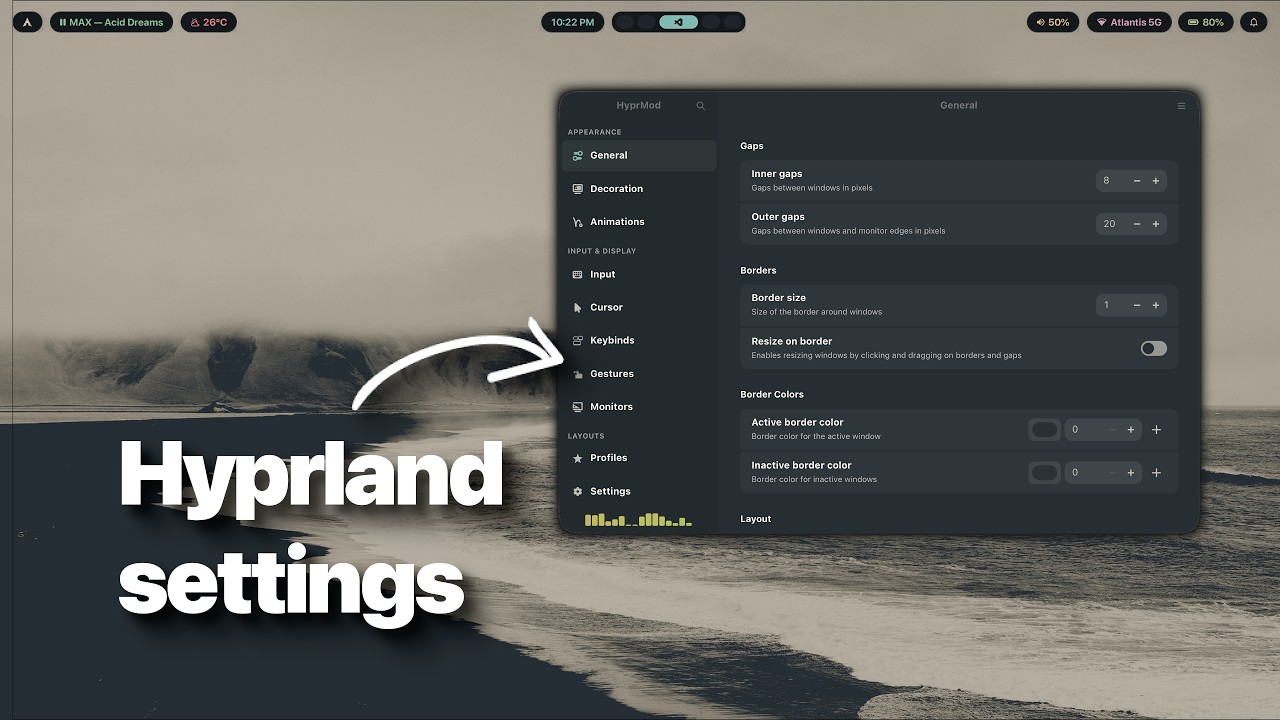
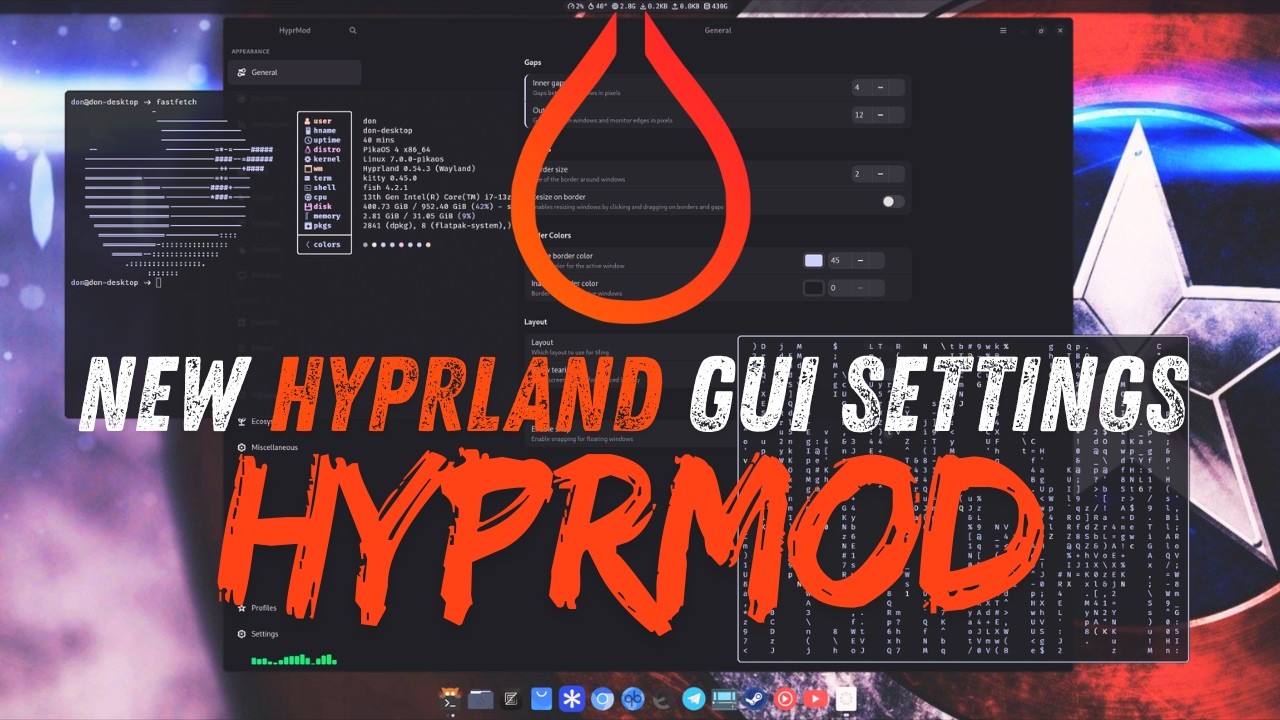
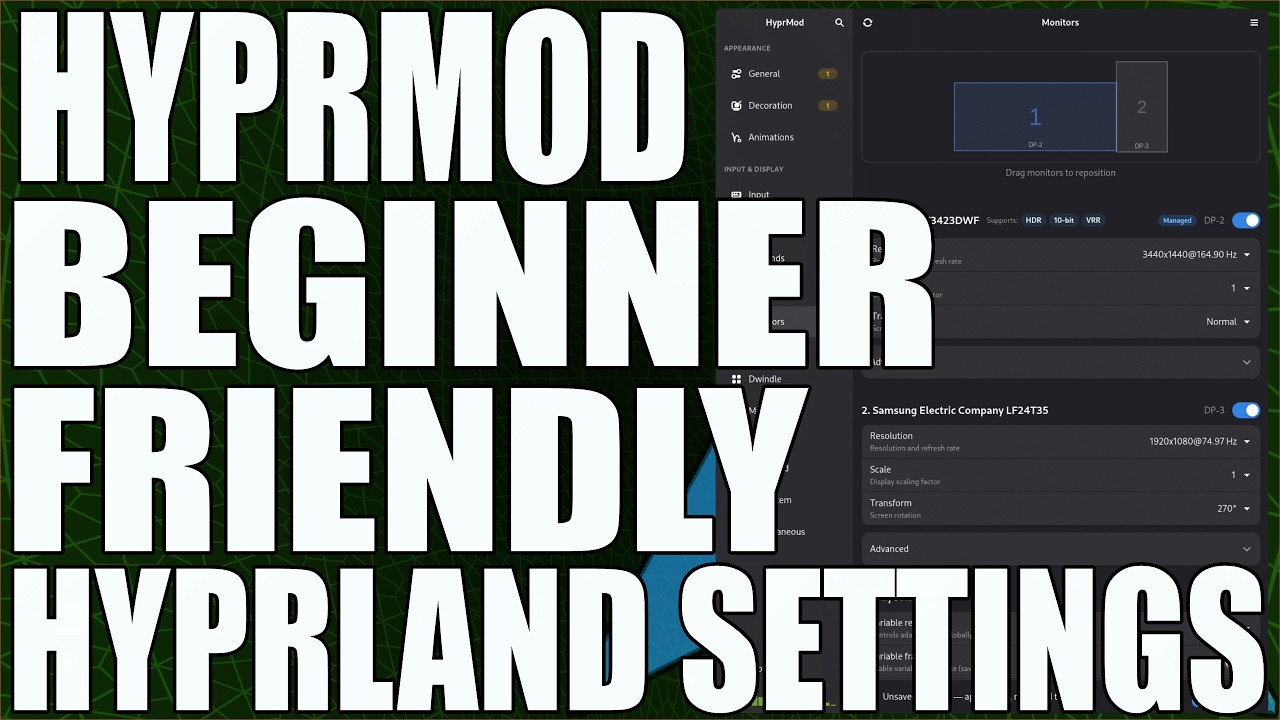
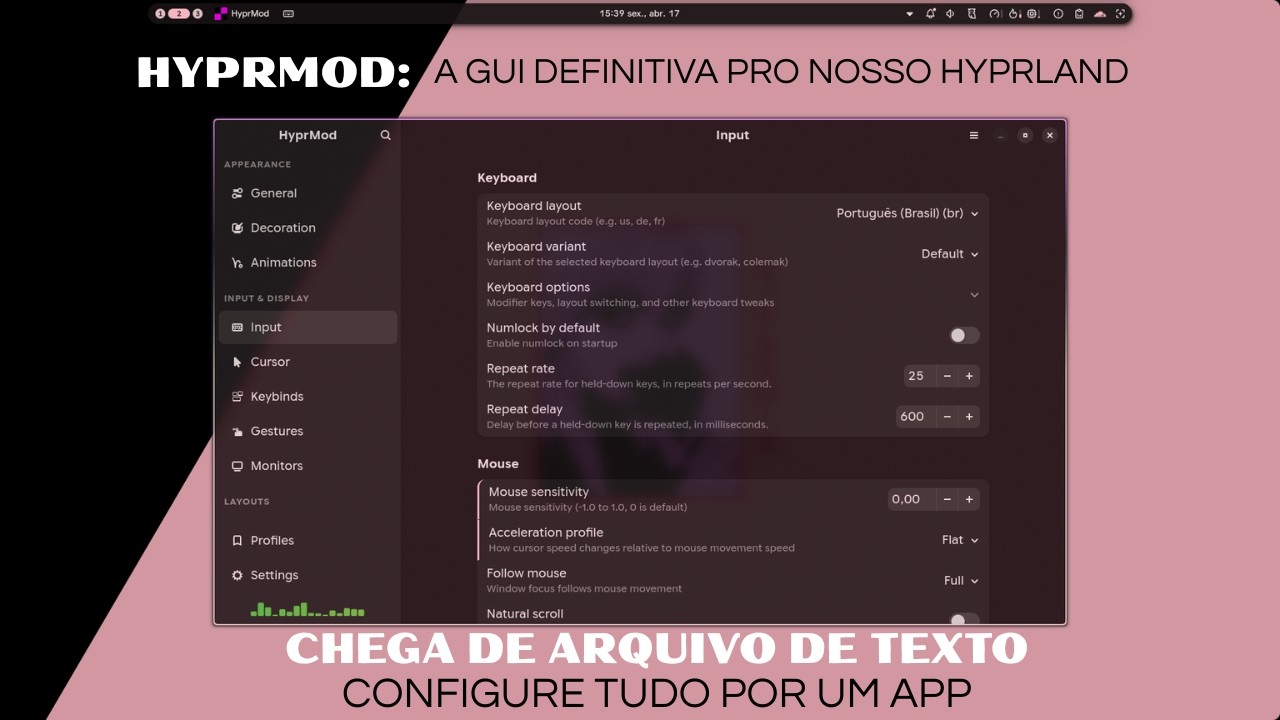
- Live preview — changes apply instantly to your running compositor
- Your config stays untouched — HyprMod writes only to its own
hyprland-gui.conf - Undo with Ctrl+Z — step back one change at a time
- Profiles — save, name, and share complete configurations as
.conffiles
- Lua config support — migrate and edit
hyprland.luadirectly (Hyprland 0.55+) - Bezier curve editor with live animation preview
- Monitor layout editor with VRR, 10-bit detection, and advanced HDR controls with safe defaults
- Keybind editor with interactive key capture, including mouse-drag (
bindm) binds - Window rules, layer rules, and workspace rules editors with live preview
- Autostart (
exec/exec-once) and environment variable management - Pending Changes page — review every unsaved edit before saving
- Cursor theme picker with live preview
- Config DNA — a unique visual fingerprint per profile
- Global search across all options (Ctrl+F)
HyprMod is in active development and not yet packaged for most distributions.
Requires Python 3.12+, GTK4, and libadwaita.
The one-line installer works on any distribution.
curl -LsSf https://raw.githubusercontent.com/BlueManCZ/hyprmod/main/install.sh | shTo uninstall:
curl -LsSf https://raw.githubusercontent.com/BlueManCZ/hyprmod/main/install.sh | sh -s -- --uninstallArch Linux — hyprmod on the AUR:
yay -S hyprmodGentoo — via the edgets overlay:
emerge -a hyprmodDrive the install yourself
# with uv
uv tool install git+https://github.com/BlueManCZ/hyprmod.git
hyprmod --install     # places .desktop + icon under ~/.local/share

# or with pipx
pipx install git+https://github.com/BlueManCZ/hyprmod.git
hyprmod --install
To remove: hyprmod --uninstall, then uv tool uninstall hyprmod or pipx uninstall hyprmod. hyprmod --install is idempotent and runs automatically on first launch if no desktop entry is visible yet.
Running from a checkout? See CONTRIBUTING.md.
Next
- Automatic backups on save, with a history browser
- Translations (gettext)
Later
- Pages for the hypr* ecosystem — hyprpaper, hypridle, hyprlock
- Plugin manager (
hyprpm) - Command-line interface —
hyprmod profile apply <name>
Out of scope — Wi-Fi, Bluetooth, printing, default apps, and GTK theming belong in a desktop control center, not a Hyprland settings app. See #15 for the reasoning.
PRs are welcome. See CONTRIBUTING.md for development setup, the checks CI runs, and scope notes. For larger changes, please open an issue first so we can discuss the approach.